SUPVAN Chapter 4 Basic Operation
19
Chapter 4 Basic Operation
To print contents, please set the option of media and specifications correctly
so as to ensure the setting of tube printer corresponds to the media and
specifications that you use actually.
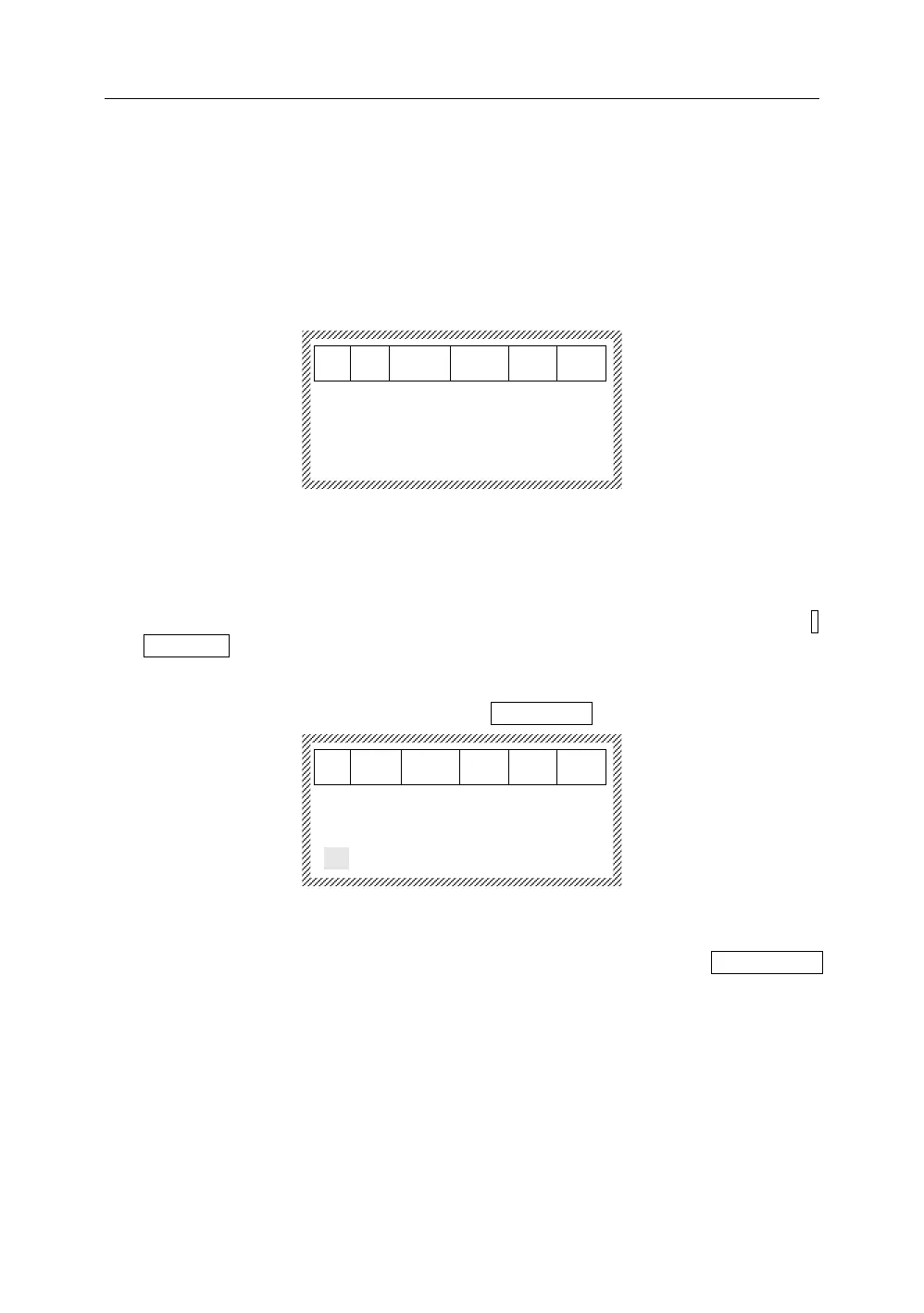
Install the tube, then, press【Media】 to enter the option of media, it will display
as below:
Make a correct selection by 【↓】and 【↑】 according to the specifications of
tube that you have installed.
Press 【 Enter 】 to go into the file input interface so as to carry out content
editing.
Input letters, or symbols in turn such as S, U, P, V, A, and N, and there will be 1:
SUPVAN displaying on screen.
Press 【Enter】, and the next segment will be generated automatically.
Then input “SUPVAN”, and there will be 2: SUPVAN. It will display as below:
Press 【Print】 , the machine will print the input contents automatically with
half-cut and full cut. During the printing process, LCD will display Printing…….
After printing, return to the file input interface automatically.
Note:
For 0.5
2
, 0.75
2
, 1.0
2
and 1.5
2
tubes, please select 1.0 Tube to print
character size 1 and 2.
For 2.5
2
, and 4.0
2
tubes, please select 4.0 Tube to print character size 1, 2,
3 and 4.
For 6.0
2
tube, please select 6.0 Tube to print the character size 1, 2, 3, 4
and 5.



 To Next Page