SUPVAN Chapter 5 Operation of Function Key
45
【X
2
】and there will be a superscript notification after the character
appears .
Then input a superscript character. For example, input a superscript 2
following with a character 5, the print effect is 5
2
.
5.24.2 X
2
After moving the cursor to a character to generate the subscript, press
【 X
2
】 and there will be a subscript notification after the character
appears.
Then input a subscript character. For example, input a subscript 2
following with Character A, the print effect is A
2
.
Note:
Once press the button of X
2
/ X
2
, there is only one X
2
/ X
2
. If one
character will generate many X
2
/ X
2
, Repeat to press the button of
X
2
/ X
2
.
The X
2
/ X
2
is invalid for all size 1 character.
This function is to print all segment contents of current document after various
functions have been set and contents have been input.
Blank segment will not be printed.
During a printing process, there will be Printing…… shown on screen.
This function is to transfer the uppercase and lowercase. The initial setting is
uppercase.
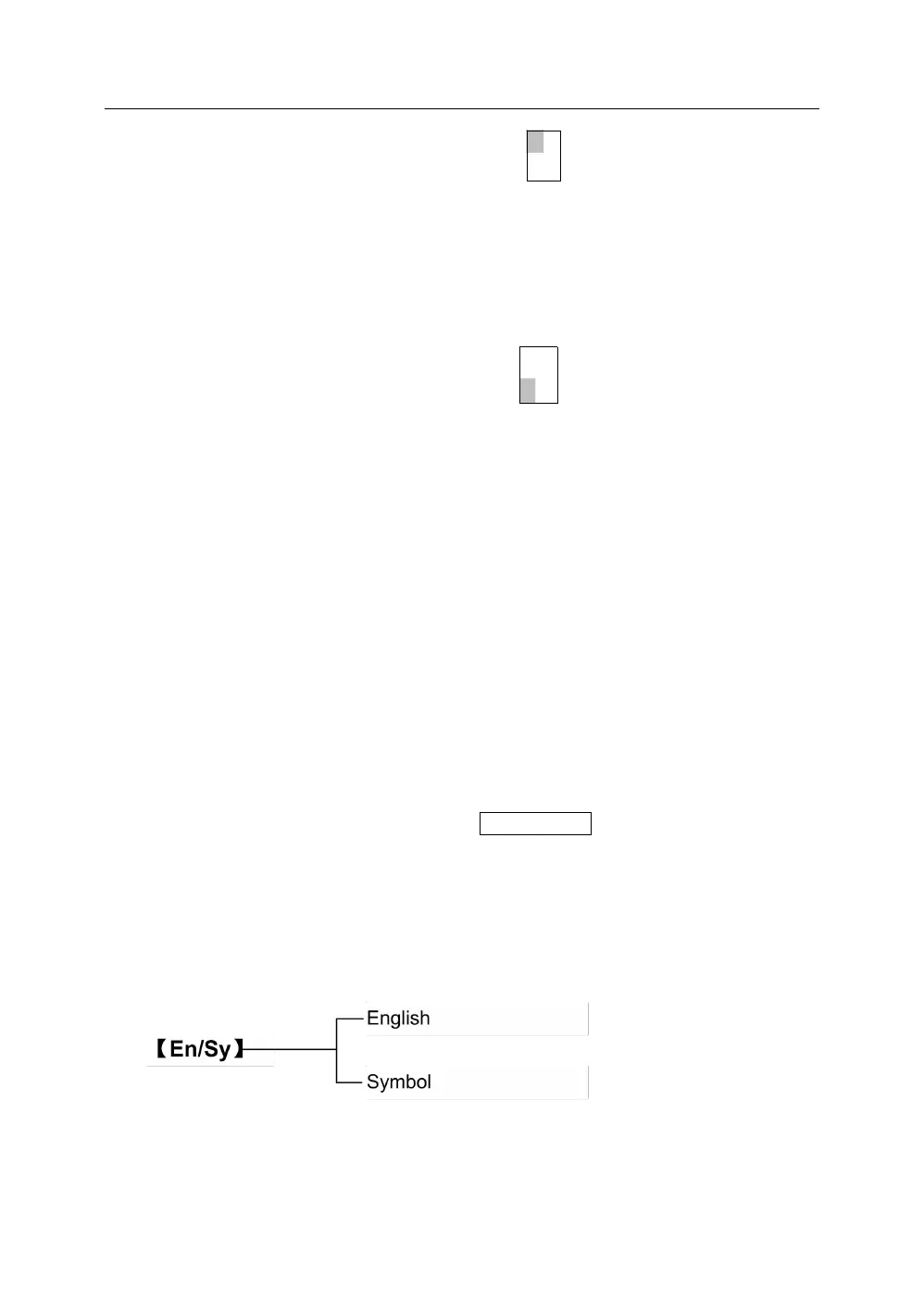
The function is to converse the input functions English and special symbols.
The initial setting is English uppercase.
press【En/Sy】, select the English or Symbols



 To Next Page