SUPVAN Chapter 5 Operation of Function Key
30
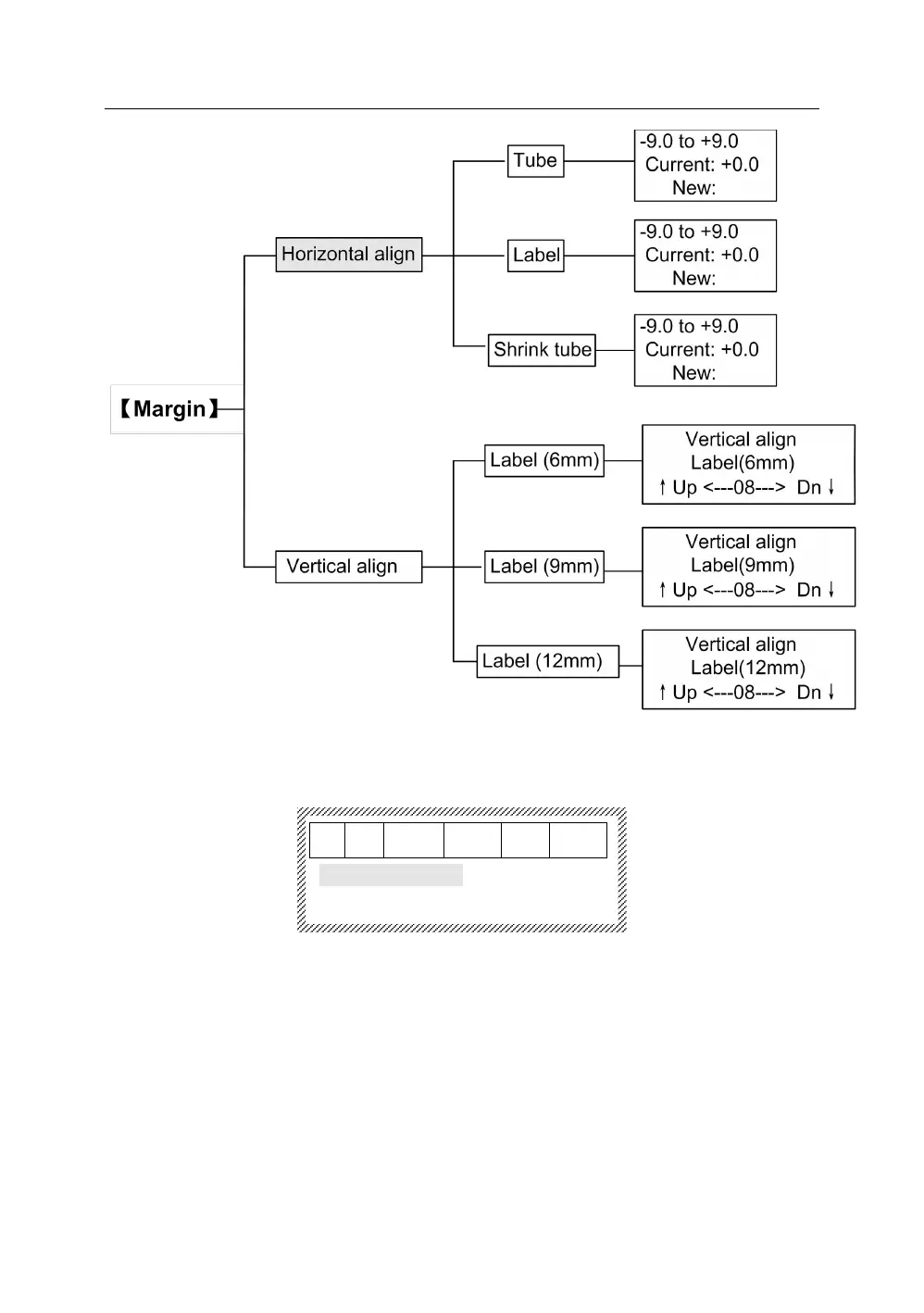
Press【Margin】, it will display as below:
Horizontal align
Vertical align
Press【↑】or【↓】.After selecting, press【Enter】, the segment that the cursor
is located and all segments followed by will be set as the print direction that you
select, and the interface will return automatically to the file input state.
The setting is effect for all print contents.
This function is to set the distance between characters.



 To Next Page