SUPVAN Chapter 5 Operation of Function Key
29
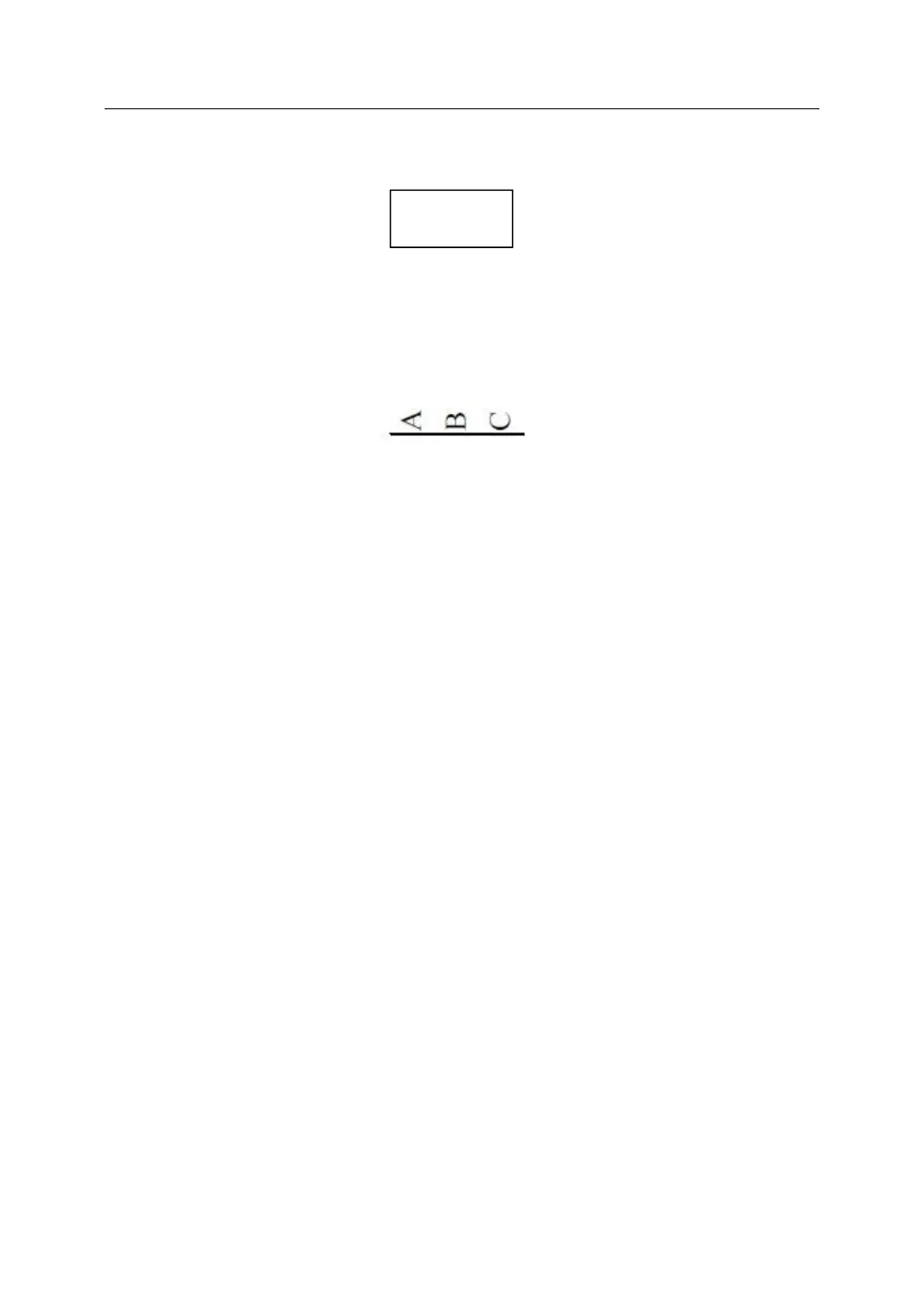
When there is any double rows (vertical), add a frame, and the print
effect is shown as below:
When there is any single segment (vertical), add an underline, and
the print effect is shown as below:
The function is to adjust the print start position and vertical position. You can
adjust the printing position slightly up/down or left/right.



 To Next Page