SUPVAN Chapter 5 Operation of Function Key
32
is high in summer. Please select the lower print density from 1.
This setting is effect for all print contents.
The print position adjustment means to adjust the position of print contents
finely towards to the left or right when there is any media or external condition
to effect that the position of print content cannot be placed in the middle or
aligned to the left like the pre-setting.
The initial setting is in the middle without any print position adjustment.
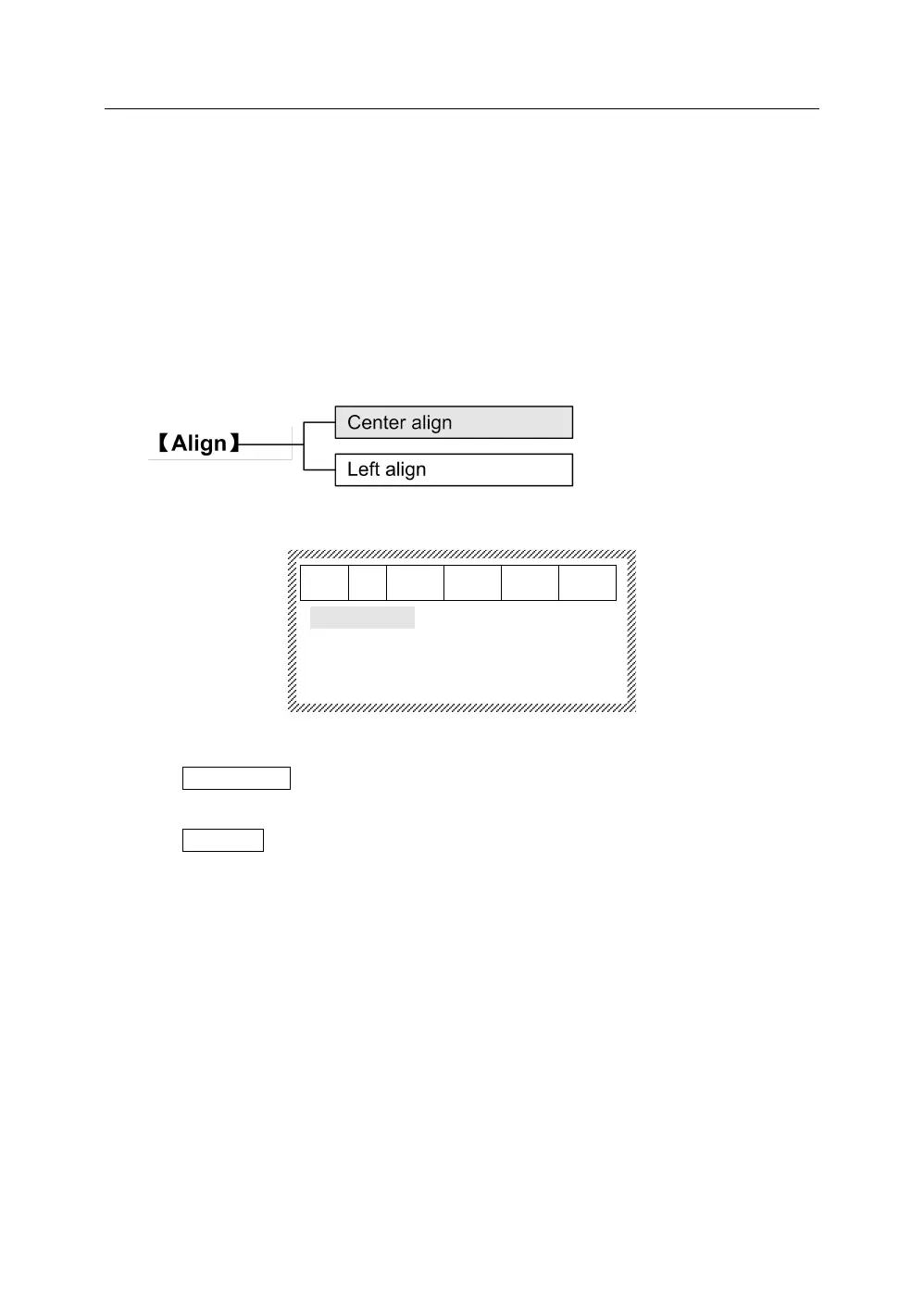
Press【Align】, it will display as below:
Press【↑】or 【↓】to select.
(1) Center align. Press【Enter】, the print content will be centered, and the
interface will return automatically to the file input state.
(2) Left align. Press【Enter】, the print content will be aligned to the left, and
the interface will return automatically to the file input state.
The sequence print function can be realized at any position in some
certain segment.
The function is to generate continuous segment contents according to some
certain rules by inputting the limited values or letters. The digital SEQ is a
decimal number. Sequence can just be set once in one segment.



 To Next Page