SUPVAN Chapter 5 Operation of Function Key
31
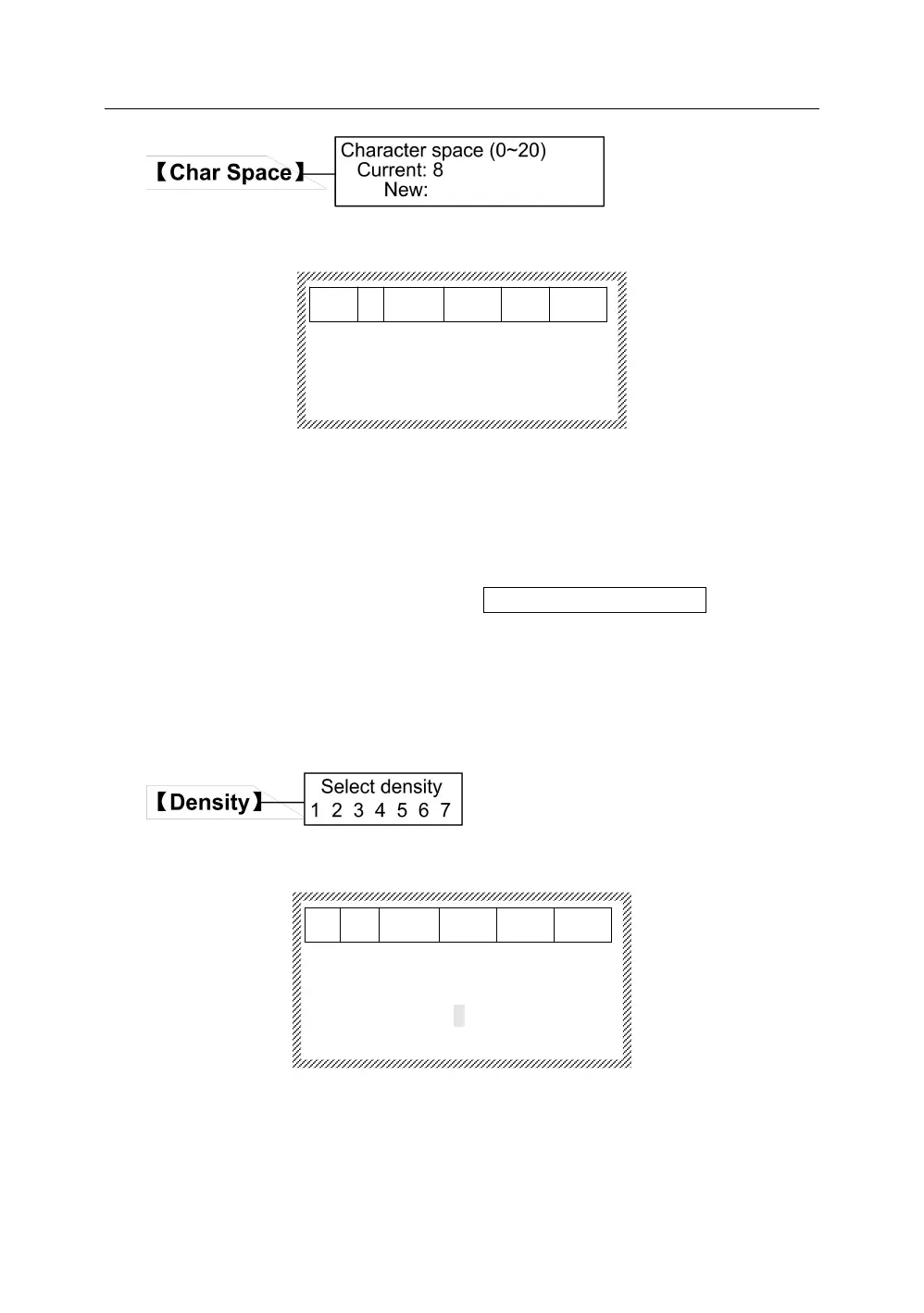
Press【Char Space】, it will display as below:
Char space (0-20)
Current:8
New:︱
Input the character space you want to set directly, press 【Enter 】 , and the
character space of all segments will be set, and the interface will return
automatically to the file input state.
Note:
When the character space you select is too large, there will be a
notification on screen shown as Error! 【 Space 】 again. Now, the
interface will return to the file input state. Please reset it.
The character space is 0-20, and the character space is increased in turn.
This setting is effective for all print contents.
Press【Density】, and there will be a display on screen:
Select density
1 2 3 4 5 6 7
Press【←】or【→】. After selecting, press【Enter】 to complete the setting. The
interface will return automatically to the document input state.1, 2, 3, 4, 5, 6
and 7, the print density will be increased in turn.
Select the print density according to the ambient temperature: the temperature



 To Next Page