SUPVAN Chapter 1 Appearance Description and Configuration
7
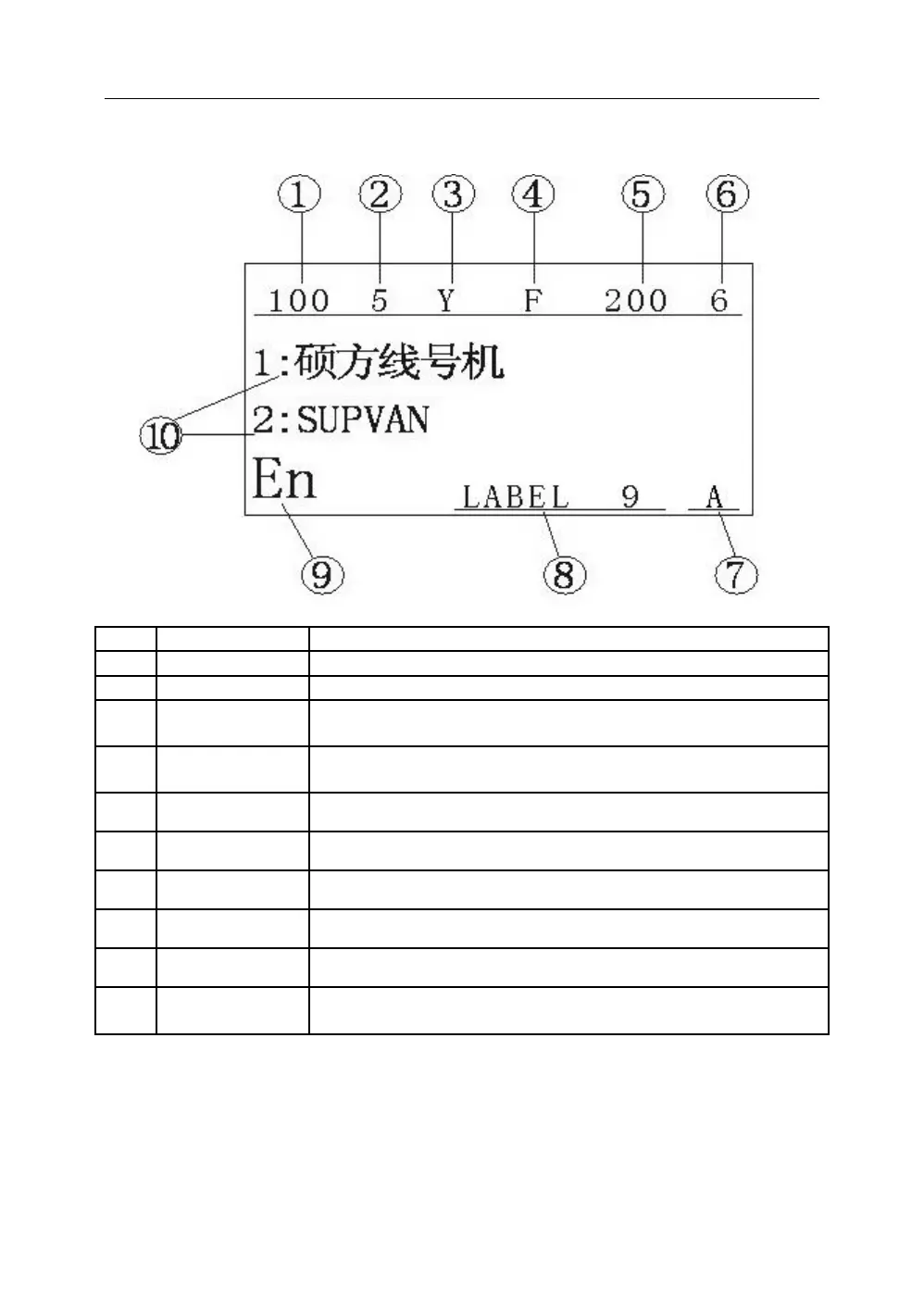
1.2 LCD Display Description
Length of segment that cursor locates
Character size of segment that cursor locates
Setting state of half cut function:
Normal; Half cut; Solid line
Frame setting state of segment that cursor locates.
Normal; Frame; Underline
Repeat printing times of segment that cursor locates.
Setting value of density level.
Current setting state of letter uppercase/lowercase
The setting type of printer media
Current display of input method
Display content: Segment numbering and segment
content.



 To Next Page