SUPVAN Chapter 5 Operation of Function Key
39
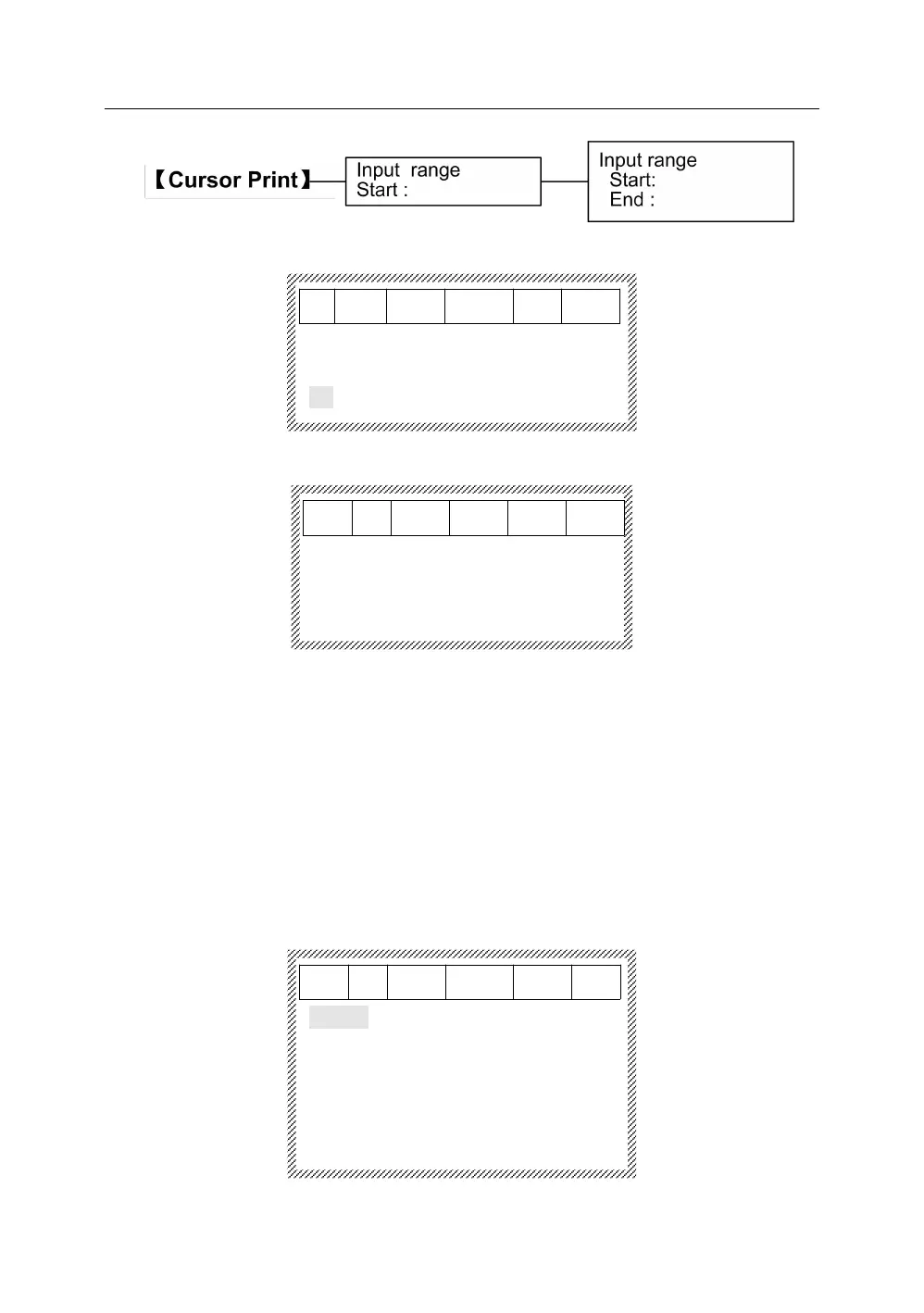
Press【Cursor Print】, it will display as below:
After inputting a start segment, press【Enter】, it will display as below:
When input the number of end segment, press 【Enter】, and the tube printer
will start to print.
If you do not input any start segment number, the default is to print from
beginning. If you not input any end segment number, the default is to print until
the end. This means that the machine will print from the beginning to the end if
you do not input any start and end segment number.
This function is to select font.
Press【Font】, it will display as below:
Simhei
Arial
Arialbd
Calibri
Calibrib



 To Next Page