SUPVAN Chapter 5 Operation of Function Key
48
For example, the total actual segment length of last 4 segments is 98.5mm
in measured print. After input “98.5”, press【Enter】.
By the function, you can adjust the actual printing segment length to be
consistent with the setting segment length.
This function is used for inserting a new segment between two previous
segments or at the end of the file.
5.33.1 Inserting a new segment at the end of file.
Move the cursor to the last segment in the file. Press【Enter】and there will
be a new segment.
5.33.2 Insert a new segment between two previous segments.
Move the cursor to the certain segment, press【Enter】and there will be a
new segment generating between the two previous segment.
Note:
The setting of the new segment is same as the previous one.
The sequence number of new segment shall be arranged in
sequence. The number of segments in one file is up to 200.
Any newly generating segment will be ignored in printing if contents
are not input.
This function is to set the low temperature mode.
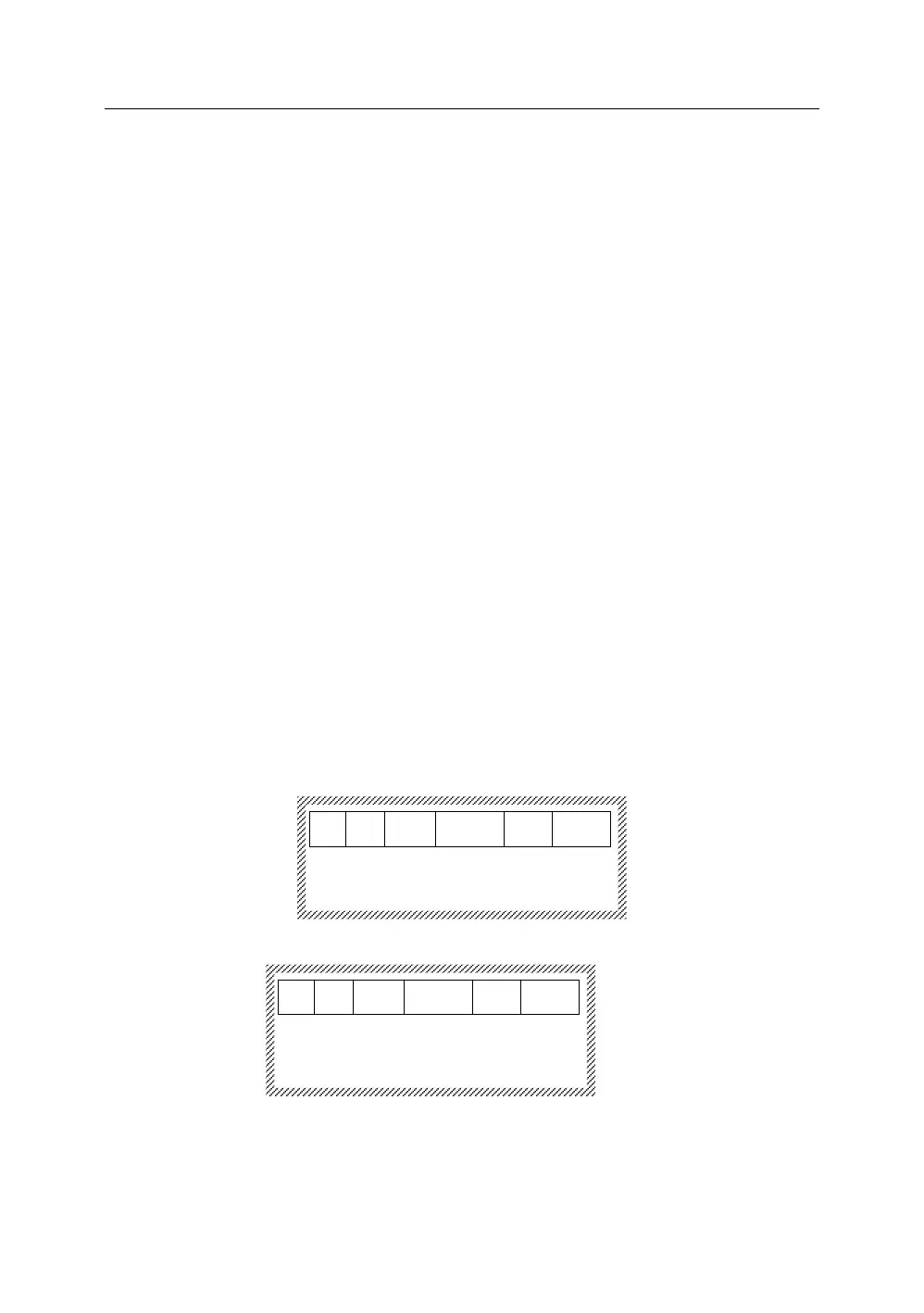
The screen is in an editing interface. Press【Ctrl】+【Shift】+【D】at the same
time, it will display as below:
Low temp mode already opened
ESC to return
Press【Ctrl】+【Shift】+【D】again, it will display as below:
5.35 Screen Brightness Adjustment
Press【Ctrl】and【Shift】at the same time, combine with【→】,【←】,【↑】,and
【↓】to adjust the screen brightness and contrast.
Low temp mode already closed
ESC to return



 To Next Page