SUPVAN Chapter 5 Operation of Function Key
47
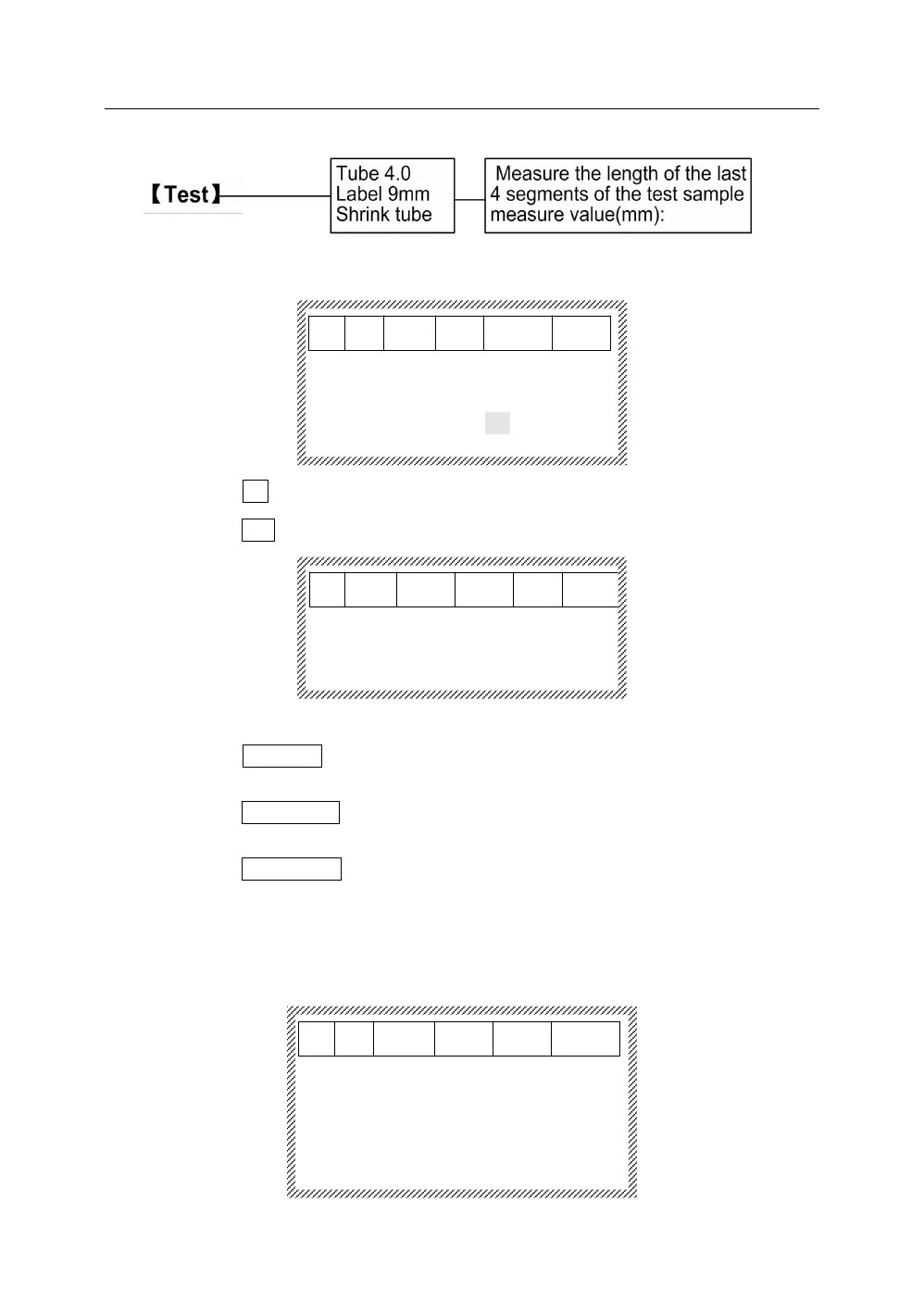
5.32.1 Press【Test】, it will display as below:
Close current file?
Yes No
Select No, and return to the file input interface;
Select Yes, it will display as below:
5.32.2 Test
Select Tube 4.0, confirm installing the tube, press【Enter】, and start to
print.
Select Label 9mm, confirm installing the label, press【Enter】, and start to
print.
Select Shrink tube, confirm installing the heat shrink tube, press 【Enter】,
and start to print.
Now, you can check the print effect of tube printer.
5.32.3 Adjustment
After printing, it will display as below:
Measure the length of the last
4 segments of the test sample
measure value(mm):



 To Next Page