SUPVAN Chapter 5 Operation of Function Key
26
Input “4”, press【Enter】, the interface will return to the file input state, and
finish the setting of adjustment.
Now, the actual total print segment length will be adjusted as 300mm.
Note:
The setting of adjustment may be effective only for the print operation
of current content.
The setting is effective for the segment that the cursor is located and all
segments followed by.
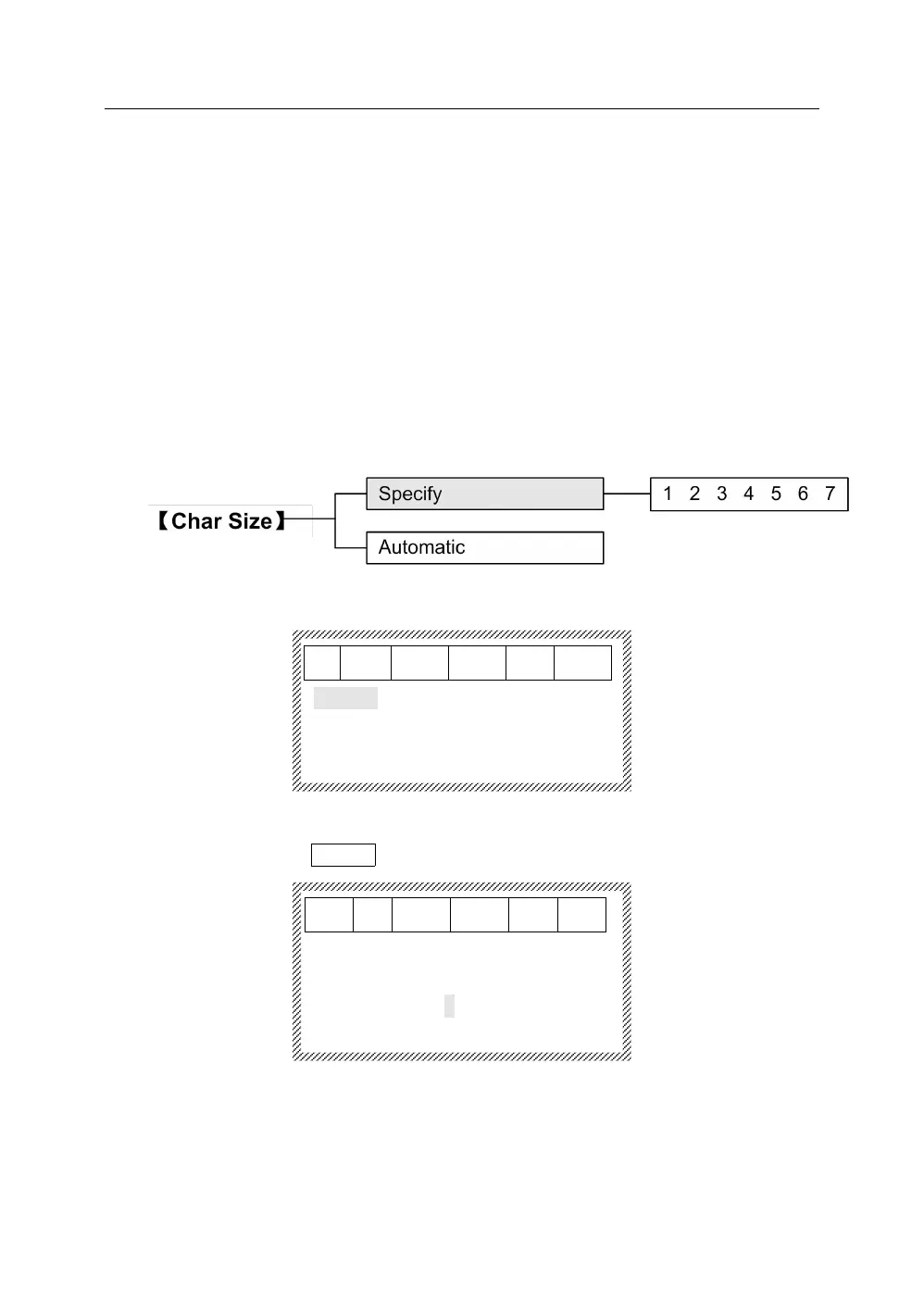
This function is used to set the size of character.
5.4.1 Press【Char Size】, it will display as below:
5.4.2 Specify
After selecting Specify, press 【Enter】, it will display as below:
[Character size]
1 2 3 4 5 6 7
Press【→】and【←】, move the cursor to certain character size that you
want to select. Press【Enter】, all character sizes of the segment that the
cursor is located and all segments followed by will be set the size of
selected, and the interface will return automatically to the file input state.
Note:



 To Next Page