SUPVAN Chapter 5 Operation of Function Key
35
Input an end letter SEQ and complete the setting. Press【Enter】, and the
interface will return automatically to the file input state.
Now, there will be a letter SEQ notification on file input interface.
The notification of uppercase letter SEQ (A-Z) is
L
.
The notification of lowercase letter SEQ (a-z) is .
The setting is effect for all print contents.
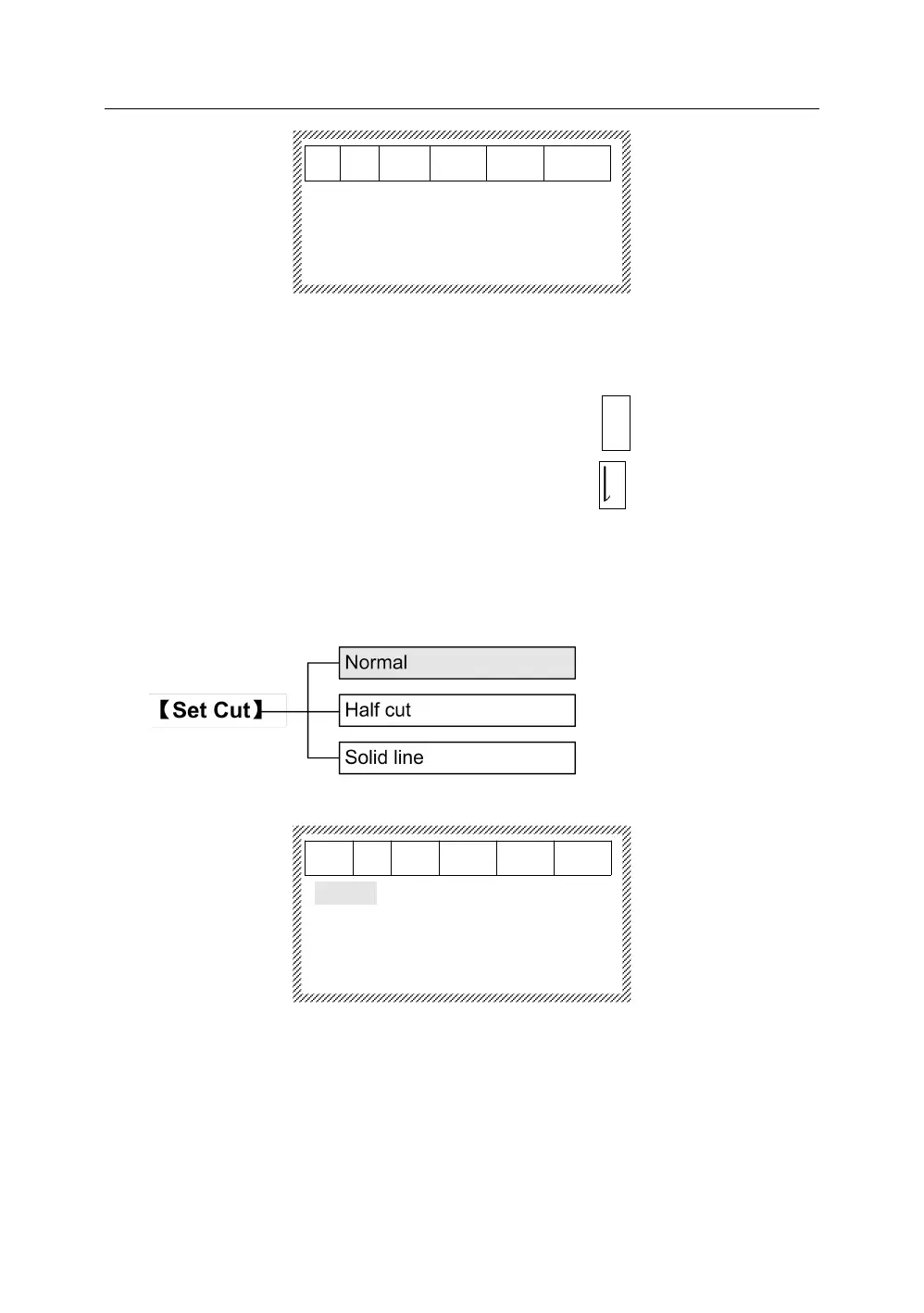
This function is to set half cut, solid line, normal (neither half cut nor solid line).
The initial setting is half cut.
Press【Set cut】it will display as below:
Press【↑】or【↓】.After selecting, press【Enter】to complete the setting. The
interface will return automatically to the file input state.
This function is to specify a document name for all input data and then store in
the machine. The stored file can be opened and deleted.



 To Next Page