SUPVAN Chapter 5 Operation of Function Key
24
be a notification on display screen as Character size exceeds limit.
【ESC】to return.
The specify and the automatic are effective to any segment that the
cursor is located and all segments followed by. The adjustment is
effective to all segments in the current document.
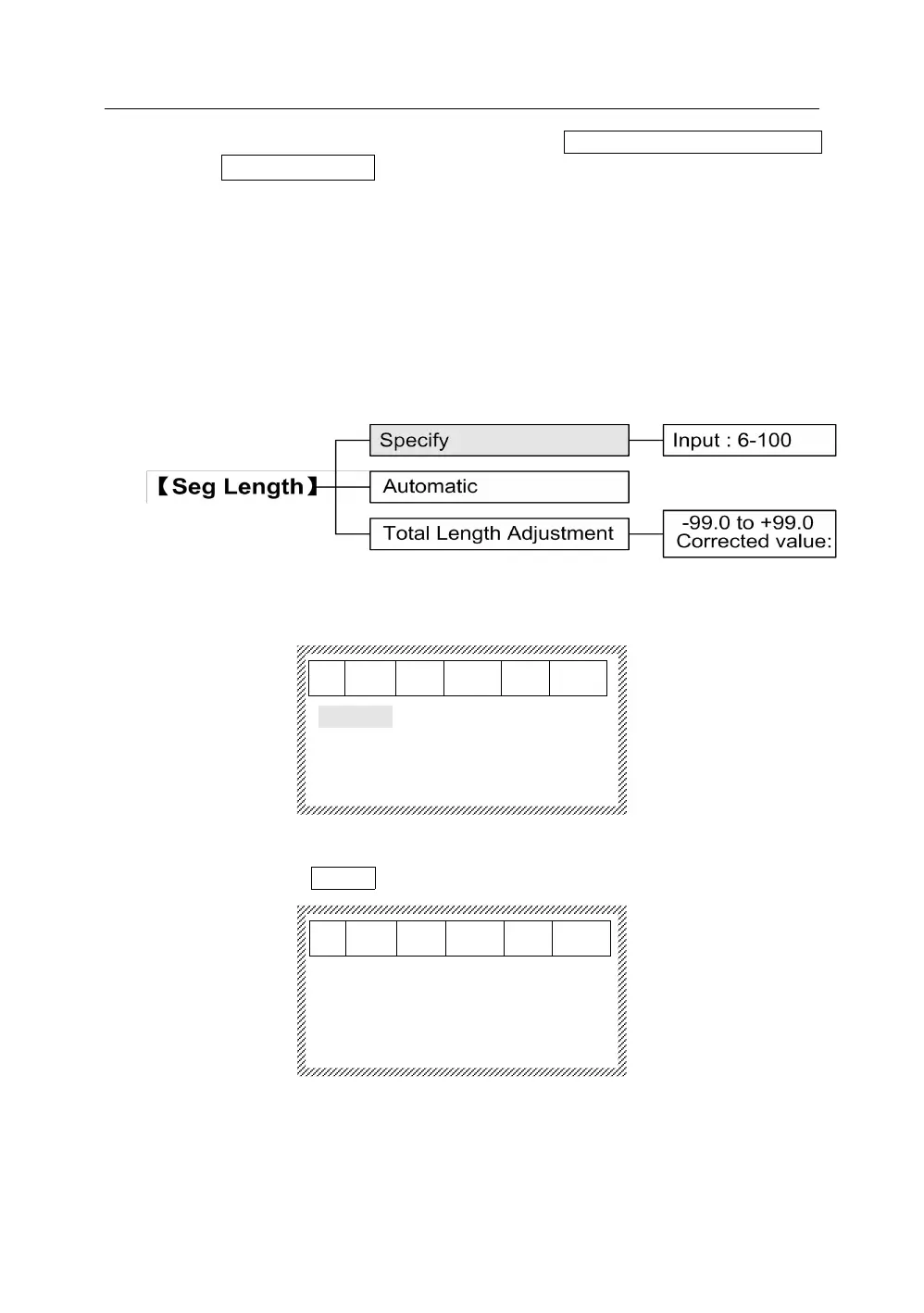
This function is used to set a segment length of media that you will print. The
range of segment length is 6~100 mm, and the segment length can only be
selected as an integer.
5.3.1 Press【Seg Length】, it will display as below:
After selecting Specify, press【Enter】, it will display as below:
Segment length
Input:6-100
︱
After input the specified segment length directly at the cursor, press
【 Enter 】 , the segment that the cursor is located and all segments
followed by will be set as the specify and the interface will automatically
return to the file input state.



 To Next Page