SUPVAN Chapter 5 Operation of Function Key
40
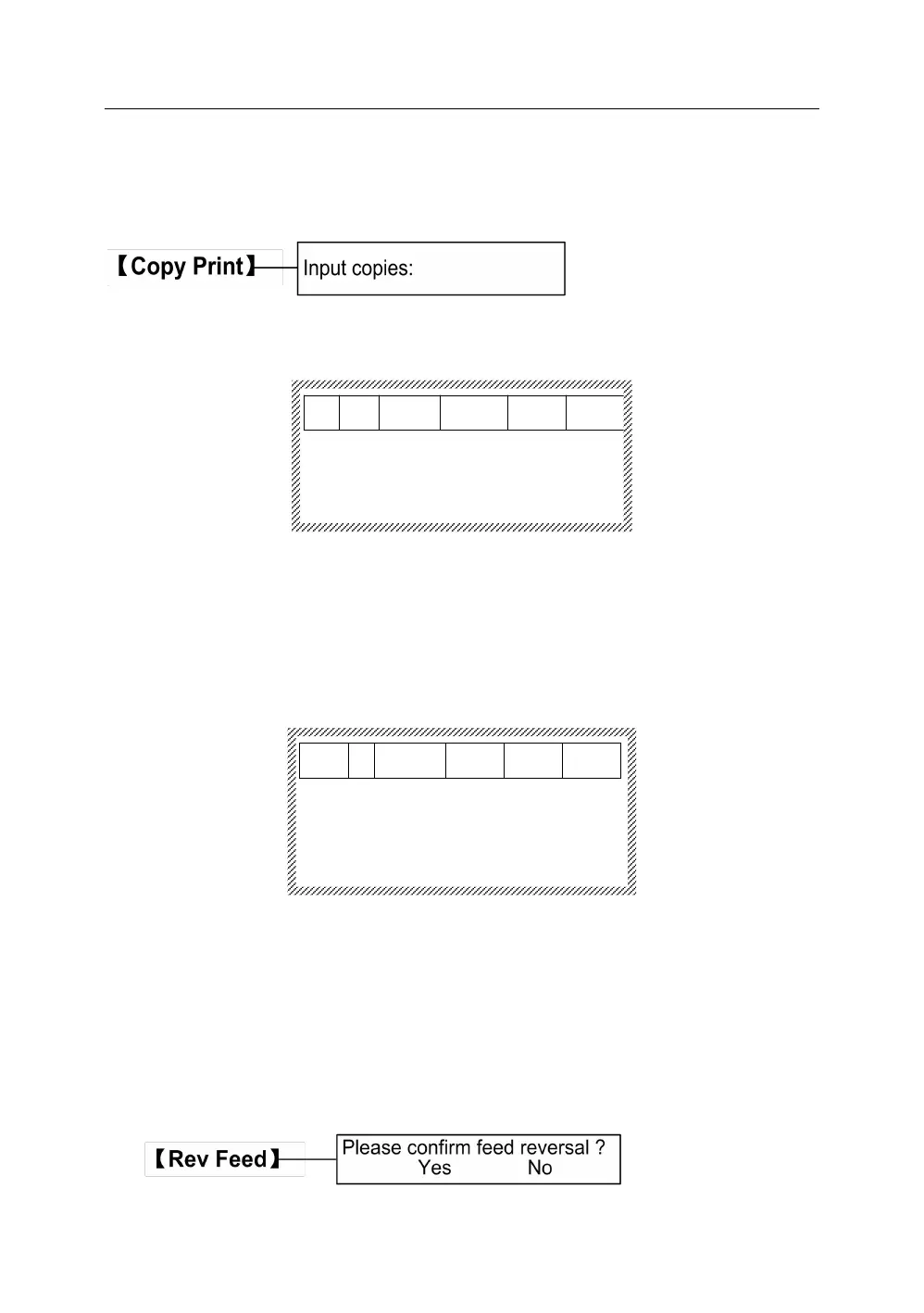
Press【Copy Print】, it will display as below:
When you input the copy number, press【Enter】and the tube printer will start
to print.
This function is to stop the printing action during the printing process.
Press【Stop】, the tube printer will stop printing, it will display as below:
Printing stopped
[ESC] to return
Note:
During the printing process, only 【 Stop 】 can work, any other button
cannot work.
This function is to reverse the rotation of rubber roller. When the printing
objects jam on the rubber roller because of media difference or misuse, press
the key to rotate it in reversion to take out the entanglement.



 To Next Page