SUPVAN Chapter 5 Operation of Function Key
28
notification Error! 【Space】again. Now, press 【Space】to return, and input
available integer.
After use the command, both the segment that the cursor is located and
all segments followed by will be set with the same Frame state.
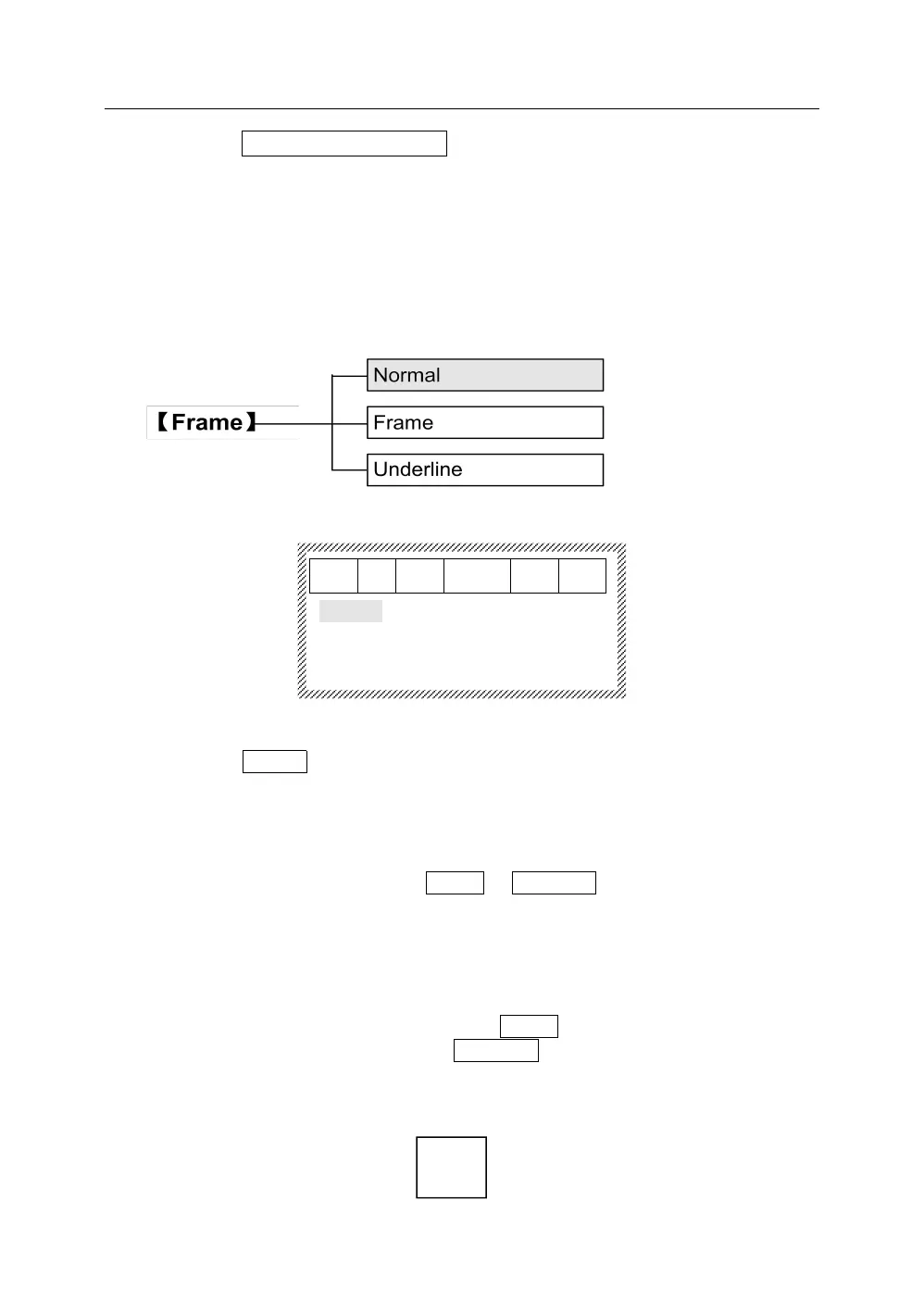
This function is to add a frame or underline for the printed content of some
certain segments. The initial setting is no frame.
5.6.1 Press【Frame】, it will display as below:
5.6.2 Normal
Select Normal, press 【Enter】, the print content of the segment that the
cursor is located and all segments followed by will be no frame and no
underline.
5.6.3 Frame and Underline
Press【↑】and【↓】, select Frame or Underline, press【Enter】, the print
content of the segment that the cursor is located and all segments
followed by will be added the frame or underline, and the interface will
return automatically to the file input state.
Note:
Add a frame and there will be Frame displayed on screen. Add an
underline and there will be Underline displayed on screen.
When there is any double rows (horizontal), add a frame, and the print
effect is shown as below:



 To Next Page