SUPVAN Chapter 5 Operation of Function Key
27
For the machine, the range of different character sizes has been
defined according to different specifications and media. So when the
character size that you select has been out of the specified range,
there will be a prompt Character size exceeds limit.【ESC】to return.
5.4.3 Automatic
The function means that the machine will adjust the character size
automatically to make the input be effective and ensure the segment
length of media is unified after the specify has been set.
Select Automatic, press 【 Enter 】 , and the segment that the cursor is
located and all segments followed by will be set as an automatic character
size and the interface will return automatically to the file input state.
Note:
After the automatic segment length has been set, the automatic
character size cannot be used. Otherwise, there will be a notification
Only character size or segment length can be set automatic【ESC】
to return.
After use the command, both the segment that the cursor is located and
all segments followed by will be set with the same Repeat printing time.
This function is used to set the repeat printing times of set segment, and the
repeat range is 1~200 times. The initial setting is repeating 1 time. Repeating 1
time means to print all selected document contents just 1 time.
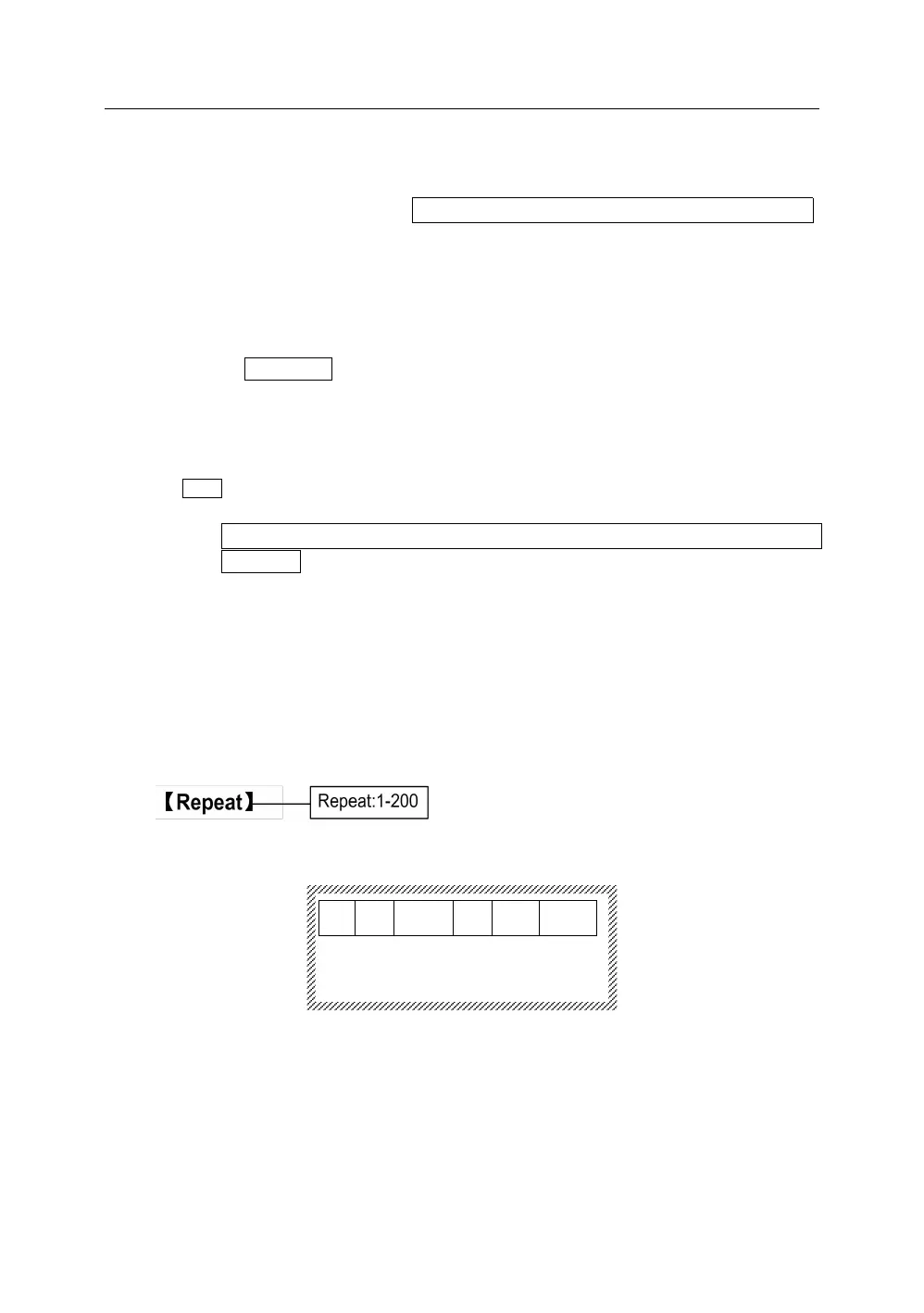
Press【Repeat】, it will display as below:
Input any integer between 1 and 200 directly that you want to repeat. Press
【Enter】, the segment that the cursor is located and all segments followed by
will be printed repeatedly with the times that you input, and the interface will
return automatically to the file input state.
When the input integer is out of the allowable Repeating range, there will be a



 To Next Page