SUPVAN Chapter 5 Operation of Function Key
37
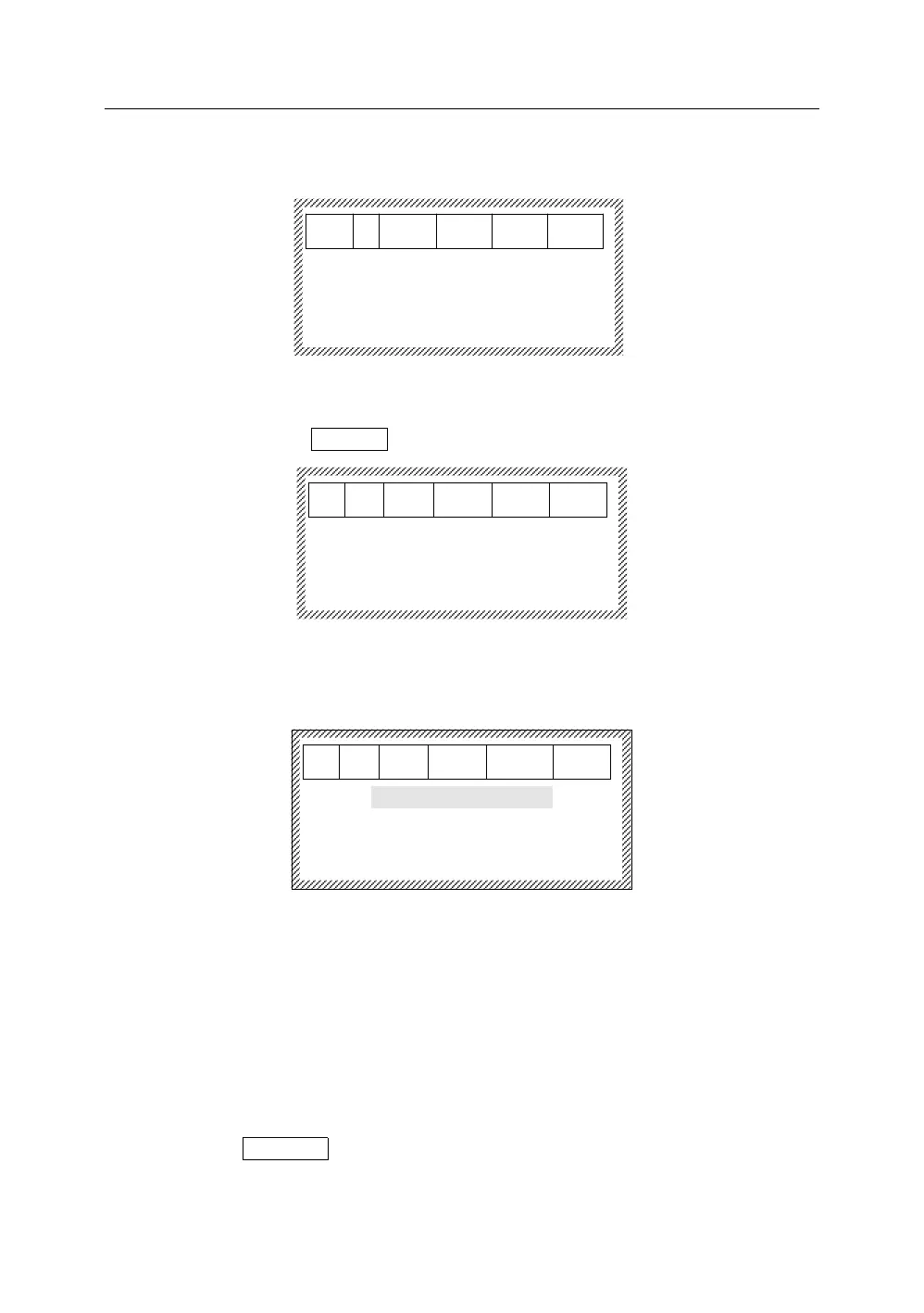
After selecting Yes, press【Enter】, it will display as below:
5.13.2 Save file
After selecting Save file, press【Enter】, it will display as below:
Please input a file name
︱
Input a document name (10 characters at most):
a) If there is any input file name or the current document has been stored in
operation, it will display as below:
Overwrite original file
Save as new file
You may select to overwrite the original file or save it as a new file.
b) If there is not any previous file name that you input, press【Enter】to save
the file and return to the document input interface after inputting the file
name.
Note:
The machine can store up to 100 files.
5.13.3 Open file
Select Open File, and press【Enter】,
a) If there is not any file, it will display as below:
Please input a file name
︱



 To Next Page