396-4412Y1 QuickDraw 3000 Operator’s Manual 67 Revised 02/20/2020
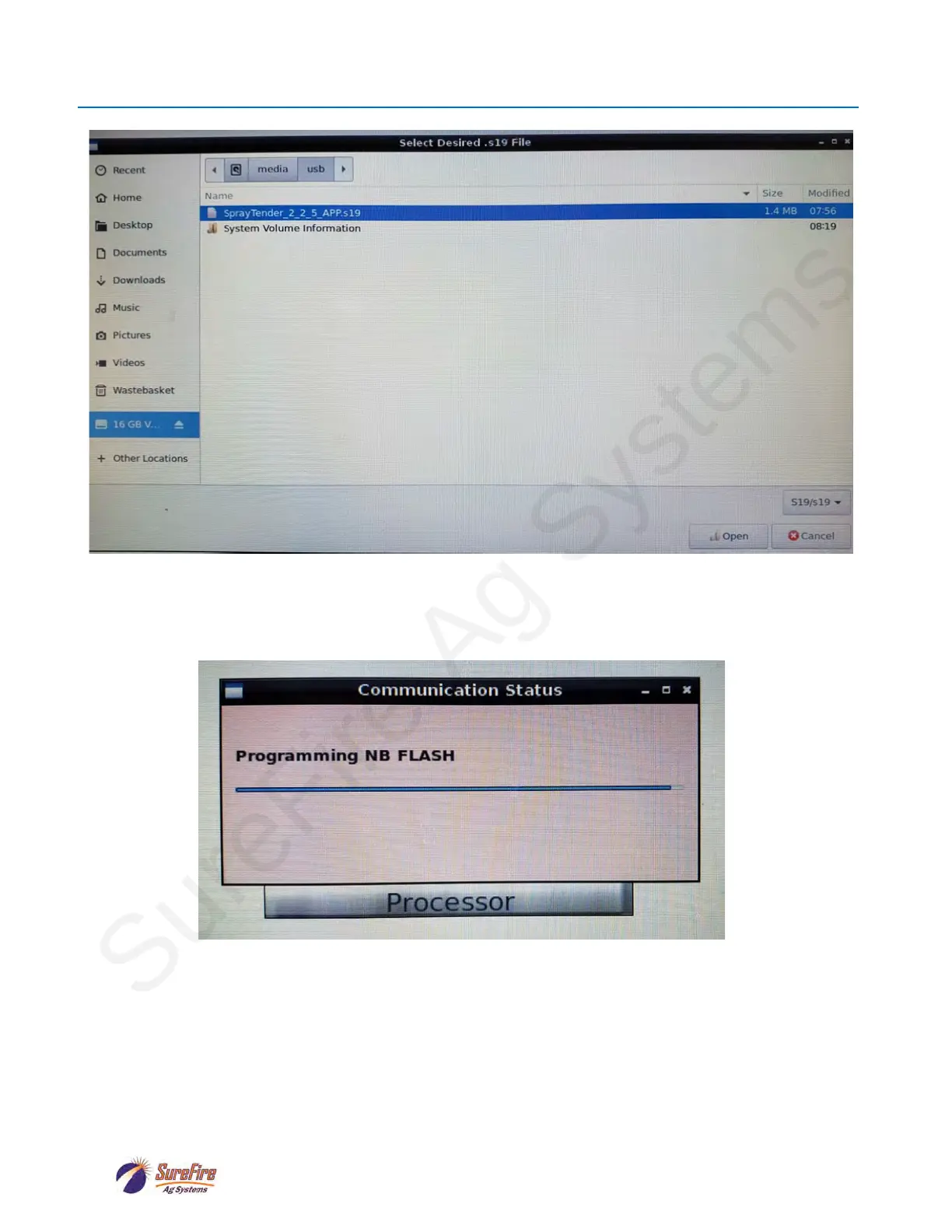
The file ending in “.s19” should be highlighted in blue, as shown above. If it is not, click on it.
Then hit Open in the bottom right-hand corner of the screen.
After several seconds the following box will appear, indicating that the software is downloading:
Once the software has been successfully downloaded, the box shown above will display :
“All Done – Rebooting”.
You can then hit OK and exit out of all the screens until you get to the MENU screen.
Finally, remove the USB stick from the QD3000 controller.
Software Update (continued)



 To Next Page