Getting started
20
Channel setting (cont’d)
5
Using [K / L], select “Add”
or “Delete”. Hit [ENTER].
The channel number will be
added or deleted from the chan-
nel memory.Then, the next chan-
nel number will appear so that
you can continue adding or delet-
ing channels.
6
Hit [SETUP] to exit.
Adding/deleting
channels
The channels you no longer
receive or seldom watch can be
deleted from the memory.You can
also add channels manually into
memory.
1
Hit [SETUP].
Easy Setting Menu or Advanced
Setting Menu will appear.
2
Using [K / L], select
“Channel”. Hit [ENTER].
Channel menu will appear.
3
Using [K / L], select “Manual
Preset”. Hit [ENTER].
Manual Preset menu will appear.
4
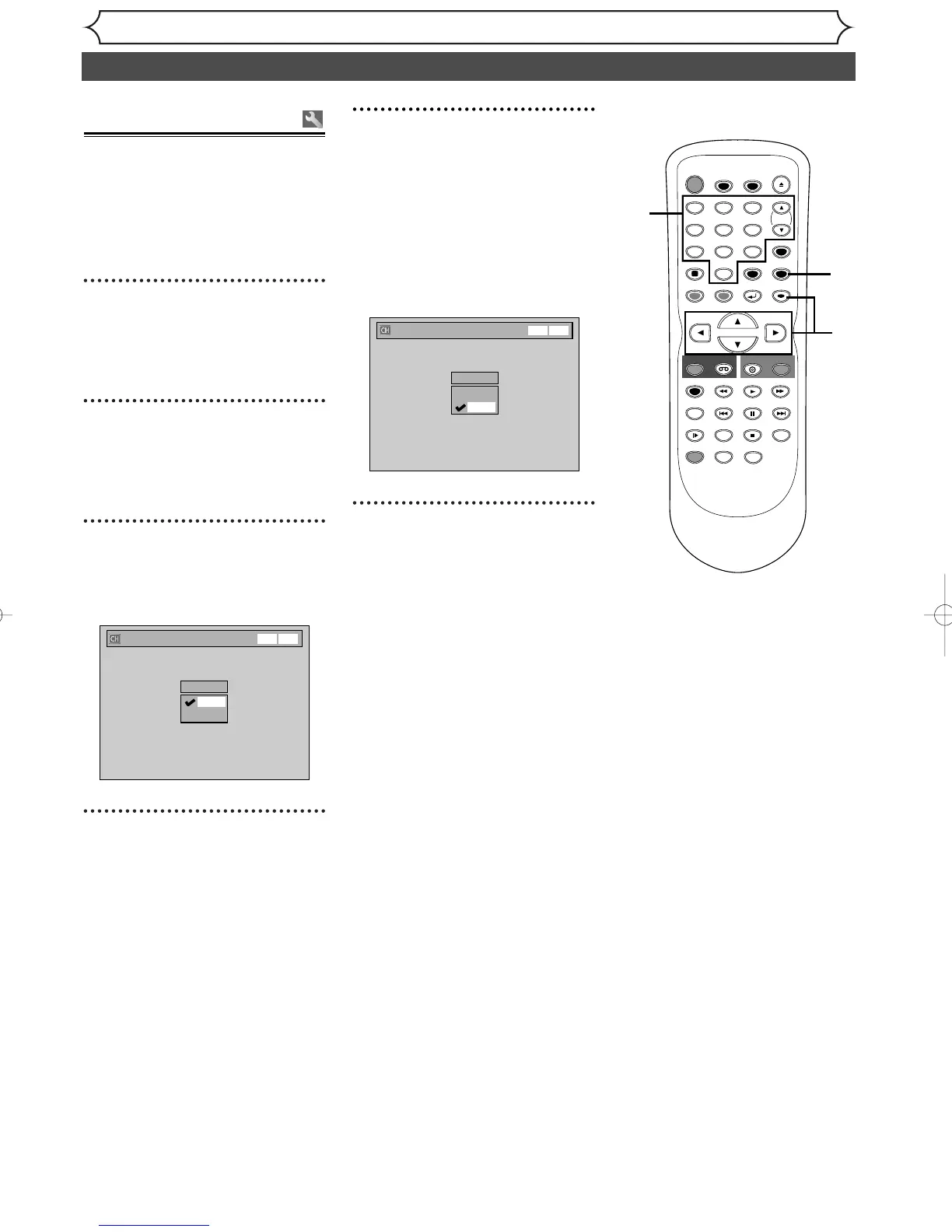
Select the channel number to
add or delete.
Press [{] or CH [L] to move
to a smaller channel number.
Press
[B] or CH [K] to move
to a larger channel number.
• Use
[{ / B] to move through
the channels one by one, includ-
ing the ones not in the channel
memory, while use
[CH K / L]
to move through the channels
only in the channel memory.
Press the Number buttons to
select a channel number directly.
TIMER PROG.



 To Next Page