57
Editing
Recording
Playing discs Editing
Before you start
Connections Getting started
Changing the Setting menu
VCR functions Others Español
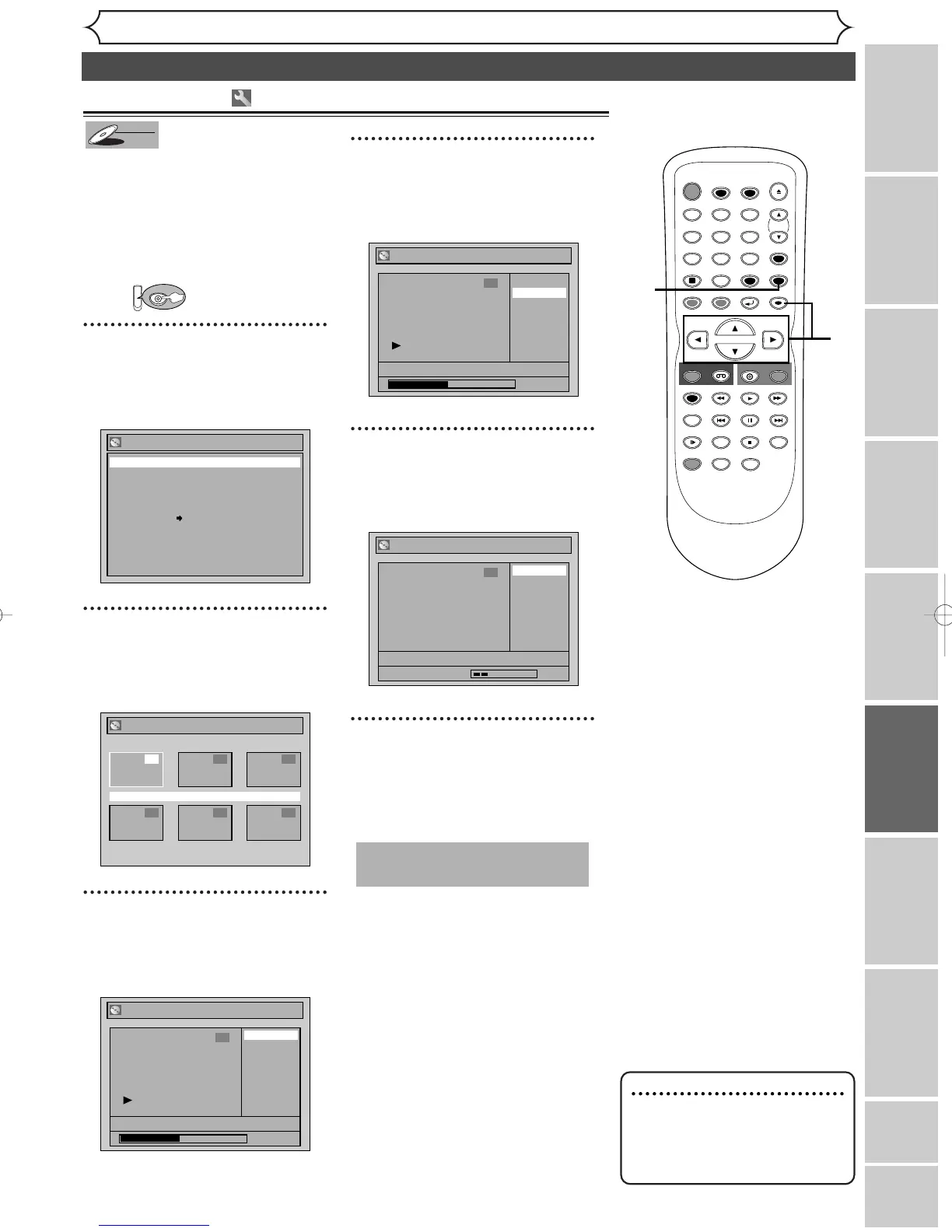
Editing discs in VR mode (Original)
When a title is deleted from an
original list in VR mode, the
recordable disc space will
increase.
Be advised that the titles once
deleted cannot be recovered.
First:
1
Hit [SETUP]. Using [K / L],
select “Disc”. Hit [ENTER].
Disc menu will appear.
2
Using [K / L], select
“Original”. Hit [ENTER].
Original list will appear.
3
Using [K / L / { / B], select a
desired title. Hit [ENTER].
Original menu will appear.
4
Using [K / L], select “Title
Delete”. Hit [ENTER].
Confirmation window will appear.
5
Using [K / L], select “Yes”.
Hit [ENTER].
Title will be deleted.
6
After this operation is com-
pleted, hit [SETUP] to exit.
Writing the data on the disc will
start momentarily.
This operation may take a
while to be completed.
1
6
3
4
2
5
1
Note
• When a title is deleted from
an original list, corresponding
title on the Playlist(s) will be
also deleted.



 To Next Page