54
Editing
Editing discs in Video mode
Deleting titles
You can delete titles which you
do not need anymore.
Be advised that the titles once
deleted cannot be recovered.
In Video mode, recordable disc
space of DVD-RW disc will
increase when the last title on
the title list is deleted. However,
deleting the last title will not
change recordable disc space of
DVD-R discs.
For DVD-R or DVD-RW (in
Video mode) discs once finalized,
the title list cannot be selected
for editing.
First:
1
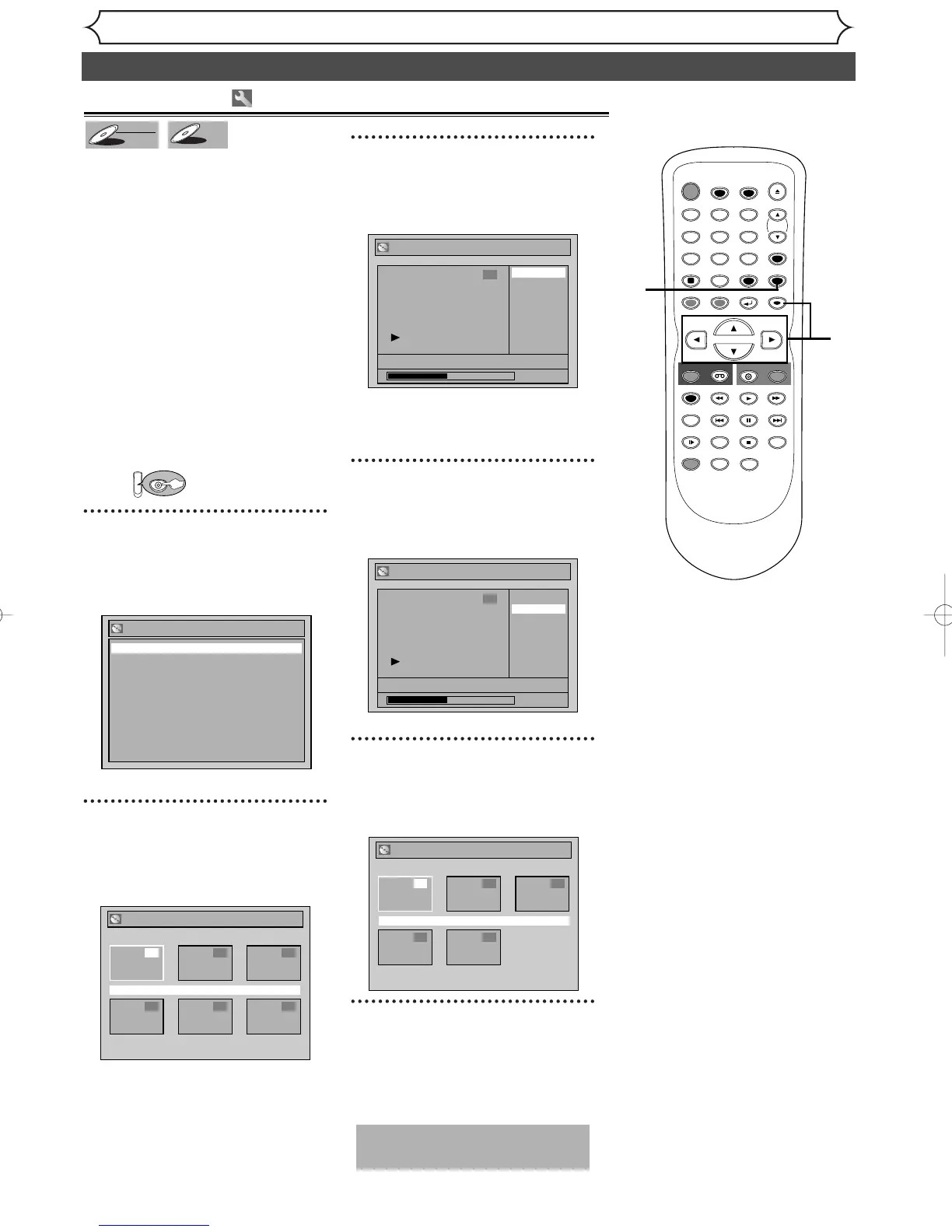
Hit [SETUP]. Using [K / L
]
,
select “Disc”. Hit [ENTER].
Disc menu will appear.
2
Using [K / L
]
, select “Title
List”. Hit [ENTER].
Title list will appear.
3
Using [K / L / { / B
]
, select a
desired title. Hit [ENTER].
Edit menu will appear.
•You cannot select “Chapter
Mark” when a DVD-R disc is
inserted into the unit.
4
Using [K / L
]
, select “Title
Delete”. Hit [ENTER].
Confirmation window will appear.
5
Using [K / L
]
, select “Yes”.
Hit [ENTER].
Title will be deleted.
6
After this operation is com-
pleted, hit [SETUP] to exit.
Writing the data on the disc will
start momentarily.
This operation may take a
while to be completed.
TIMER PROG.



 To Next Page