63
Editing
Recording
Playing discs Editing
Before you start
Connections Getting started
Changing the Setting menu
VCR functions Others Español
Editing discs in VR mode (Playlist) (cont’d)
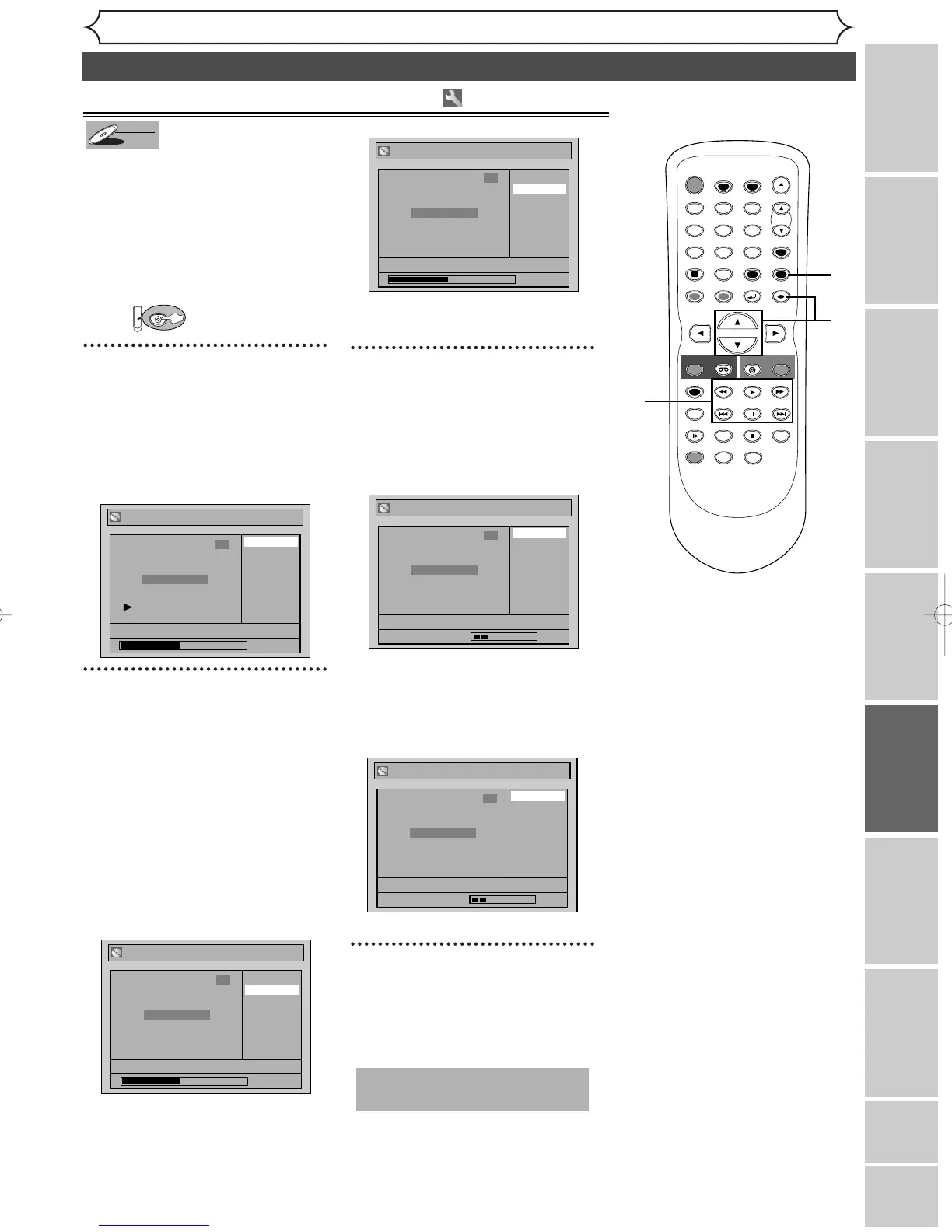
You can put chapter markers on
each title and can use them for
the chapter search feature.
You can put a chapter marker
anywhere you want until the total
number of the markers reaches
999.
First:
1
Follow steps 1 to 3 on page 60 to
display the Playlist menu.
Using [K / L], select
“Chapter Mark”. Hit
[ENTER].
Option window will appear.
2
Use [SKIP H / G ], [E ],
[
D], [PLAY B] and [PAUSE
F ] to decide the point for a
new chapter marker. Or, use
[SKIP
H / G ] to decide a
chapter marker that you will
delete. Select “Add” or
“Delete” accordingly using
[
K / L], then hit [ENTER].
Confirmation window will appear.
<Add>:
<Delete>:
• You cannot delete the first
chapter of each title.
3
Using [K / L], select “Yes”.
Hit [ENTER].
When you select “Add” at step 2, a
new chapter marker will be added
at the point you have decided.
<Add>:
When you select “Delete” at step
2, the chapter marker you have
selected will be deleted.
<Delete>:
4
After this operation is com-
pleted, hit [SETUP] to exit.
Writing the data on the disc will
start momentarily.
This operation may take a
while to be completed.



 To Next Page