58
Editing
Editing discs in VR mode (Original) (cont’d)
To prevent accidental editing or
title erasing, you can protect the
contents in the original menu.
First:
1
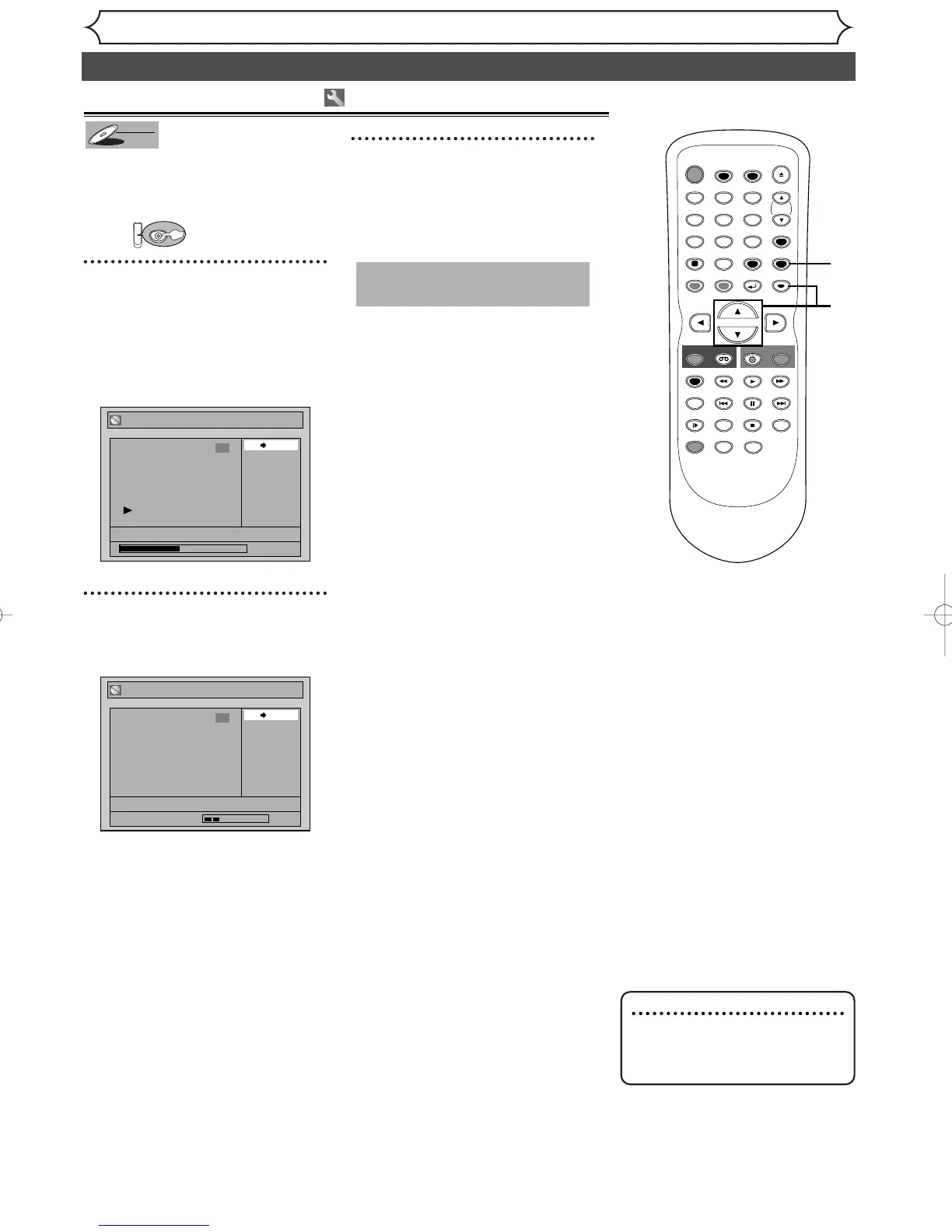
Follow steps 1 to 3 on page 57 to
display the Original menu.
Using [K / L], select
“Protect”. Hit [ENTER].
Confirmation window will appear.
2
Confirm the indication
“OFF
➔ ON”. Hit [ENTER].
The key icon will appear on the
title in the original list.
3
After this operation is com-
pleted, hit [SETUP] to exit.
Writing the data on the disc will
start momentarily.
To protect a whole disc
(DVD-RW VR mode Only) :
Select “Disc Protect” from Disc
menu, then select “Yes”.
Refer to “Setting a disc to pro-
tect” on page 35.
This operation may take a
while to be completed.
Setting titles to protect
Note
• The protected title will be
marked with a key icon on
the original list.



 To Next Page