49
Disc Playback
Recording
Playing discs Editing
Before you start
Connections Getting started
Changing the Setting menu
VCR functions Others Español
Repeat/Random/Program playback
Note
• The A-B Repeat playback can
only be set within the current
title (for DVDs), or current
track (for Audio CDs).
•To cancel the repeat playback,
select OFF at step 2.The
repeat setting will be also
cleared when you stop play-
back.
•You cannot select “Group”
for repeat playback during the
random playback of MP3 files.
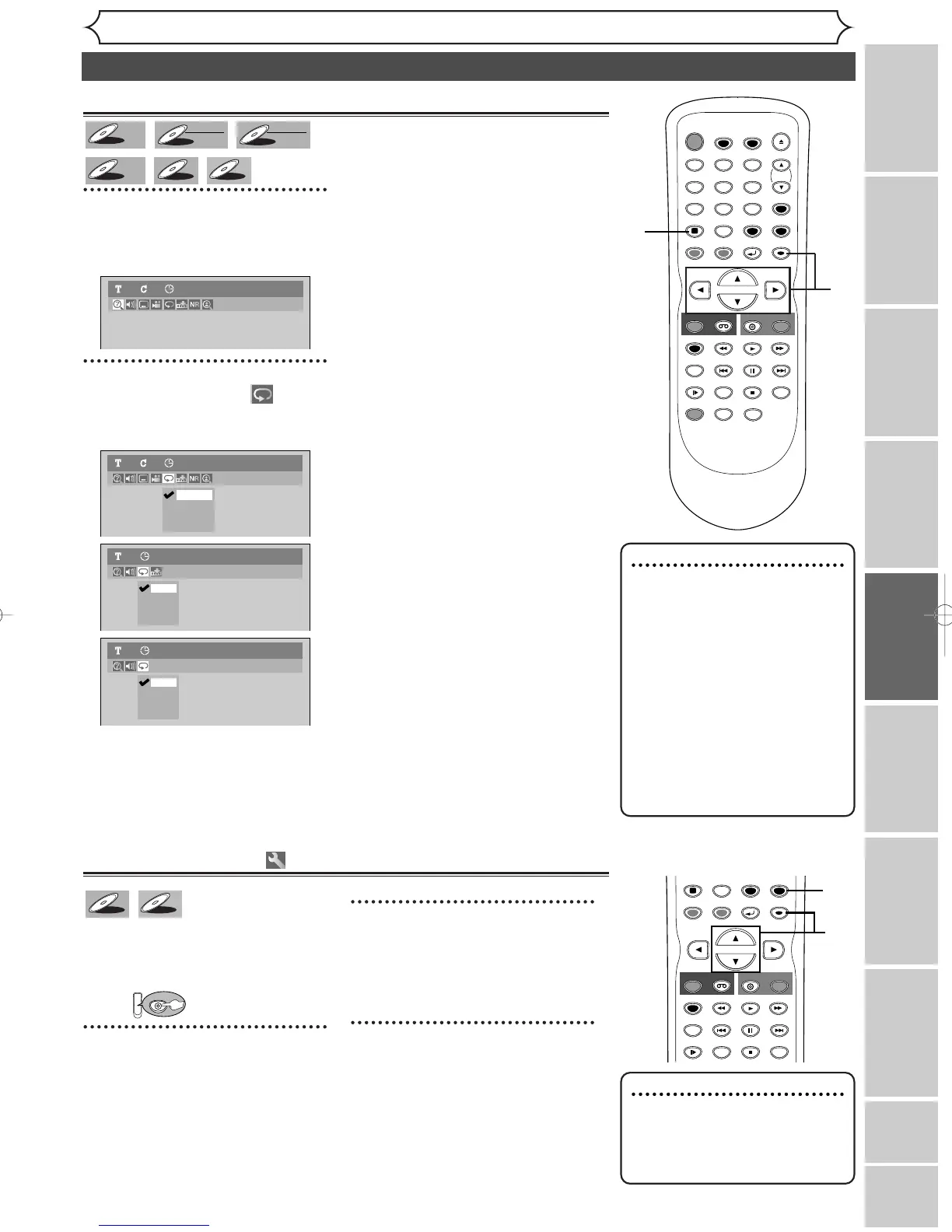
Repeat playback
1
During playback, hit
[DISPLAY].
The display menu will appear.
2
Using [
{
/
B]
, select icon.
Hit [ENTER].
Repeat menu will appear.
3
Using [K / L
]
, select a desired
option for repeat playback.
Hit [ENTER].
The selected repeat playback will
start.
Title:
The current title will be played
back repeatedly. (DVD only)
Chapter:
The current chapter will be played
back repeatedly. (DVD only)
All:
The current disc will be played
back repeatedly. (CD, MP3, DVD-
RW (VR mode) only)
A-B:
The A-B point will be played back
repeatedly.
When hitting
[ENTER] while A-
B is highlighted, the unit becomes
ready for the input.
Hit [ENTER] again to decide the
starting point (A).
Hit
[ENTER] after setting point
A to select the ending point (B).
Track:
The current track will be played
back repeatedly. (CD, MP3 only)
Group:
The current group will be played
back repeatedly. (MP3 only)
Note
•To cancel random playback,
hit [STOP C
]
twice during
random playback.“Play mode
OFF” appears on the screen.
Random playback
With this function, you can play
back a disc randomly instead of
playing back in the original order.
First:
1
Hit [SETUP].
Easy Setting Menu or Advanced
Setting Menu will appear.
2
Using [K / L], select “CD
Playback Mode”. Hit
[ENTER].
CD Playback Mode menu will appear.
3
Using [K / L], select “Random
Play”. Hit [ENTER].
Random playback will start.
TIMER PROG.



 To Next Page