66
Editing discs in VR mode (Playlist) (cont’d)
Editing
Combining titles
You can combine two titles into a
single title.
First:
1
Follow steps 1 to 3 on page 60 to
display the Playlist menu.
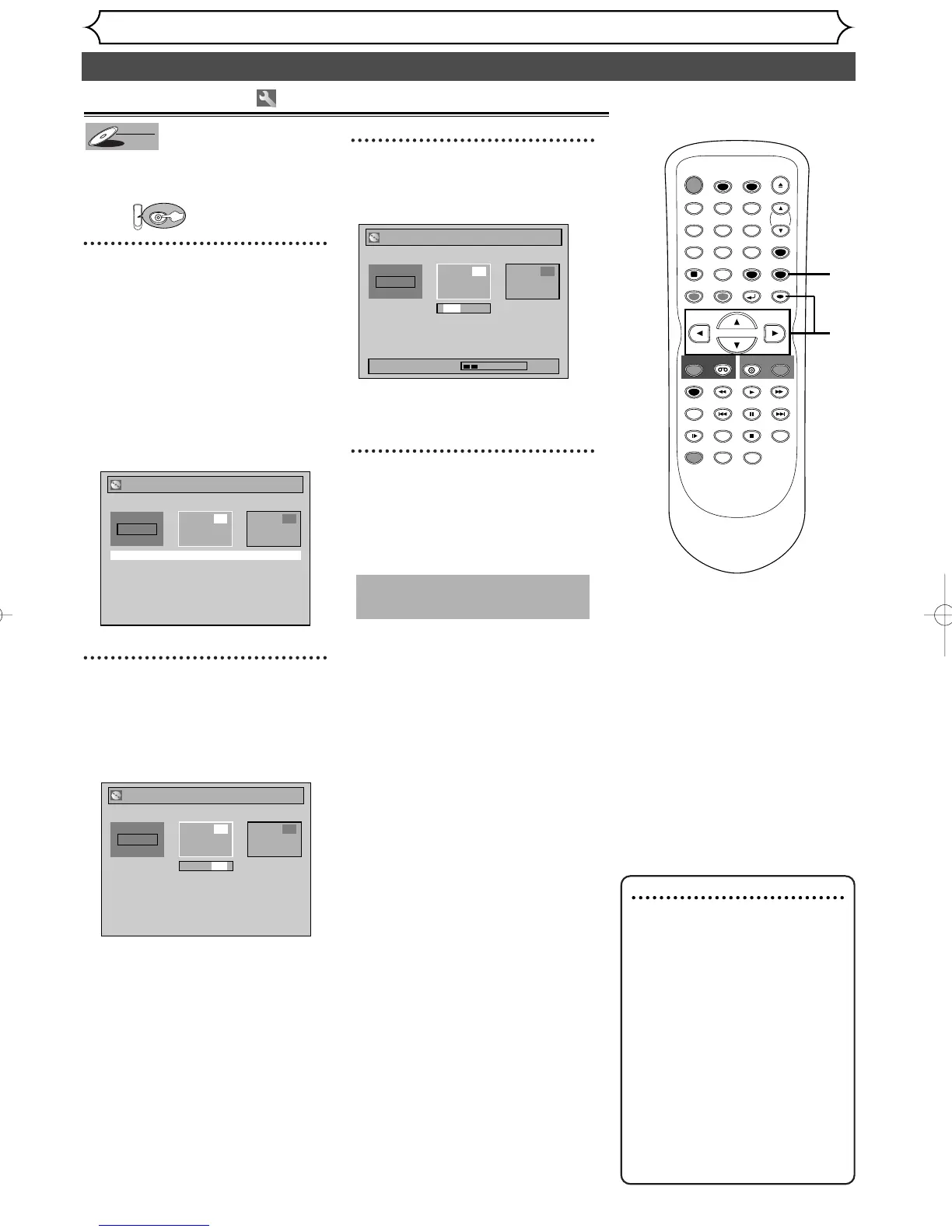
Using [K / L], select “Title
Combining”. Hit [ENTER].
Title Combining setting window
will appear.
The selected title will be grayed
out, and the frame of the next
title becomes yellow.
2
Using [K / L / s / B], select
another title to combine. Hit
[ENTER].
Confirmation window will appear.
3
Using [K / L], select “Yes”.
Hit [ENTER].
Tw o titles will be combined into a
single title.
4
After this operation is com-
pleted, hit [SETUP] to exit.
Writing the data on the disc will
start momentarily.
This operation may take a
while to be completed.
Note
• If the number of chapter
markers in the combined title
exceeds 999, the combination
will be rejected.
• If one of two titles in the
original is deleted, the com-
bined new title will be delet-
ed.
• The name of the title selected
first will becomes the name
of the combined title.
• The title selected first will be
the first point of the com-
bined title.



 To Next Page