65
Editing discs in VR mode (Playlist) (cont’d)
Editing
Recording
Playing discs Editing
Before you start
Connections Getting started
Changing the Setting menu
VCR functions Others Español
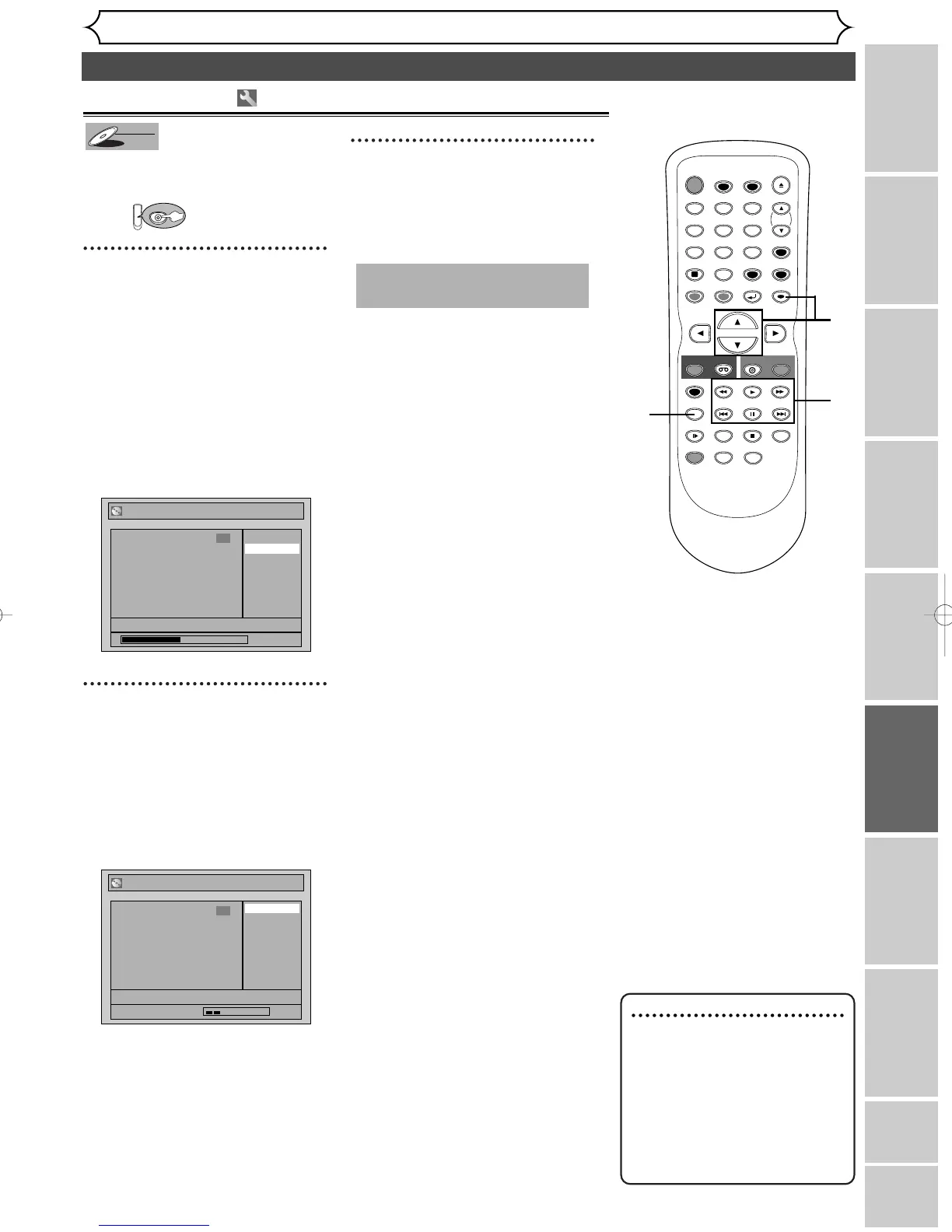
Dividing a title
You can divide a title into two
new titles.
First:
1
Follow steps 1 to 3 on page 60 to
display the Playlist menu.
Use [SKIP H / G], [E],
[
D], [PLAY B] and
[PAUSE
F] to decide the
point at which you will divide
the title.
Using [
K / L], select “Title
Dividing”. Hit [ENTER].
Confirmation window will appear.
2
Using [
K
/
L]
, select “Yes”. Hit
[ENTER].
The title will be divided into two
new titles.
Both title names are identical and
index pictures are reset to the
first scene of each title.
3
After this operation is com-
pleted, hit [SETUP] to exit.
Writing the data on the disc will
start momentarily.
This operation may take a
while to be completed.
Note
• If a disc contains the maxi-
mum number of recordings
(99), you cannot divide any
titles.
•You cannot divide the titles if
the total number of th chap-
ters have already reached
999.



 To Next Page