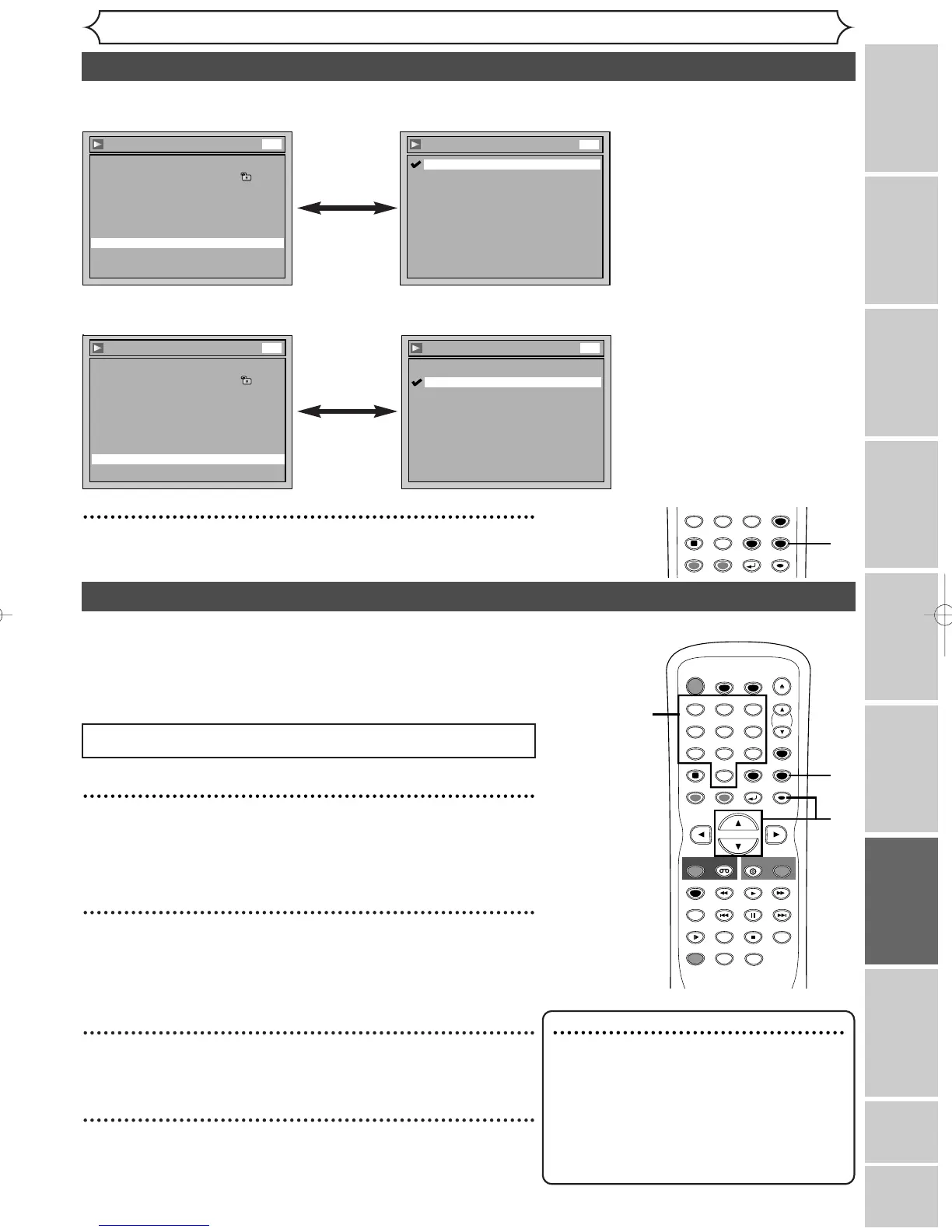
• Using [K / L], select a set-
ting. Hit [ENTER].
Your setting will be activated.
• Using [K / L], select a set-
ting. Hit [ENTER].
Your setting will be activated.
Dynamic Range Control (Default : ON)
Set to ON to compress the range between soft and loud sounds.
Fast Forward with Audio (Default : OFF)
Set to ON to output the sound during playback in x1.5 fast forward.
5
Hit [SETUP] to exit.
Instructions continue on the next page.
Settings for Parental lock level
1
Hit [SETUP].
Easy Setting Menu or Advanced Setting Menu will appear.
If Advanced Setting Menu is displayed, proceed to step 3.
2
Using [K / L], select “Advanced Setting Menu”. Hit
[ENTER].
Advanced Setting Menu will appear.
3
Using [K / L], select “Playback”. Hit [ENTER].
Option window will appear.
4
Using [K / L], select “Parental Lock”. Hit [ENTER].
Hit [STOP C] if you are playing a disc.
Some DVD-Video discs feature a Parental Lock level. Playback
will stop if the disc’s general rating exceeds the level you set. It
will require you to enter a password before the disc will be
played back.This feature prevents your children from viewing
inappropriate materials.
Note
• Parental lock function may not be
available on some discs.
•For some DVDs, it may be difficult to find if
they are compatible with parental lock. Be
sure to check if the parental lock function
operates in the way that you have set.
• Record the password in case you forget it.
Audio setting (cont’d)
TIMER PROG.



 To Next Page