VCR functions Others Español
Getting started
Recording
Playing discs Editing
Before you start
Connections Getting started
Changing the Setting menu
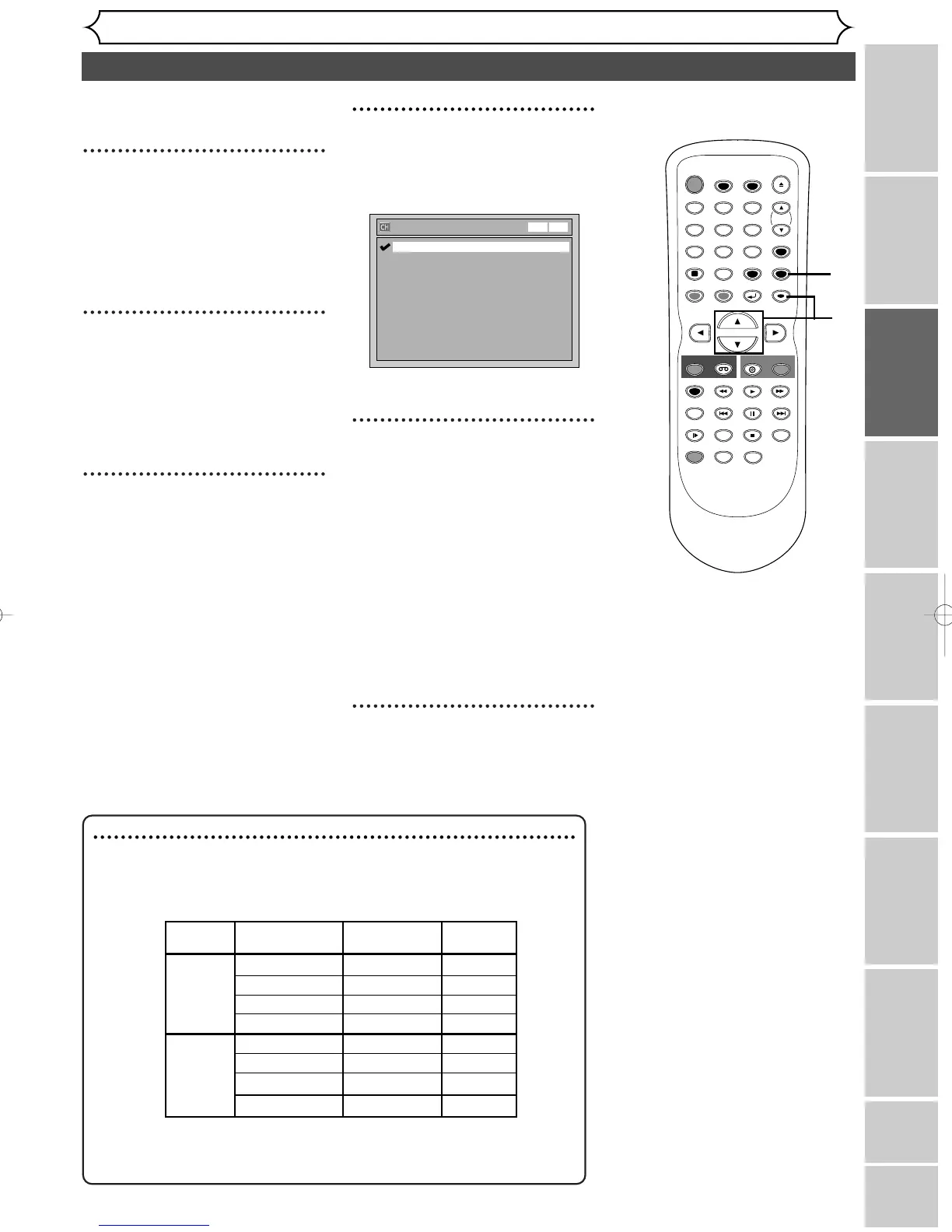
Selecting the TV stereo or SAP
21
You can select an audio channel
to output from TV.
1
Hit [SETUP].
Easy Setting Menu or Advanced
Setting Menu will appear.
If Advanced Setting Menu is dis-
played, proceed to step 3.
2
Using [K / L], select
“Advanced Setting Menu”.
Hit [ENTER].
Advanced Setting Menu will
appear.
3
Using [K / L], select
“Channel”. Hit [ENTER].
Channel menu will appear.
4
Using [K / L], select “TV
Audio Select”. Hit [ENTER].
Option window will appear.
The default is set as “Stereo”.
5
Using [K / L], select “Stereo”
or “SAP”. Hit [ENTER].
Stereo:
Outputs main-audio.
SAP (Secondary Audio
Program):
Outputs sub-audio.
Refer to the item in “Glossary”
on page 82 for more information.
6
Hit [SETUP] to exit.
Notes on TV channel audio
• If you want to record
a TV program available in second audio or
stereo on a DVD-RW/R or videotape, you have to select either Stereo
or SAP in the Channel Preset screen beforehand. Refer to the following
table to check an appropriate setting.
•You can only play back the disc in second audio if a TV program is
available in second audio and you set “ TV Audio Select ” to “ SAP
Selected Broadcast
Disc (Videotape)
Audio
audio audio recording output
Stereo STEREO+SAP STEREO STEREO
STEREO STEREO STEREO
MONO+SAP MONO MONO
MONO MONO MONO
SAP STEREO+SAP SAP SAP
STEREO STEREO STEREO
MONO+SAP SAP SAP
MONO MONO MONO



 To Next Page