56
Editing
Editing discs in Video mode (cont’d)
Note
•You cannot select a time
interval for markers beyond a
length of the title.
• The interval between markers
may slightly deviate from the
one specified at step 2.
•A chapter marker may be
delayed according to the
recording content.
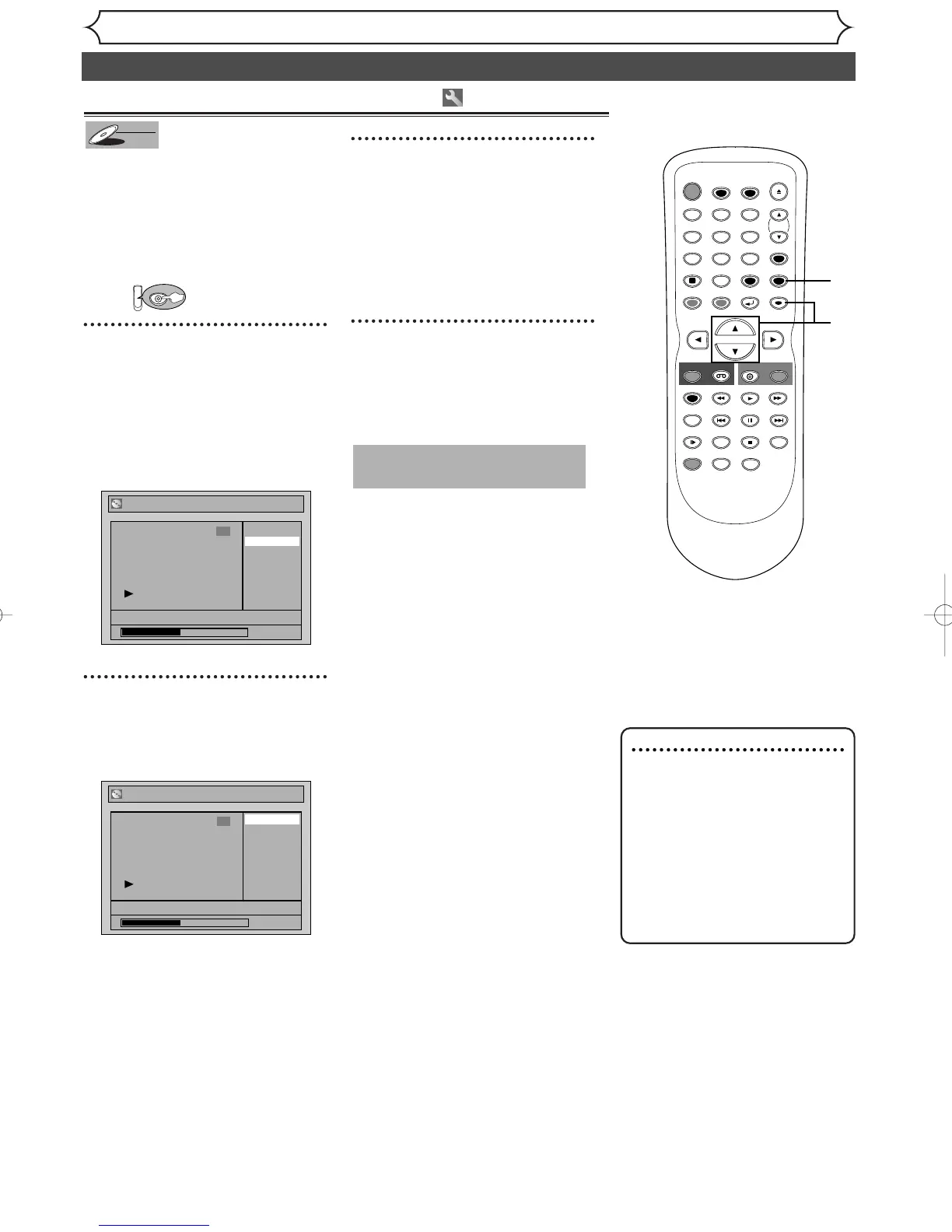
Setting or clearing chapter markers
You can put chapter markers on
each title and use them for the
chapter search feature.
You can specify time interval for
chapter markers for titles last
more than 5 minutes.
First:
1
Follow steps 1 to 3 on page 54 to
display the Edit menu.
Using [K / L], select
“Chapter Mark”. Hit
[ENTER].
Option window will appear.
2
Using [K / L], select a desired
time. Hit [ENTER].
Confirmation window will appear.
3
Using [K / L], select “Yes”.
Hit [ENTER].
Chapter markers will be added.
If you select “OFF” at step 2, all
the chapter markers will be
erased.
4
After this operation is com-
pleted, hit [SETUP] to exit.
Writing the data on the disc will
start momentarily.
This operation may take a
while to be completed.
TIMER PROG.



 To Next Page