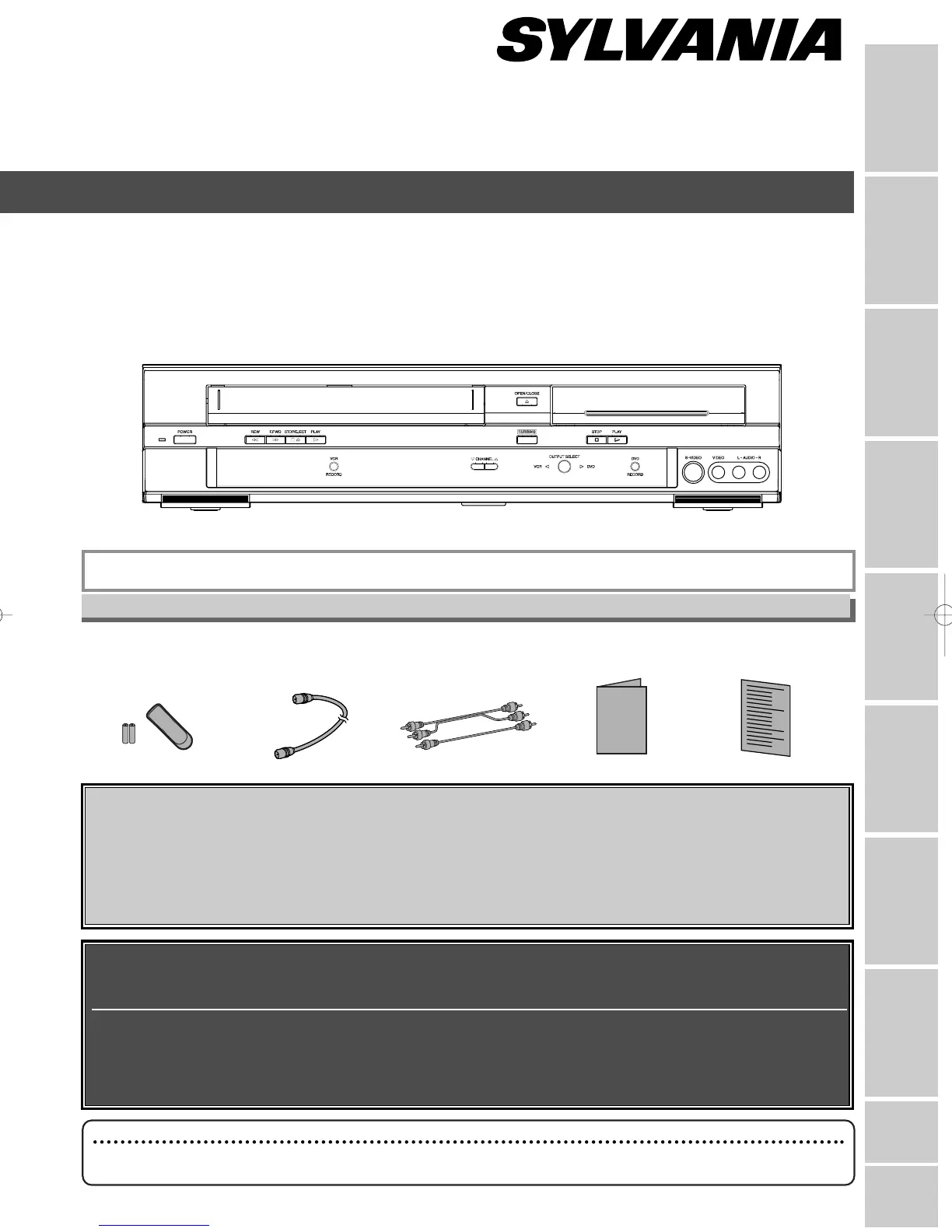
• Remote control
(NB
121UD)
with two AA batteries
• RF cable
(WPZ090
1TM002)
• Audio/Video cables
(WPZ0102TM015 or
WPZ0
102LTE01)
• Owner’s Manual
(
1VMN20392)
• Quick Use Guide
(1VMN20397)
Please read before using this equipment.
If you need additional operating assistance after reading this owner’s manual or to
order replacement accessories, please call
TOLL FREE : 1-800-605-8453
or visit our web site at http://www.SylvaniaConsumerElectronics.com
Before you use this unit , you need to complete connections. Refer to
“Connections” on pages 14-16.
To r ecord a program easily, refer to “Easy DVD recording” on pages
17-18
after connections are completed.
(You CANNOT record on any copyright protected DVD disc with this unit.)
DVR90VF
INSTRUCCIONES EN ESPAÑOL INCLUIDAS.
Owner’s Manual
DVD Recorder with Video Cassette Recorder
Supplied Accessory
Note
• Connect this unit directly to the TV. If the A/V cables are connected to a VCR, pictures may be distorted
due to the copy protection system.



 To Next Page