14. BODY COVER
14-5
Handle Rear Cover
Remover
Remove front cover.
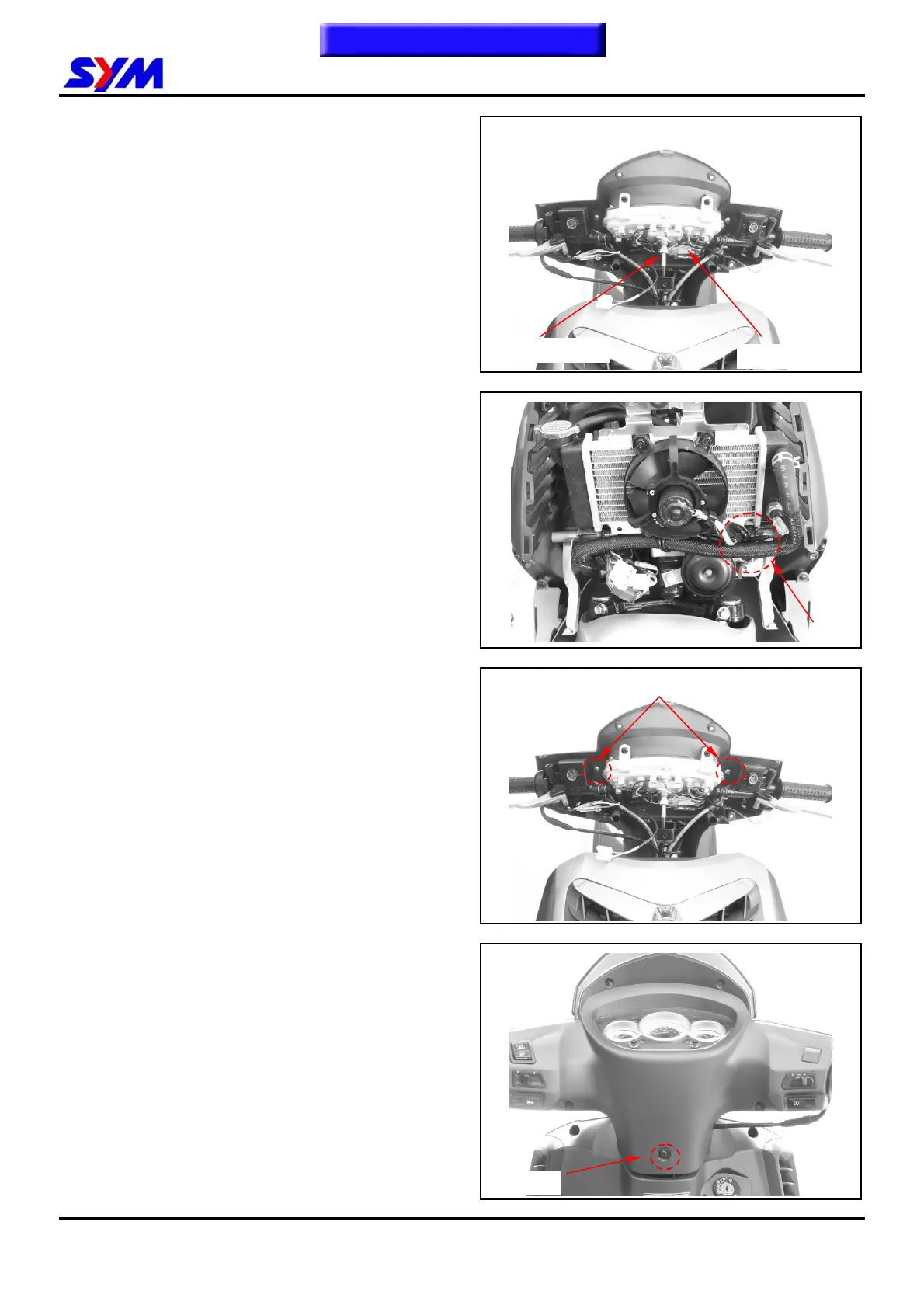
Remove speedometer cable.
Disconnect each switch connectors.
Remove electric line coupler from the radiator.
Loosen 2 screws from the handle rear cover.
Loosen 1 screw from backside of the handle rear
cover.
Remove handle rear cover.
Screw X 1
2 Screws
Speedometer cable
Switch connectors
Coupler
To this chapter contents


 To Next Page