Imaging Preferences 6 - 19
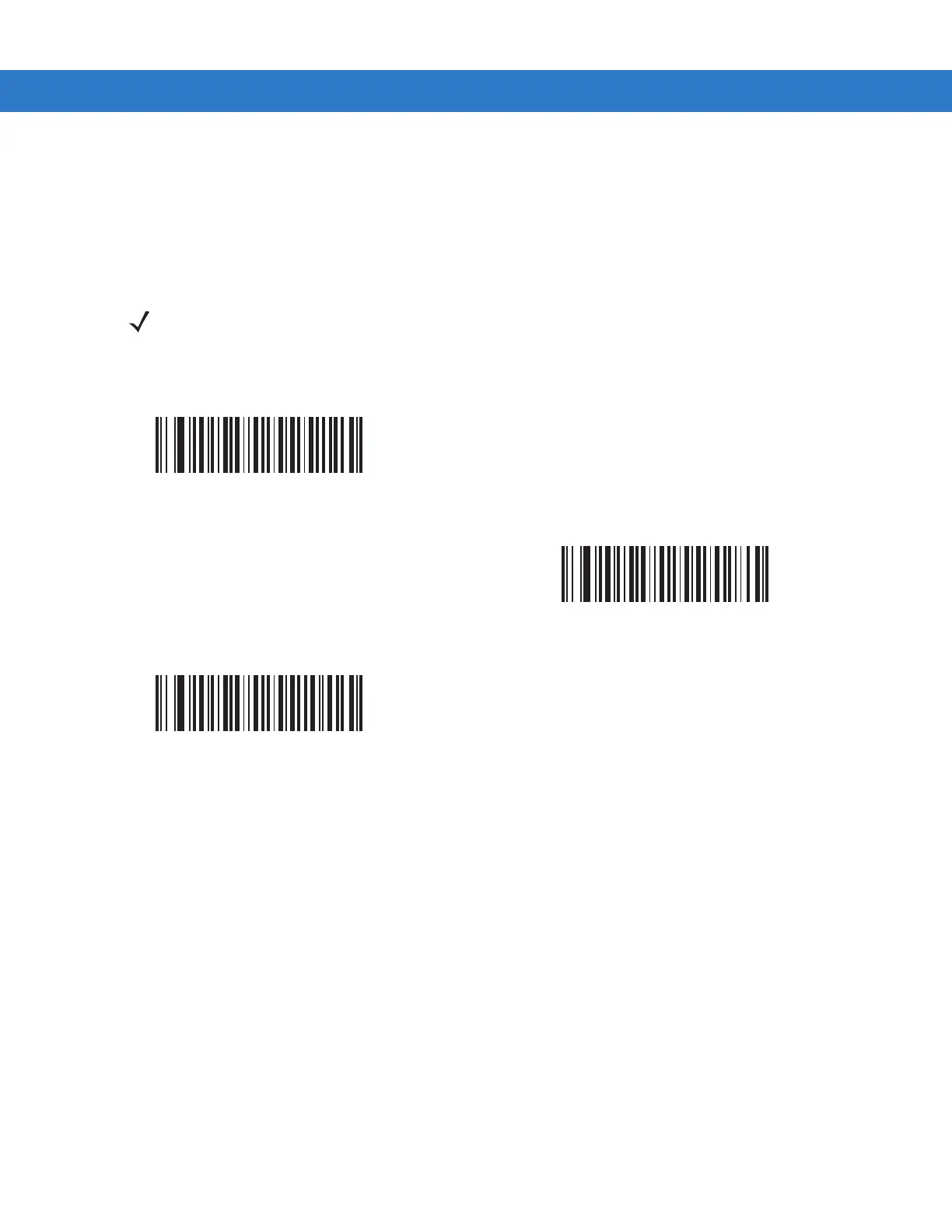
Signature Capture Bits Per Pixel
Parameter # F0h 3Ah
Select the number of significant bits per pixel (BPP) to use when capturing a signature. Select 1 BPP for a black
and white image, 4 BPP to assign 1 of 16 levels of grey to each pixel, or 8 BPP to assign 1 of 256 levels of grey to
each pixel.
NOTE The digital scanner ignores these settings for JPEG file formats, which only support 8 BPP.
1 BPP
(00h)
4 BPP
(01h)
*8 BPP
(02h)



 To Next Page