Chapter 8 RS-232 Interface
Introduction
This chapter provides instructions for programming the digital scanner to interface with an RS-232 host interface.
The RS-232 interface is used to attach the cradle to point-of-sale devices, host computers, or other devices with an
available RS-232 port (i.e., COM port).
If the particular host is not listed in Table 8-2, set the communication parameters to match the host device. Refer to
the documentation for the host device.
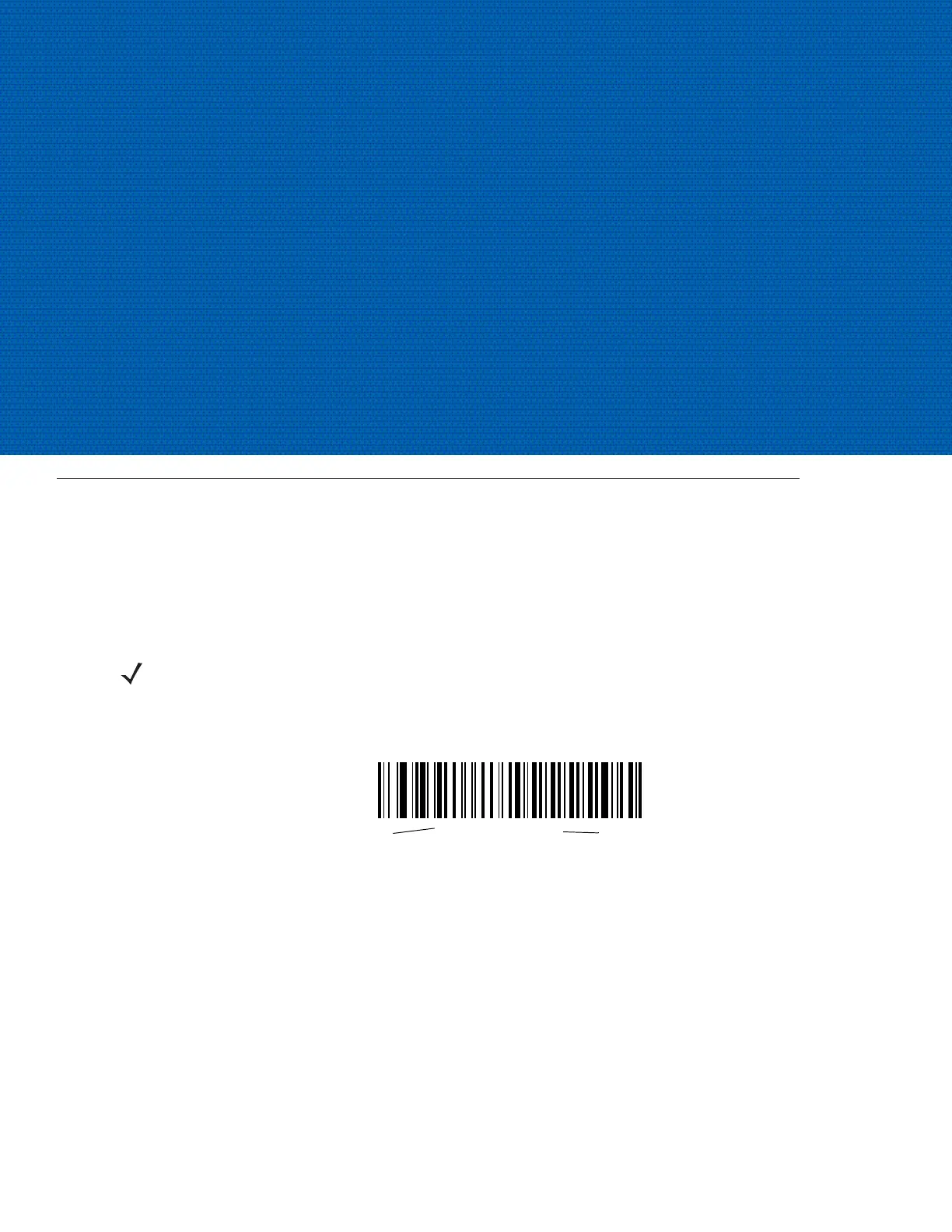
Throughout the bar code menus, default values are indicated with asterisks (
*).
NOTE This digital scanner uses TTL RS-232 signal levels, which interface with most system architectures. For
system architectures requiring RS-232C signal levels, Motorola offers different cables providing the TTL to
RS-232C conversion. Contact Motorola Support for more information.
*Baud Rate 9600
Feature/Option
* Indicates Default


 To Next Page