8 - 8 DS3578 With FIPS Digital Scanner Product Reference Guide
Parity
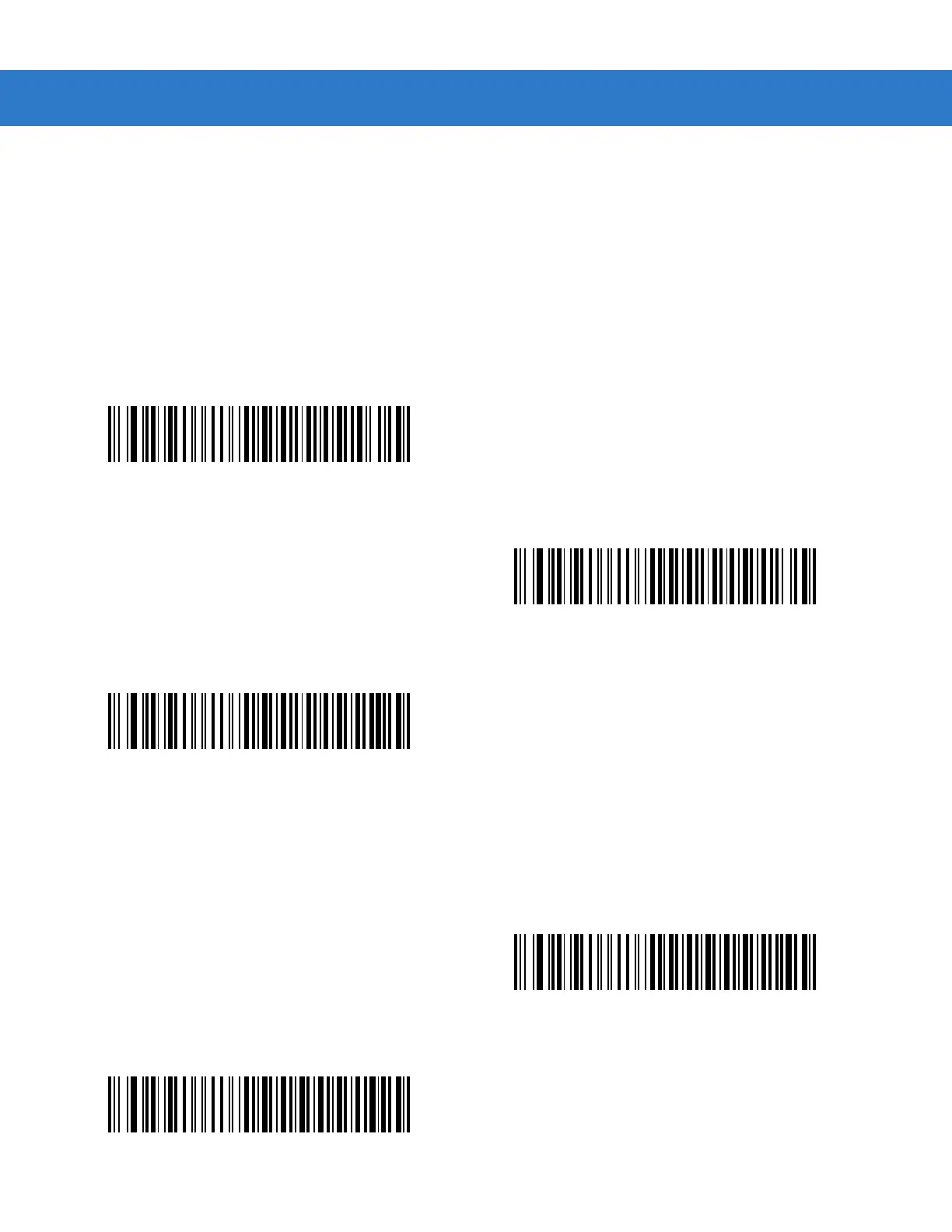
A parity check bit is the most significant bit of each ASCII coded character. Select the parity type according to host
device requirements:
•
Select Odd parity to set the parity bit value to 0 or 1, based on data, to ensure that an odd number of 1 bits
are contained in the coded character.
•
Select Even parity to set the parity bit value to 0 or 1, based on data, to ensure that an even number of 1 bits
are contained in the coded character.
•
Select None when no parity bit is required.
Check Receive Errors
Select whether or not to check the parity, framing, and overrun of received characters. The parity value of received
characters is verified against the parity parameter selected above.
Odd
Even
*None
*Check For Received Errors (Enable)
Do Not Check For Received Errors (Disable)



 To Next Page