12 - 14 DS3578 With FIPS Digital Scanner Product Reference Guide
OCR Bright Illumination
Parameter # F1h BDh
When enabled, image contrast is improved for OCR scanning. Motorola recommends enabling this when the OCR
string is longer than 20 characters, and for applications with busy backgrounds such as passport, check, or VISA
reading.
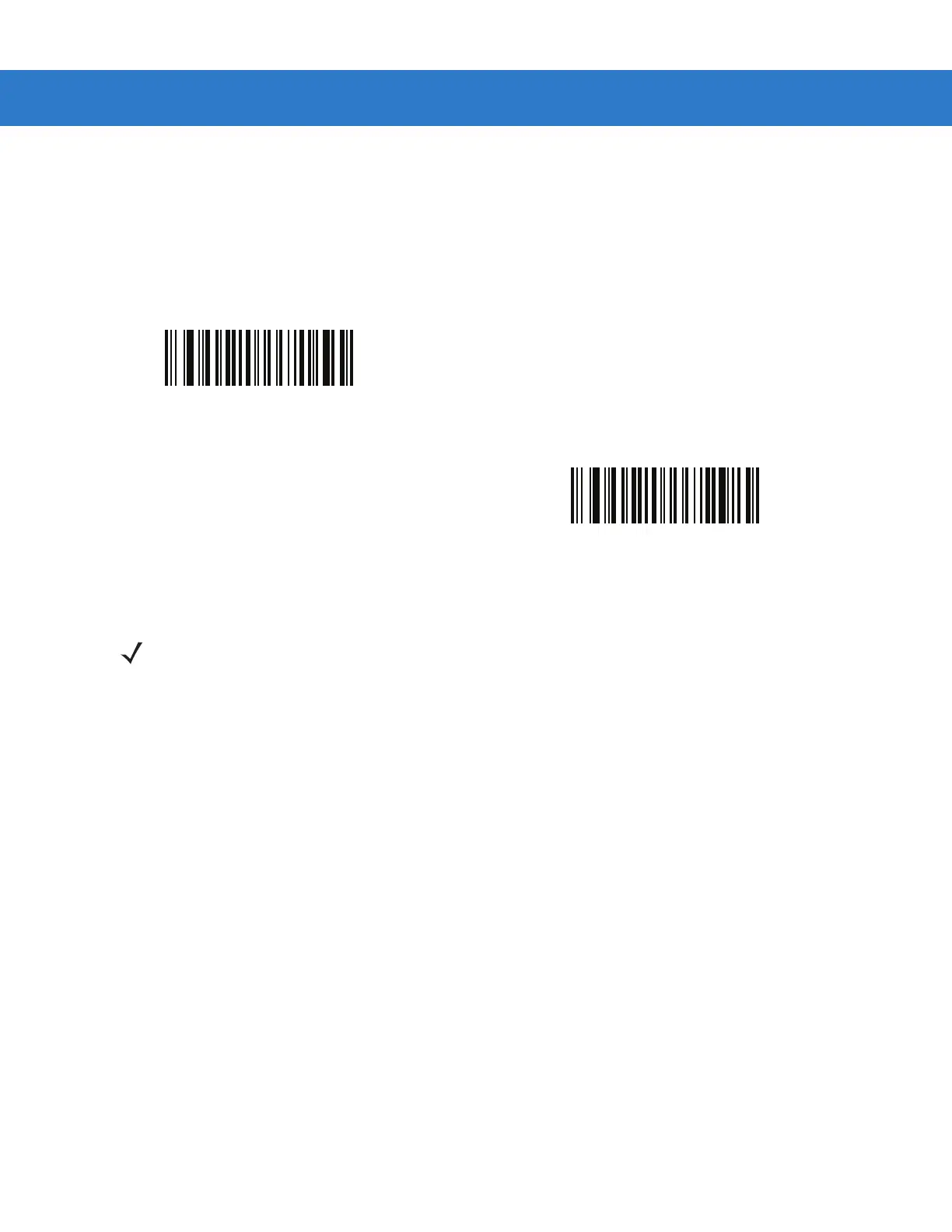
Enable OCR Bright Illumination
(01h)
*Disable OCR Bright Illumination
(00h)
NOTE Enabling OCR Bright Illumination causes the aiming pattern to blink due to the lower frame rate setting.



 To Next Page