9 - 2 DS3578 With FIPS Digital Scanner Product Reference Guide
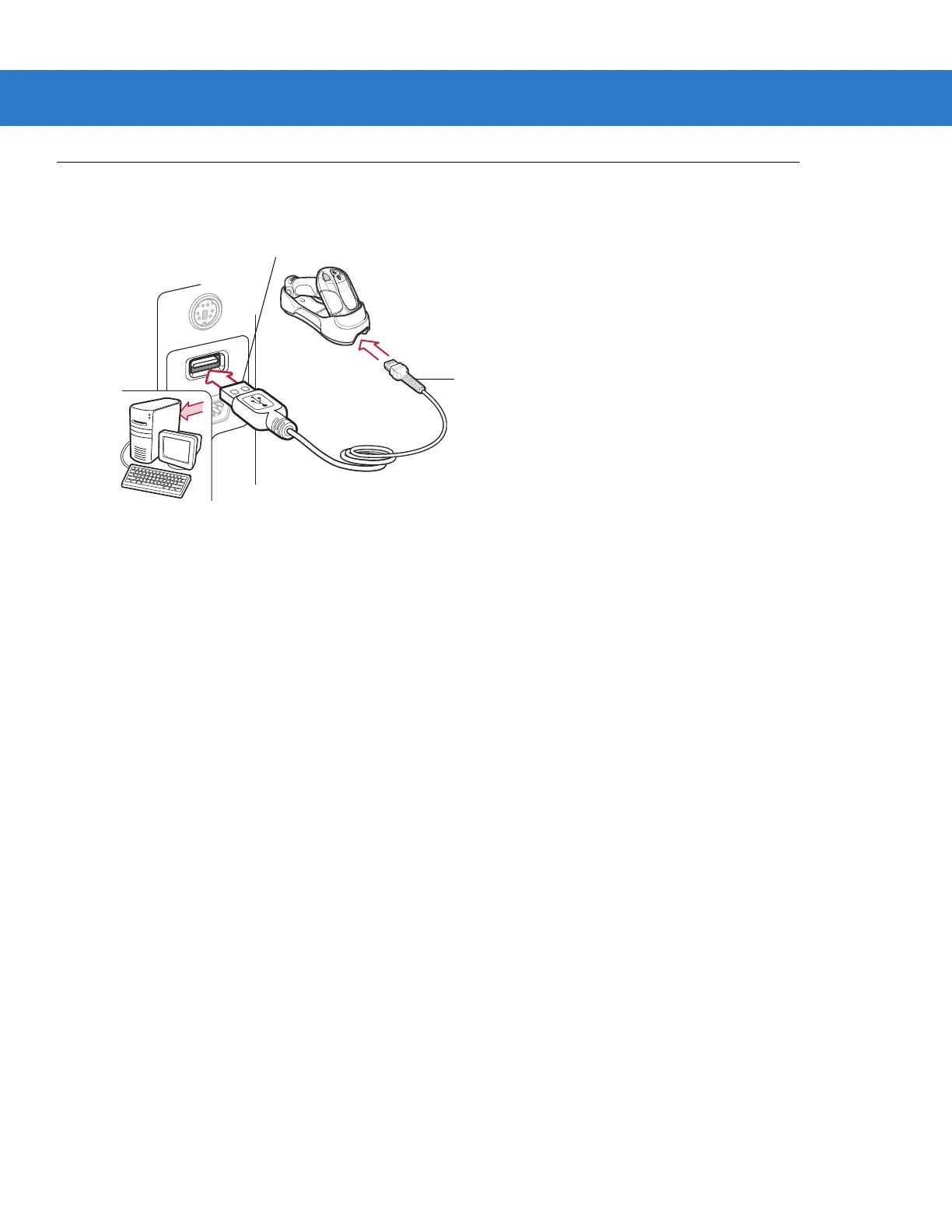
Connecting a USB Interface
Figure 9-1
USB Connection
The cradle connects with USB-capable hosts including:
•
Desktop PCs and notebooks
•
Apple™ Macintosh
•
IBM SurePOS terminals
•
Sun, IBM, and other network computers that support more than one keyboard.
The following operating systems support the digital scanner through USB:
•
Windows
®
98, 2000, ME, XP, Vista
•
Mac OS 8.5 and above
•
IBM 4690 OS.
The cradle also interfaces with other USB hosts which support USB Human Interface Devices (HID).
To connect the cradle to a USB host:
1. Attach the modular connector of the USB interface cable to the cable interface port on the digital scanner. See
Connecting the Cradle on page 1-6.
2. Plug the series A connector in the USB host or hub, or plug the Plus Power connector in an available port of
the IBM SurePOS terminal.
3. Ensure all connections are secure.
4. Pair the digital scanner to the cradle by scanning the bar code on the cradle.
5. Select the USB device type by scanning the appropriate bar code from USB Device Type on page 9-5.
USB Series A Connector
Interface cable



 To Next Page