OCR Programming 12 - 11
OCR Lines
Parameter # F1h B3h
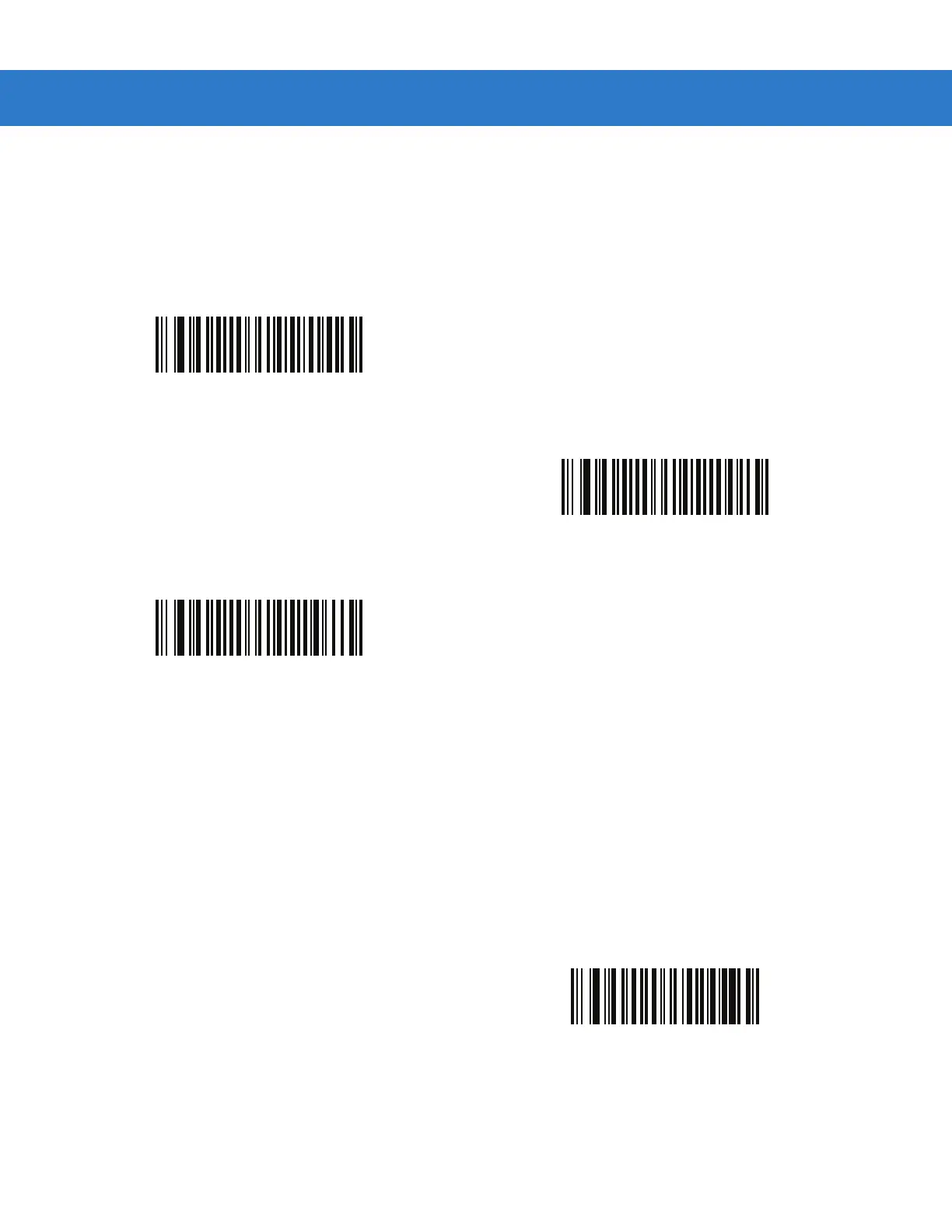
To select the number of OCR lines to decode, scan one of the following bar codes. Selecting Visas, Passport, TD1,
or TD2 ID cards automatically sets the appropriate
OCR Lines. Also see OCR-B Variant on page 12-6.
OCR Minimum Characters
Parameter # F1h B1h
To select the minimum number of OCR characters (not including spaces) per line to decode, scan the following bar
code, then scan a three-digit number between 003 and 100 using the numeric keypad in Chapter 14, Advanced
Data Formatting representing the number of OCR characters to decode. Strings of OCR characters less than the
minimum are ignored. The default is 003.
*OCR 1 Line
(001h)
OCR 2 Lines
(002h)
OCR 3 Lines
(003h)
OCR Minimum Characters


 To Next Page