5 - 12 DS3578 With FIPS Digital Scanner Product Reference Guide
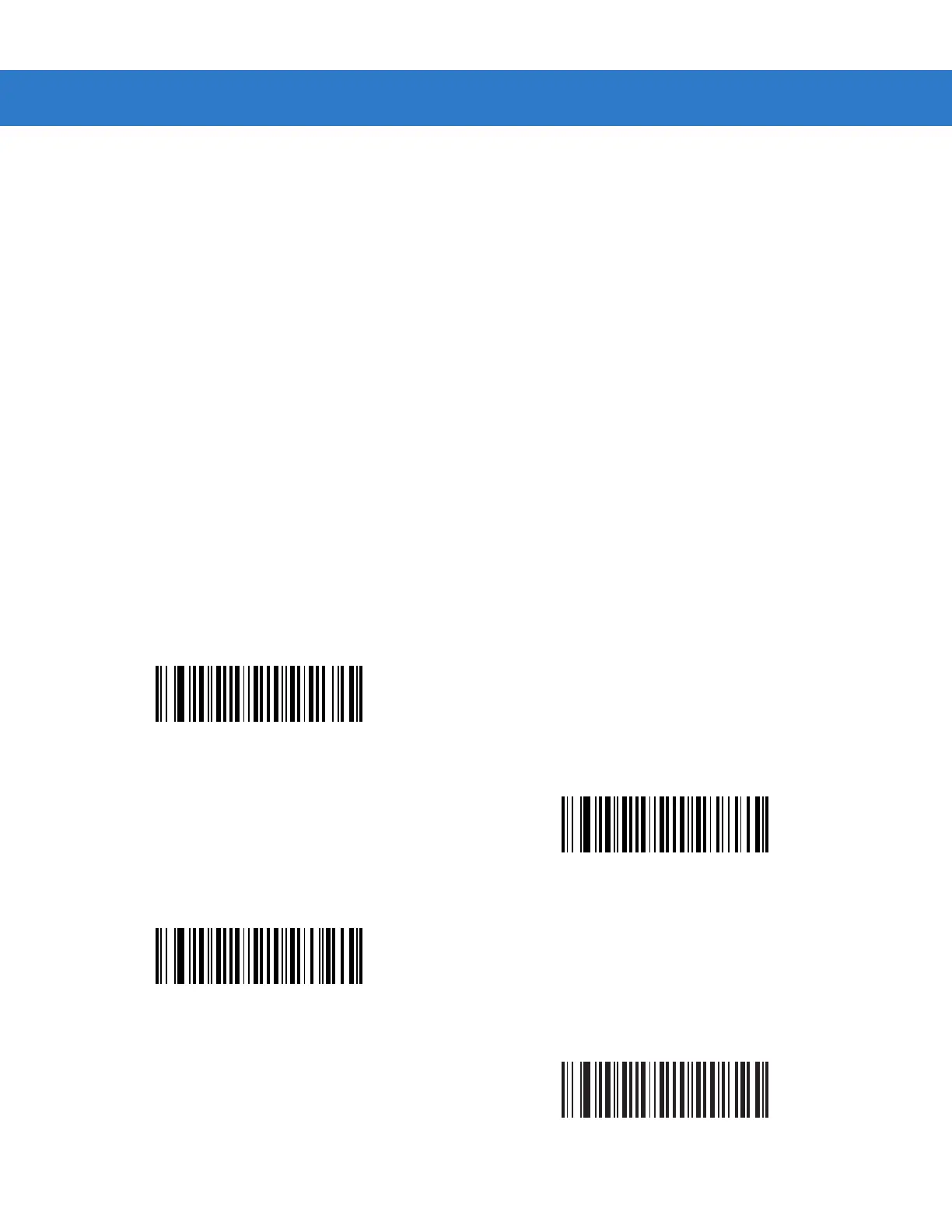
Trigger Mode
Parameter # 8Ah
Select one of the following trigger modes for the digital scanner.
•
Level (Standard) - Upon trigger pull, an aiming dot appears for a programmable duration of time. After this
time, the aiming dot changes to a standard laser scanning beam for a full decode session. The laser
scanning beam stays on until the Decode Session Timeout on page 5-22 occurs, a decode occurs, or the
trigger is released. If the trigger is released before the timeout expires, the laser shuts off and no decode
occurs.
•
Two Stage Option 1 (DS3578-ER only) - Upon trigger pull, an aiming dot appears. When the trigger is released,
the aiming dot changes to a standard laser scanning beam for a full decode session. The laser scanning
beam stays on for one-third of the currently configured decode timeout. If the trigger is pulled again while in a
decode session, the scanner beam returns to an aiming dot.
•
Two Stage Option 2 (DS3578-ER only) - Upon trigger pull, an aiming dot appears. When the trigger is released,
the aiming dot turns off. Pulling the trigger twice quickly turns on the standard laser scanning beam for a full
decode session. The laser scanning beam stays on until the Decode Session Timeout occurs, a decode
occurs, or the trigger is released.
•
Auto Aim (DS3578-SR/HD/DP only) - The digital scanner’s aiming pattern is consistently on when in auto aim
mode. A trigger pull activates decode processing. After 5 seconds of inactivity the aiming pattern shuts off.
Then, after an additional time period where no activity occurs, the digital scanner enters low power mode to
conserve battery power, and remains in low power mode until a trigger pull. See Timeout to Low Power Mode
from Auto Aim on page 5-16 to set this timeout value.
* Level (Standard)
(00h)
Two Stage Option 1 (DS3578-ER only)
(0Eh)
Two Stage Option 2 (DS3578-ER only)
(0Fh)
Auto Aim (DS3578-SR/HD/DP only)
(09h)



 To Next Page