Scanning 2 - 5
Scanning
Install and program the digital scanner (see Chapter 1, Getting Started). For assistance, contact the local supplier
or Motorola Support.
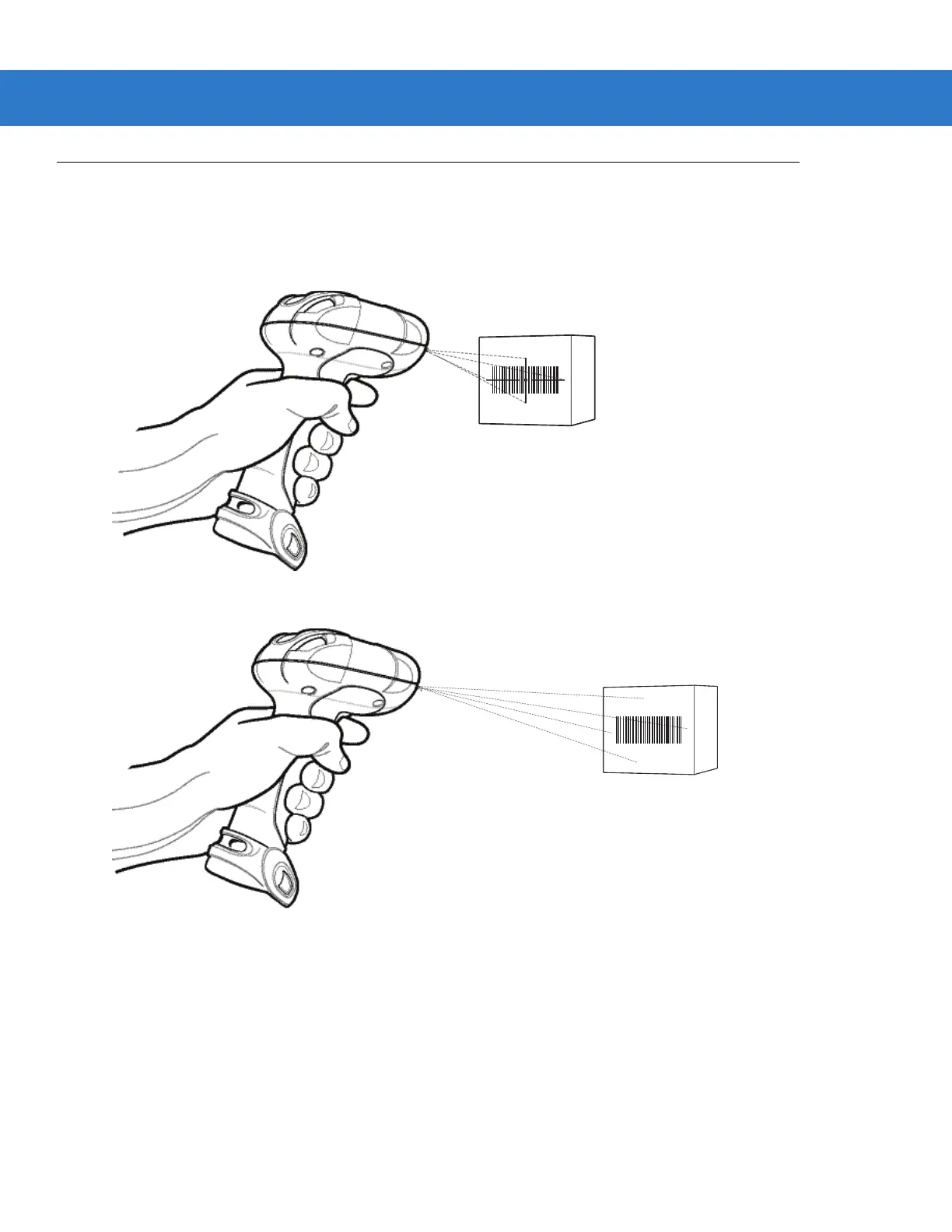
1. Aim the digital scanner at the bar code.
Figure 2-1
Scanning in Hand-Held Mode: DS3578-SR/HD/DP
Figure 2-2
Scanning in Hand-Held Mode: DS3578-ER
2. Hold the trigger until the digital scanner beeps, indicating the bar code is successfully decoded. For more
information on beeper and LED definitions, see Table and Table .



 To Next Page