4 - 16 DS3578 With FIPS Digital Scanner Product Reference Guide
Auto-reconnect in Bluetooth Keyboard Emulation (HID Slave) Mode
In Bluetooth Keyboard Emulation (HID Slave) mode, select a re-connect option for when the digital scanner loses
its connection with a remote device:
•
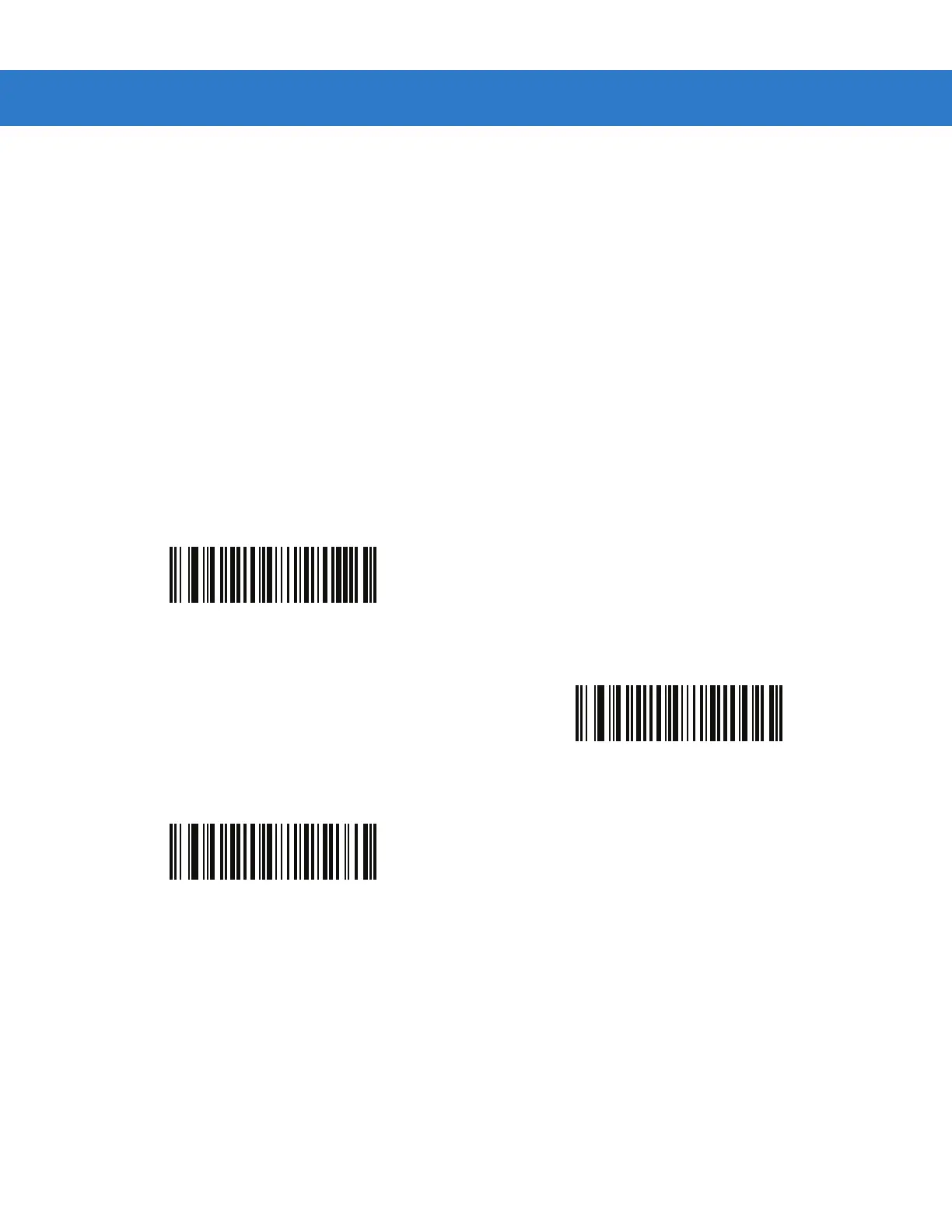
Auto-reconnect on Bar Code Data: The digital scanner auto-reconnects when you scan a bar code. With
this option, a delay can occur when transmitting the first characters. The digital scanner sounds a decode
beep upon bar code scan, followed by a connection, a page timeout, a rejection beep, or a transmission error
beep. Select this option to optimize battery life on the digital scanner and mobile device. Note that
auto-reconnect does not occur on rejection and cable unplug commands.
•
Auto-reconnect Immediately: When the digital scanner loses connection, it attempts to reconnect. If a page
timeout occurs, the digital scanner attempts reconnect on a trigger pull. Select this option if the digital
scanner’s battery life is not an issue and you do not want a delay to occur when the first bar code is
transmitted. Note that auto-reconnect does not occur on rejection and cable unplug commands.
•
Disable Auto-reconnect in Bluetooth Keyboard Emulation (HID Slave) Mode: When the digital scanner
loses connection, you must re-establish it manually.
*Auto-reconnect on Bar Code Data
Auto-reconnect Immediately
Disable Auto-reconnect in
Bluetooth Keyboard Emulation (HID Slave) Mode



 To Next Page