WLAN Configuration 7-11
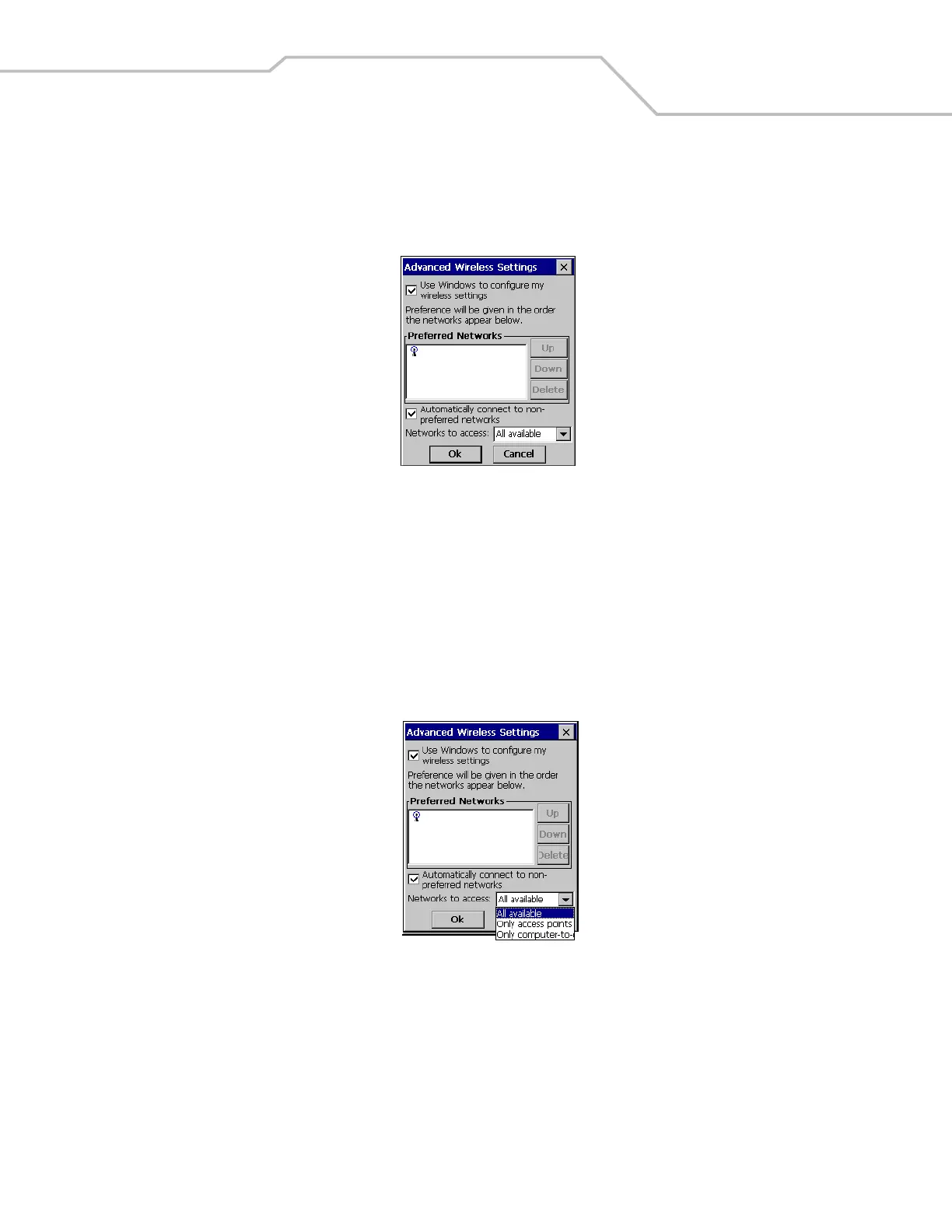
5. The Advanced Wireless Settings window also provides a setting to automatically connect to non-preferred networks and it
allows the user to select the networks that will be accessed. Tap the Automatically connect to non-preferred networks check
box.
Figure 7-14. Advanced Wireless, Automatic Configuration
6. The Advanced Wireless Settings window allows the user to select network filtering. The filtering selections are:
• All available
• Only access points
• Only computer-to-computer.
If the Automatically connect to non-preferred networks check box is checked then the filter settings apply to both preferred
and non-preferred networks. If the Automatically connect to non-preferred networks check box is not checked then the filter
settings apply only to both preferred networks.
Figure 7-15. Advanced Wireless, Network Filtering Settings
WLAN123
WLAN123



 To Next Page