MC3000 Integrator Guide5-4
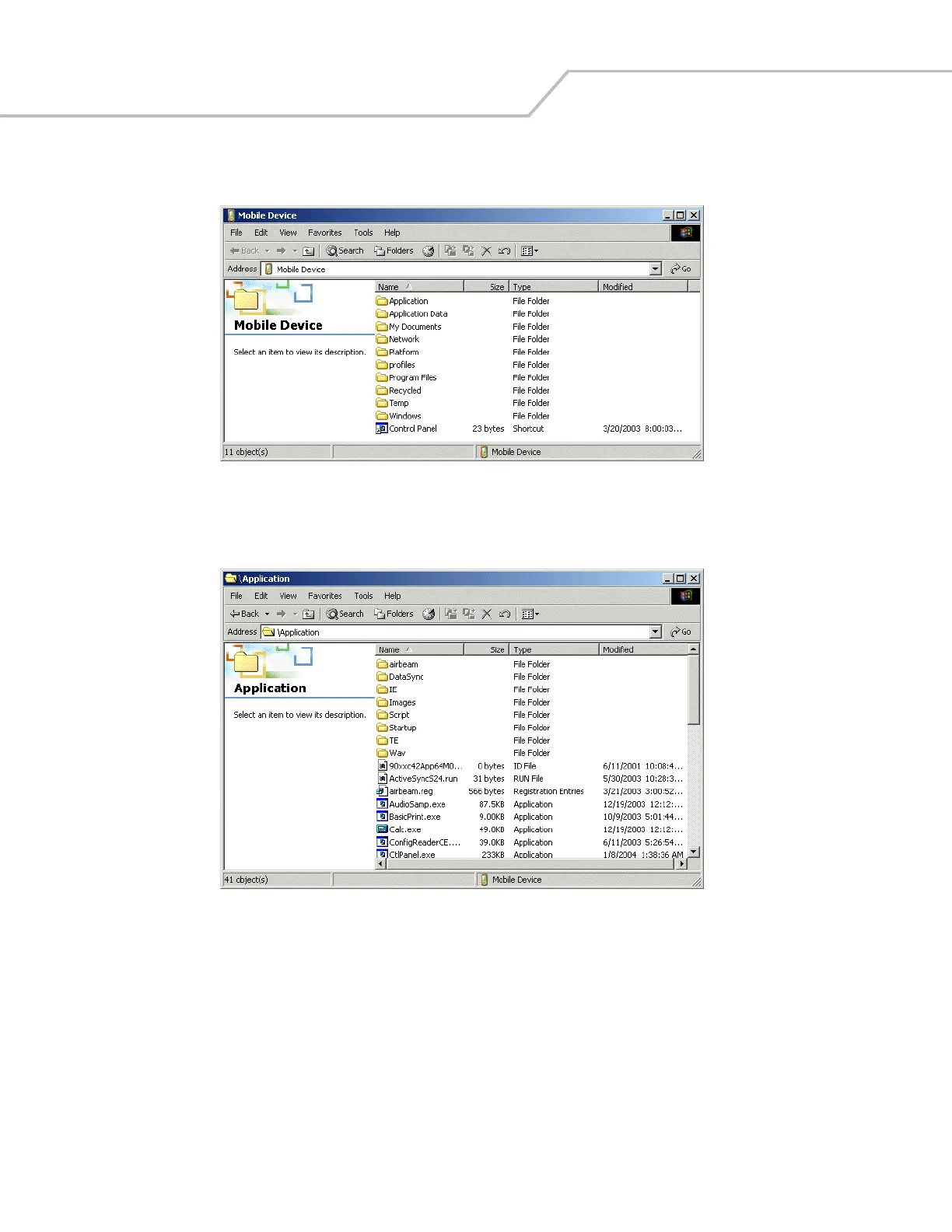
4. Select Explore.
Figure 5-2. ActiveSync Explorer
5. Double-click the folder to expand the folder contents.
Figure 5-3. Application Folder Contents
6. Use Explorer to locate the host computer directory that contains the file to download. Tap that directory in the left pane to
display its contents in the right pane.
7. Drag the desired file(s) from the host computer to the desired mobile device folder.
• Program Files folder: files stored in this folder are discarded after a cold boot.
• Application folder: files stored in this folder are retained after a cold boot.



 To Next Page