Creating/Loading Hex Images 6-5
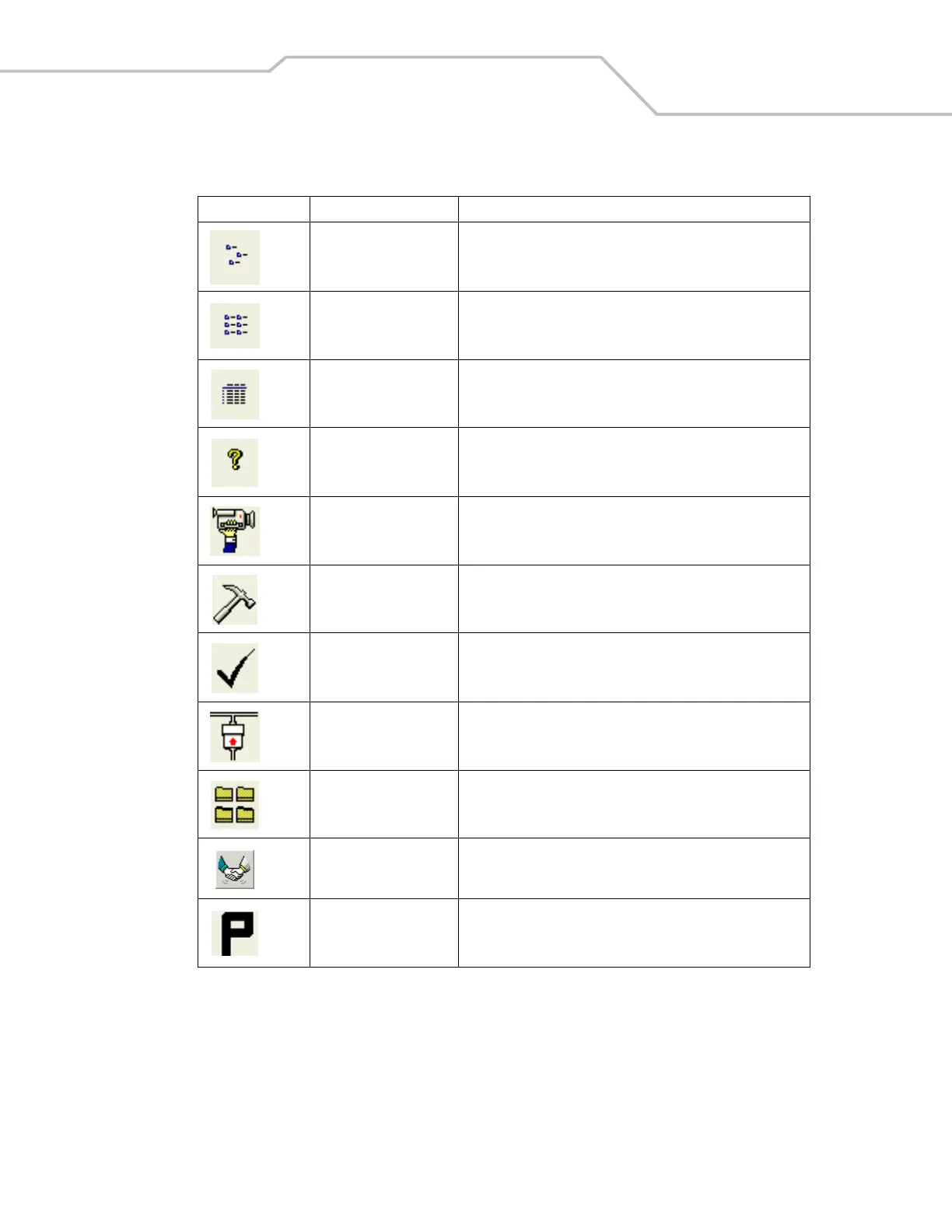
Small icons button View the current script items as small icons.
List button View the current script items as a list.
Details button View the current script items with more details.
About button Display version information for TCM.
Properties button View/change the current script properties.
Build button Build the current script into a set of hex files.
Check button Check the script for errors (files not found).
Send button Download the hex image to the mobile computer.
Tile button Arrange the sub-windows in a tiled orientation.
Build and Send button Build the current script into a set of hex images and send the hex
images to the mobile computer.
Preferences button View/change the global TCM options.
Table 6-1. TCM Components (Continued)
Icon Component Function



 To Next Page