e1600 User Manual, Issue 1 © Synectic Systems Group Ltd 2012. All Rights Reserved
Specifications subject to change. E&OE Page 18
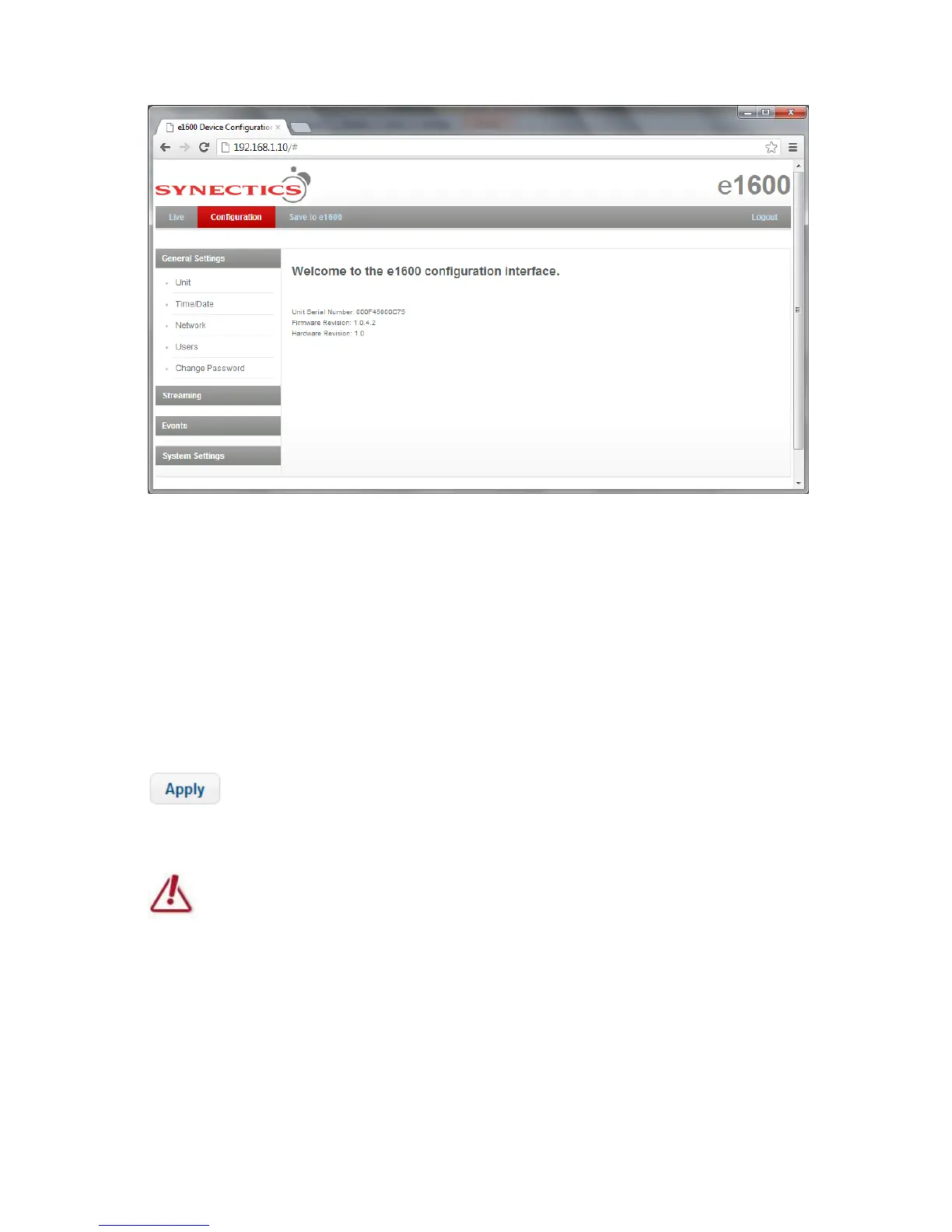
From here you can access all the configuration pages for the e1600 unit.
To logout click the Logout button.
The menu on the left provides access to the various configuration pages (described in the sections to
follow)
3.2.2 Applying and Saving Changes
On each page there is an Apply button:
Clicking it applies the changes you made to the page.
Your settings will not be saved to the e1600 until you click the Save to Unit button.
To save the changes to the e1600 unit you have to click the Save to e1600 option at the top of the
page.



 To Next Page