e1600 User Manual, Issue 1 © Synectic Systems Group Ltd 2012. All Rights Reserved
Specifications subject to change. E&OE Page 31
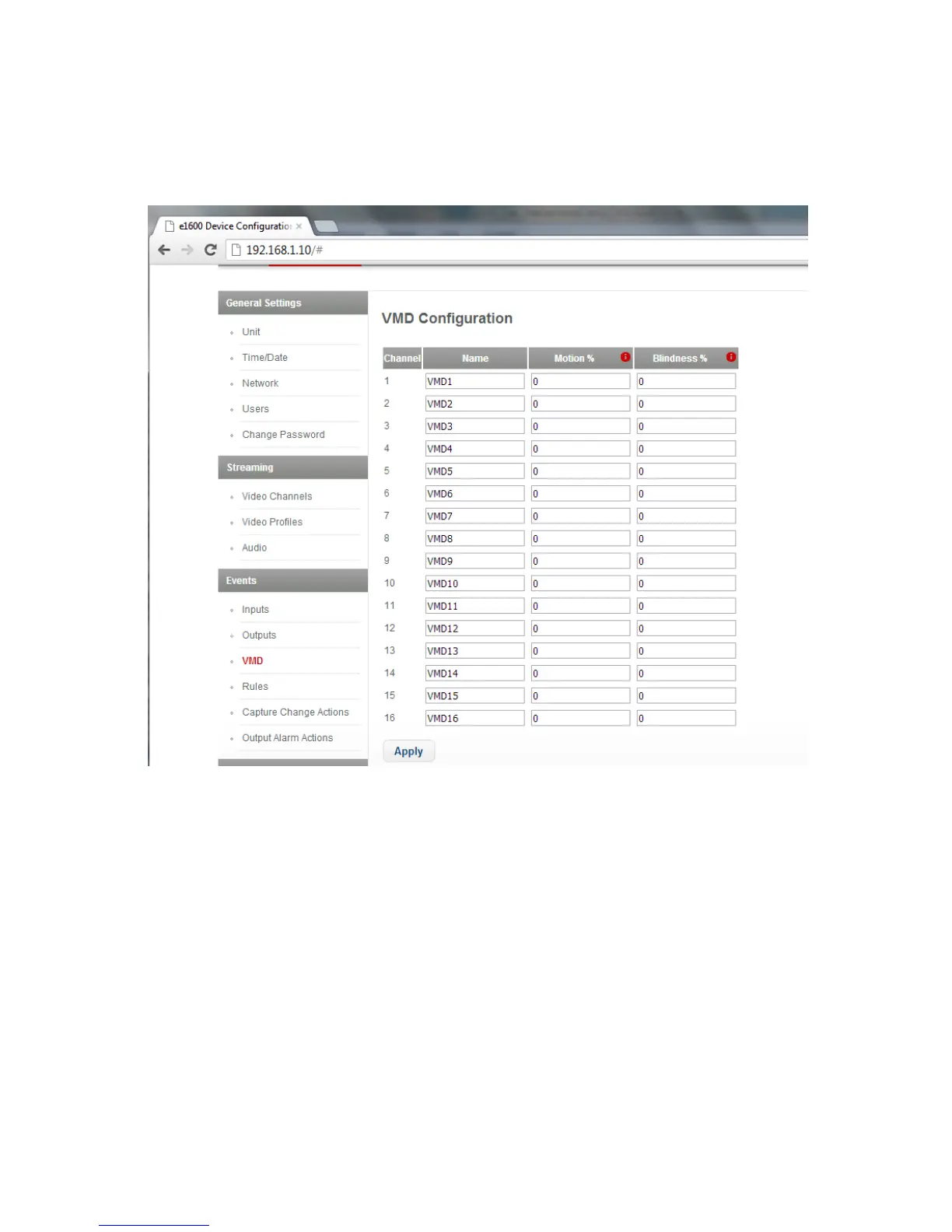
3.5.3 VMD Configuration
To access the VMD Configuration (Video Motion Detection) page select VMD under Events.
The Motion % is the percent of motion, averaged over the picture to be detected.
Blindness % is the percent of motion, averaged over the picture to be ignored.
Click Apply to apply changes to the page and then click Save to e1600 option at the top of the page
to save your changes to the unit.
3.5.4 Capture Change Actions
To access the Capture Change Actions page select Capture Change Actions under Events. On
this page you define capture change actions to be used in the creation of rules.



 To Next Page