e1600 User Manual, Issue 1 © Synectic Systems Group Ltd 2012. All Rights Reserved
Specifications subject to change. E&OE Page 50
4.2.1 Configure DVR Type
If you already have a Synectics DVR type configured as described here you can skip this step.
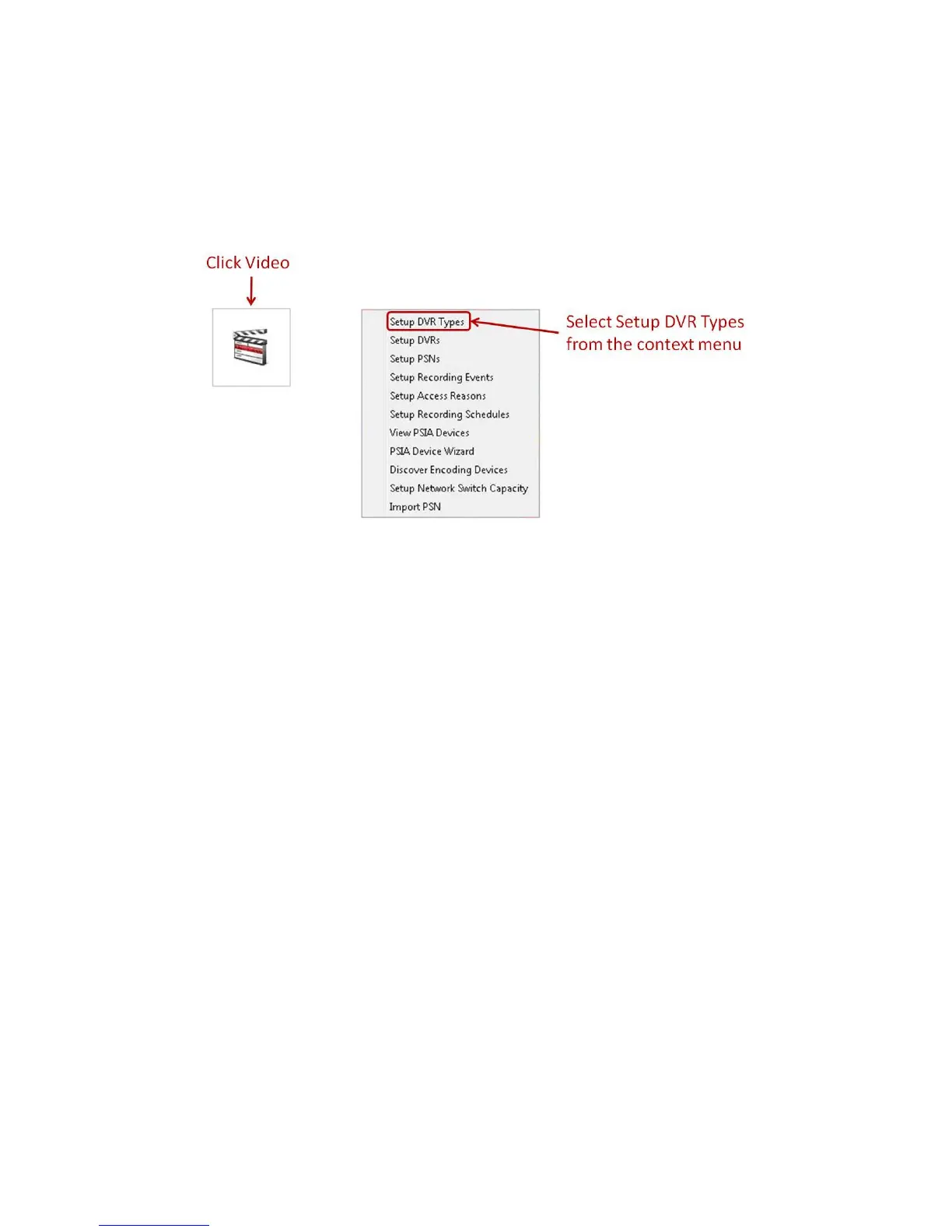
In the System Setup dialog select Video and then Setup DVR Types from the context menu.
In the Setup DVR Types dialog that is launched click the Add button. The Add New DVR Type
dialog is launched:



 To Next Page