e1600 User Manual, Issue 1 © Synectic Systems Group Ltd 2012. All Rights Reserved
Specifications subject to change. E&OE Page 24
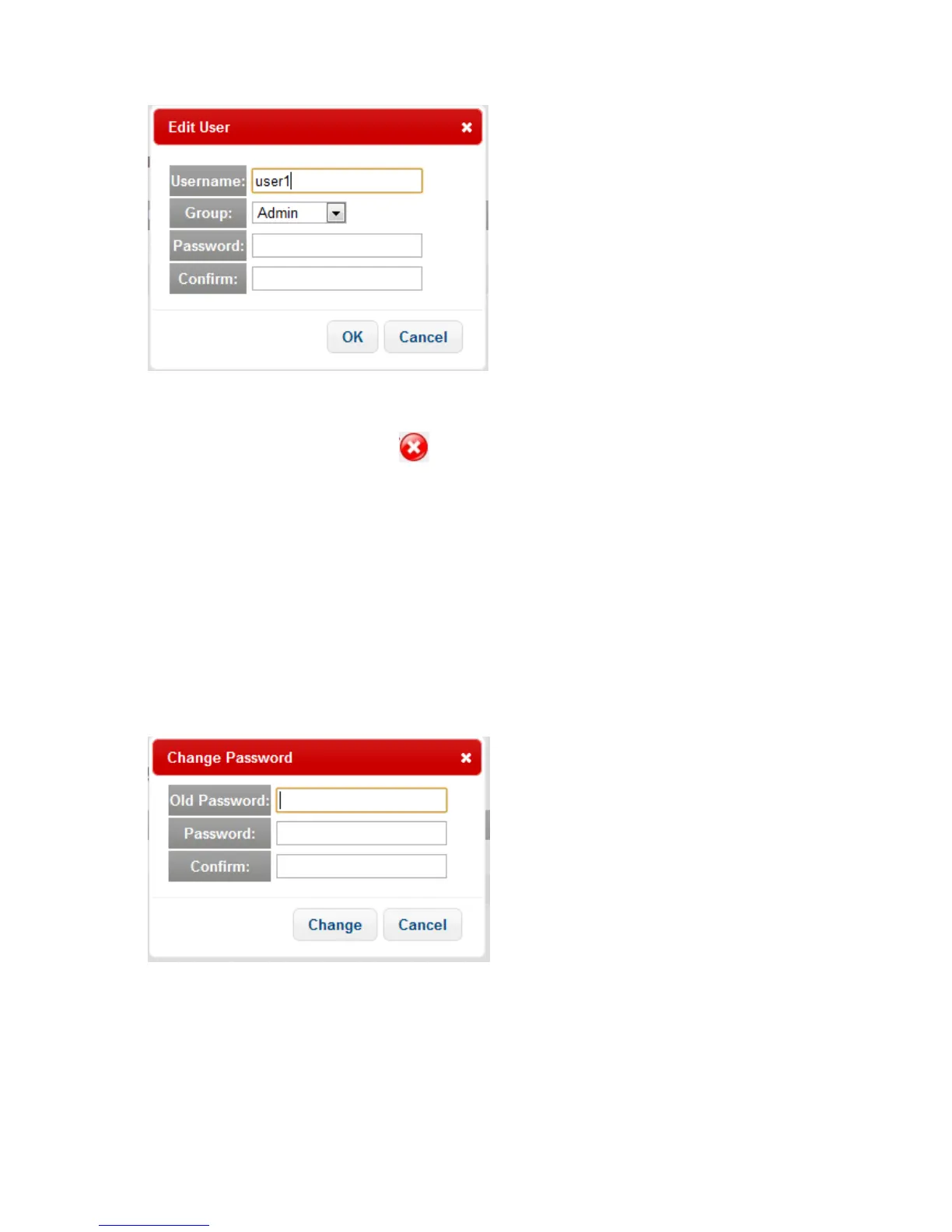
Edit the user details as desired and click OK.
To delete a user click the Delete User button. You will be asked to confirm the deletion.
Note that you cannot delete the default admin user.
Click Apply to apply changes to the page and then click Save to e1600 option at the top of the page
to save your changes to the unit.
3.3.5 Change Password
To change the password for the currently logged in user click the Change Password option under
General Settings. The Change Password pop-up is shown:
Type in the required information and click Change.



 To Next Page