e1600 User Manual, Issue 1 © Synectic Systems Group Ltd 2012. All Rights Reserved
Specifications subject to change. E&OE Page 21
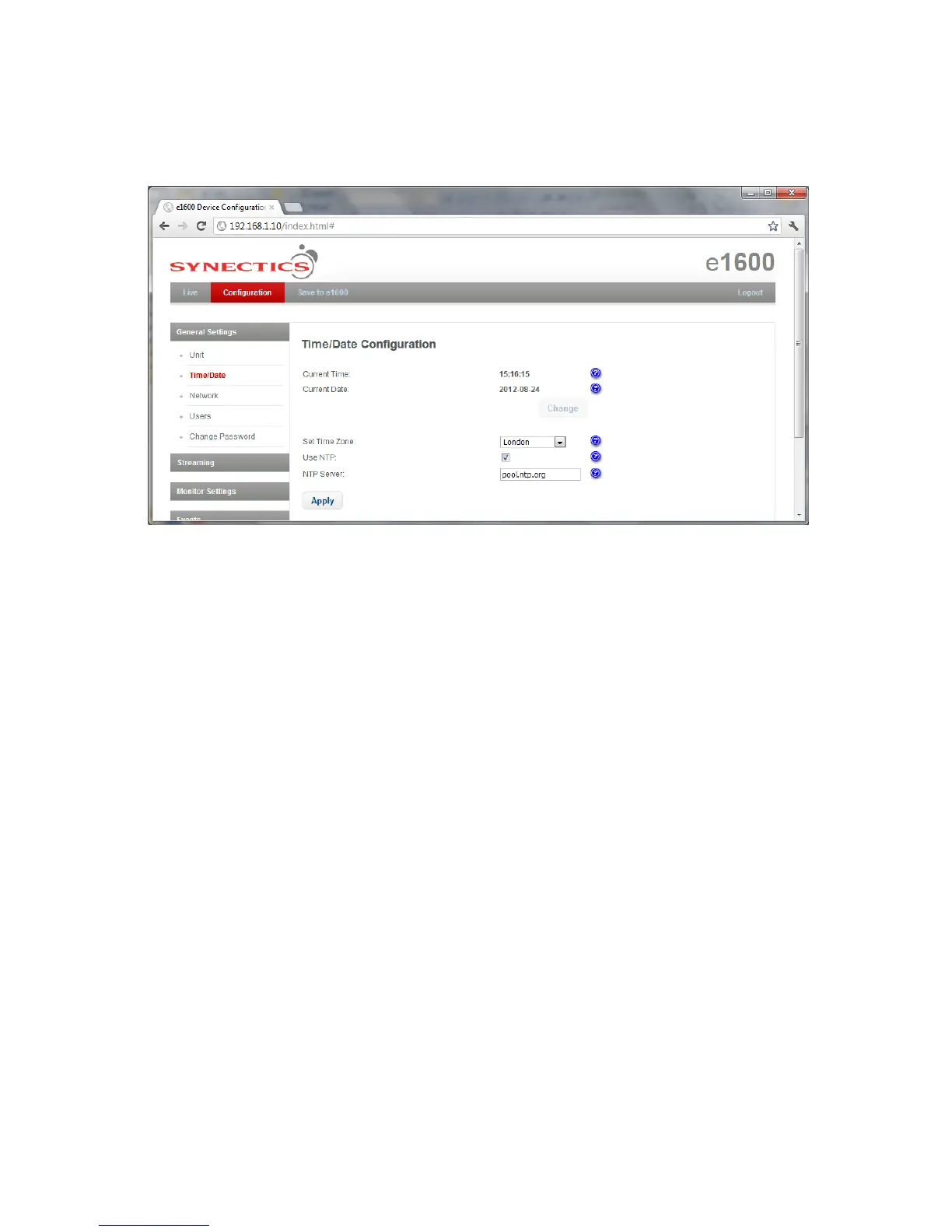
3.3.2 Time/Date Configuration
To access the Time/Date Configuration page select Time/Date under General Settings.
On the Time/Date Configuration page you can set the Current Time, Current Date and Time Zone
for the unit.
If you want time to be synced with network time from time server check the Use NTP check box and
type in the name of server in the NTP Server field.
Click Apply to apply changes to the page and then click Save to e1600 option at the top of the page
to save your changes to the unit.



 To Next Page