e1600 User Manual, Issue 1 © Synectic Systems Group Ltd 2012. All Rights Reserved
Specifications subject to change. E&OE Page 20
3.3.1 Unit Configuration
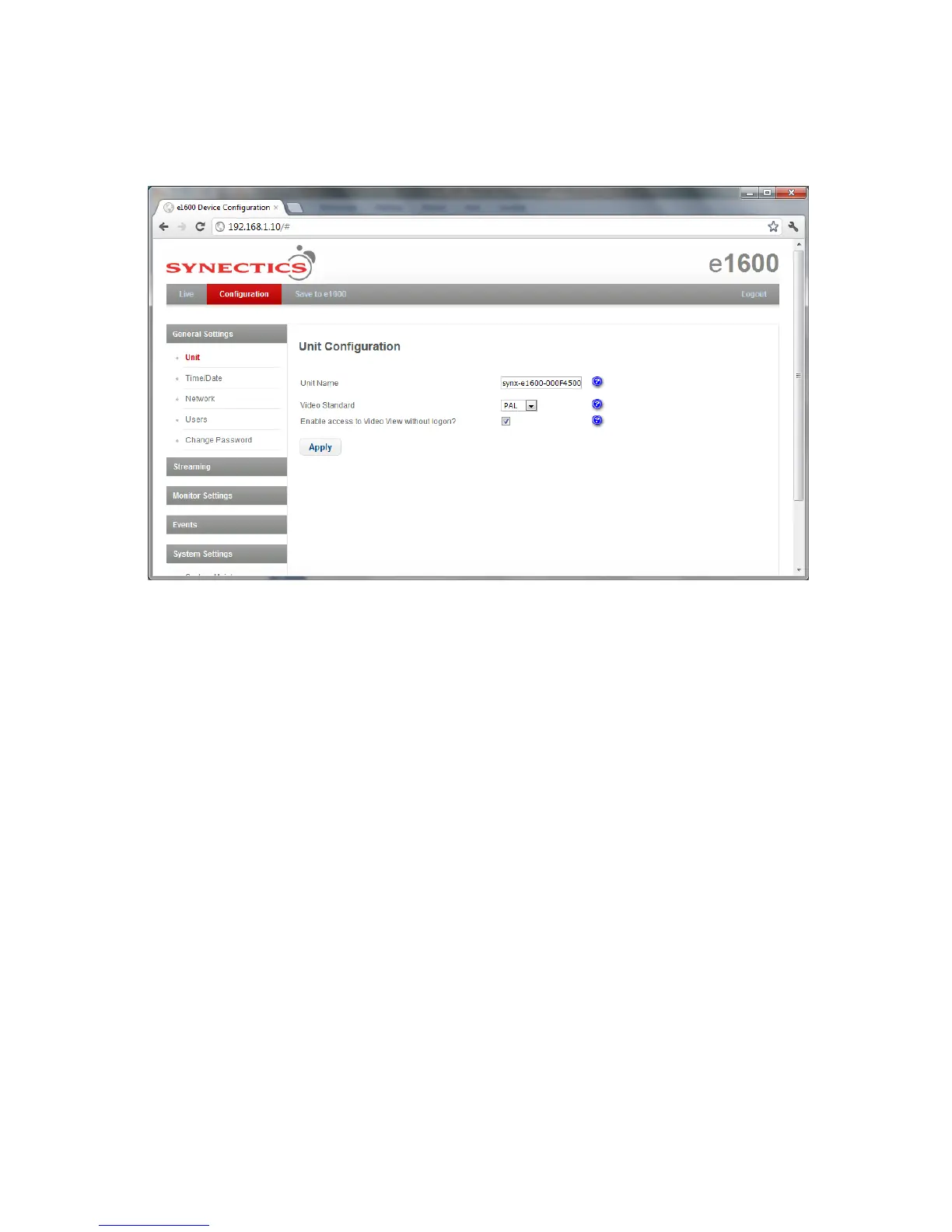
To access the Unit Configuration page select Unit under General Settings.
To change the Unit Name type the new name in the edit field and clicking Apply. The Unit Name
must be between 2 and 63 characters long, and may contain only alphanumeric characters as well as
. - and _. If you type it an invalid name an error message is displayed.
For Video Standard select PAL or NTSC, depending on what is the video colour standard used in
your region. Click Apply to apply the changes.
Check the Enable access to Video View without logon tick box if you wish to allow video to be
viewed without having to log in to the system.
Click Apply to apply changes to the page and then click Save to e1600 option at the top of the page
to save your changes to the unit.



 To Next Page