e1600 User Manual, Issue 1 © Synectic Systems Group Ltd 2012. All Rights Reserved
Specifications subject to change. E&OE Page 39
3.8 Live Video Viewing
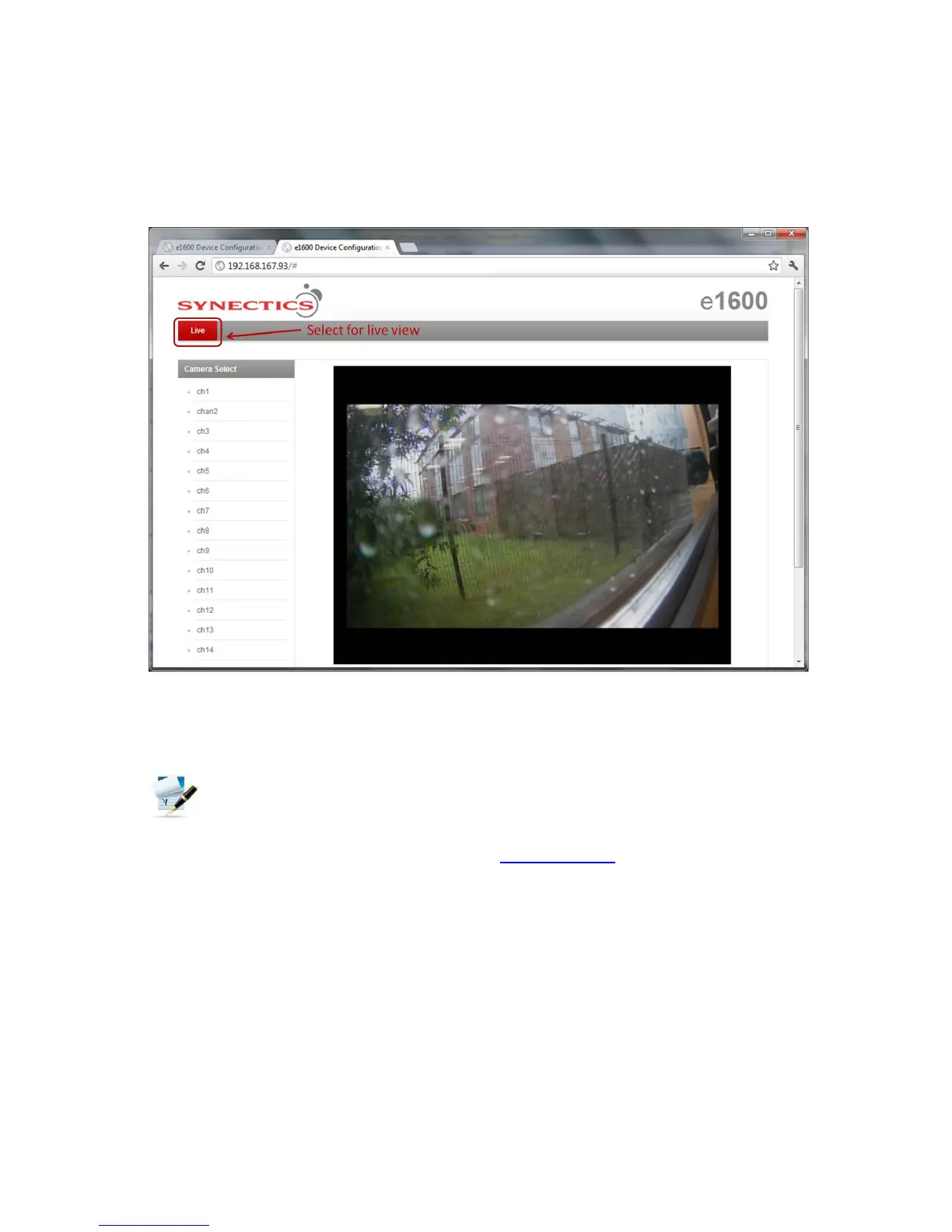
You can view video and listen to audio from the e1600 channels by selecting the Live option on the
top of the web page. The Live View page will open.
If the Enable access to Video View without logon check box under Unit Configuration is ticked
(see 3.3.1) you can access the Live View page without having to login. If it is not ticked you will have
to login to be able to access the Live View page.
In order to be able to view live video VLC Media Player must be installed on your computer,
ensuring that the ActiveX control is also installed (ActiveX checkbox needs to be ticked during
installation). VLC Player can be downloaded free from www.videolan.org
To exit Live View and go back to the login page click the Synectics logo at the top of the page.



 To Next Page